
Running paid advertising can become frustrating very quickly. You can spend days creating an ad, building a landing page, and setting up a campaign, only to have the campaign rejected or filled with low-quality traffic.
That is where traffic filtering and cloaking platforms enter the picture.
A good cloaking service can examine incoming traffic and separate genuine visitors from bots, suspicious requests, proxies, VPNs, crawlers, and other unwanted traffic.
However, there is an important distinction to understand. Cloaking can violate advertising-platform policies when it is used to deceive reviewers or hide prohibited content. Therefore, the safest use case is traffic quality, fraud prevention, security, personalization, and other legitimate traffic-management needs. Always check the rules of the advertising platform you use.
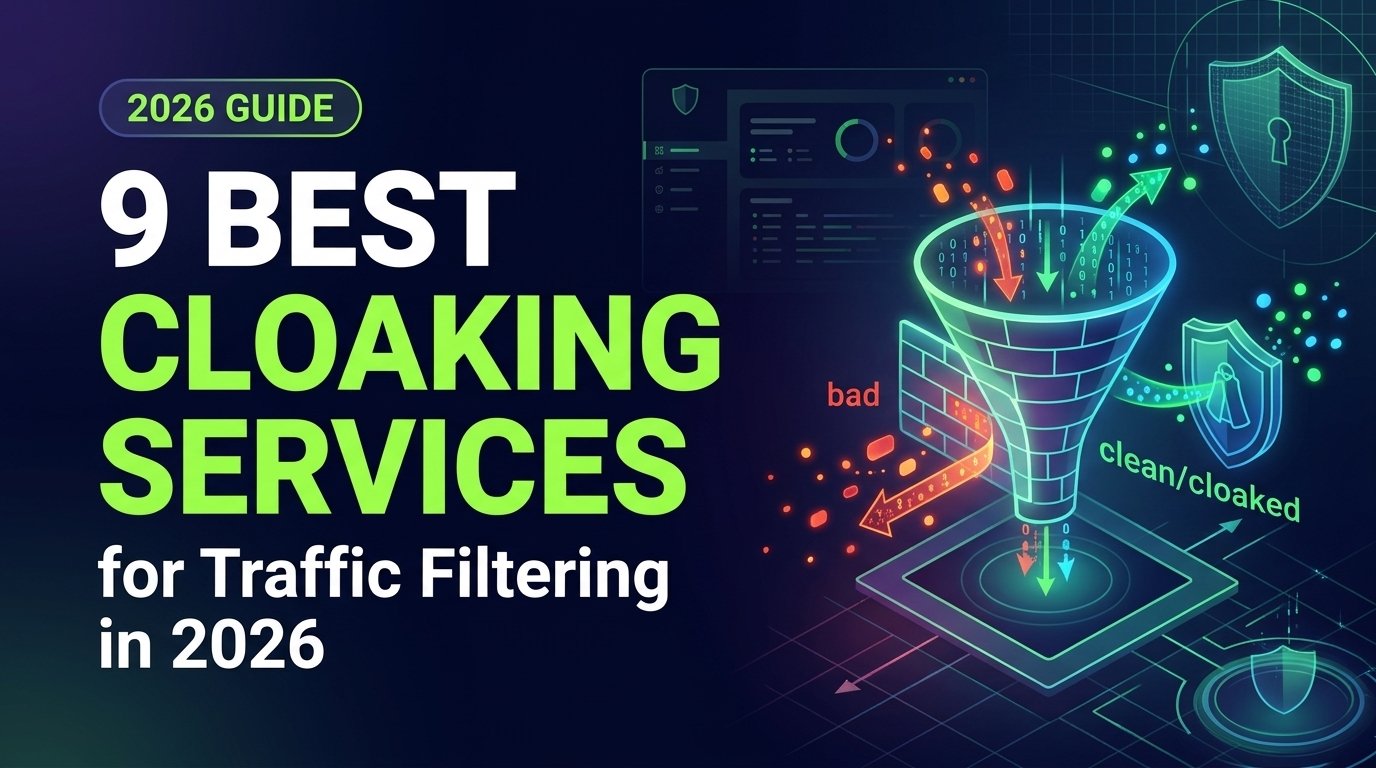
We compared the leading services based on features, pricing, filtering capabilities, and ease of use to help you choose the right option in 2026.
What Is a Cloaking Service?
A cloaking service is a traffic-management system that analyzes a visitor before deciding how that visitor should be handled.
Think of it like a security checkpoint.
When someone visits a website, the system can examine signals such as:
- IP address
- Country and location
- Device type
- Operating system
- Browser
- Network type
- VPN or proxy status
- Referrer
- User-agent information
- Traffic source
- Other technical signals
The service then applies predefined rules.
For example, a business may want to block known bots from accessing a landing page. Another business may want visitors from different countries to receive different language versions. An advertiser may want to identify suspicious click traffic before it reaches an offer.
This is why the term cloaking can mean different things depending on the context.
Some platforms focus heavily on filtering unwanted traffic. Others combine filtering with affiliate tracking, fraud detection, analytics, geo-targeting, or campaign management.
The technology itself is not automatically a sign of wrongdoing. The important factor is how it is used.
Using traffic filtering to reduce bot traffic or protect a website is very different from deliberately showing misleading content to an advertising reviewer while showing prohibited content to users.
How Does Cloaking Work?
Cloaking works by checking a visitor before sending them to a webpage. The system looks at details such as the visitor’s IP address, location, device, browser, and network.
The process is simple:
Visitor → Traffic Check → Filtering Rules → Destination
Based on these checks, the system can:
- Allow genuine visitors
- Block bots and suspicious traffic
- Filter VPNs or proxies
- Send visitors to the appropriate page
- Record traffic details for analysis
Modern cloaking services can check several signals at once. For example, some use IP reputation, device fingerprints, browser information, and network data to identify unwanted traffic. The check happens quickly before the visitor reaches the destination page.
Why Do Marketers Use Cloaking and Traffic Filtering?
There are several legitimate reasons.
1. Reduce Bot Traffic
Bots can inflate click numbers and distort campaign data.
If 10,000 people click an advertisement but a large portion of those clicks come from automated systems, your analytics become less useful.
Traffic filtering can help identify suspicious requests.
2. Protect Landing Pages
Competitors and automated scanners can sometimes collect information from public landing pages.
Traffic protection can reduce unwanted automated access and scraping.
3. Detect Click Fraud
Click fraud can waste advertising budgets.
A traffic-filtering platform can identify patterns associated with repeated or suspicious clicks and help advertisers investigate them.
4. Improve Traffic Quality
Not every visitor has the same value.
A business may want to understand traffic by:
- Country
- Device
- Operating system
- Browser
- Source
- Network
- Campaign
- Referrer
This information can help identify where better traffic is coming from.
5. Personalize Legitimate Experiences
Traffic routing does not always have to mean showing completely different offers.
For example, a website can legitimately display:
- English content to English-speaking visitors
- A local currency
- A country-specific shipping page
- A mobile-friendly version
- A region-specific legal notice
This type of personalization can improve the user experience without misleading advertising reviewers.
What Should You Look for in a Cloaking Service?
Don’t choose a cloaking service based on price alone. Compare these important factors first:
- Bot and fraud detection: Look for multiple detection signals, including IP reputation, device data, browser information, network details, and visitor behavior.
- Geo targeting: Check whether you can filter traffic by country, region, or city to match your campaign needs.
- Device and browser filtering: Make sure the service can identify and filter traffic from devices and browsers such as Android, iPhone, Windows, macOS, Chrome, and Safari.
- VPN and proxy detection: This helps you identify VPN and proxy traffic and create rules based on your campaign requirements.
- Fingerprinting: Advanced services may use browser, TCP/IP, or SSL/TLS fingerprinting to identify unusual or automated traffic.
- Analytics: Look for useful reports covering clicks, traffic sources, countries, devices, conversions, blocked traffic, and allowed traffic.
- Integrations: Check compatibility with your setup. Common options include PHP, JavaScript, WordPress, APIs, affiliate trackers, and server-side integrations.
- Speed: The filtering process should be fast enough that legitimate visitors do not notice delays.
- Customer support: Reliable support is especially important when you are managing multiple campaigns or need help with technical setup.
- Pricing transparency: Check campaign limits, click limits, included features, API access, support, trial periods, and extra charges before subscribing.
A good service should give you reliable filtering, useful data, easy integration, and clear pricing. Comparing these factors first can help you avoid paying for features you don’t actually need.
9 Best Cloaking Services for Traffic Filtering
The services below are arranged from the most affordable to the most expensive based on their starting monthly plans.
- HideClick – $19/month
- Clockerly,io – $49/month
- Cloaking.House – $49/month
- ZeroCloak – $49/month (after free trial)
- Cloaking Master – $99/month
- Clockerly.com – $149/month
- hoax.tech – $170/month
- Cloud Filter – $199/month *(or $139/month with annual billing)*
- Adspect – $499/month (Personal plan for cloaking features)
1. HideClick
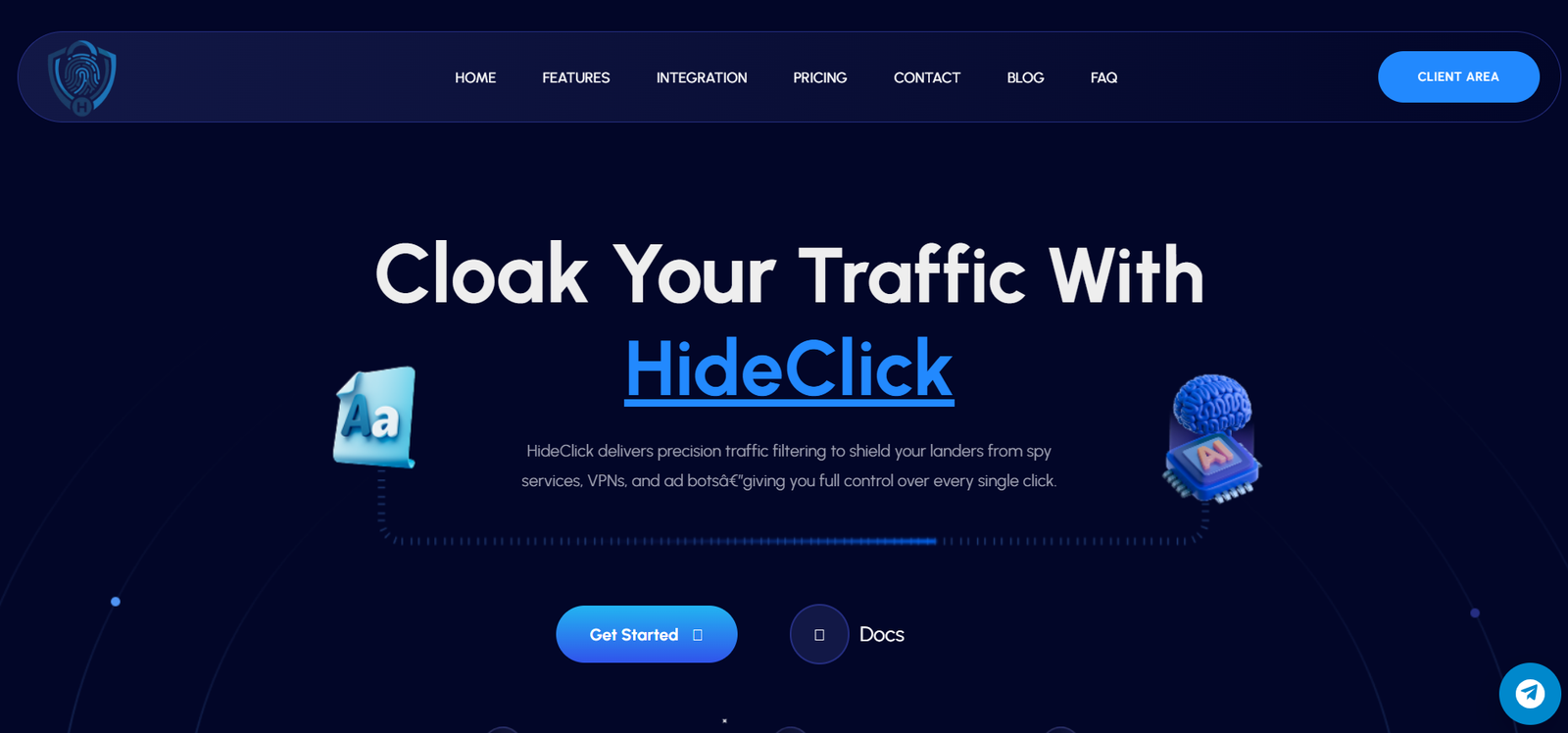 HideClick is a traffic filtering and cloaking platform designed for affiliate marketers and media buyers. It detects unwanted traffic, including bots, spy tools, VPNs, and proxies, and helps protect landing pages from suspicious visitors.
HideClick is designed for advertisers who want to see what is happening with their traffic and control how different visitors are handled. It combines real-time analytics with tools for detecting bots, VPNs, proxies, suspicious IPs, and other types of unwanted traffic.
The platform uses server-side filtering and can route genuine visitors to an offer page while sending unwanted traffic to a safe page. It also supports geo, device, and OS targeting, along with integrations for PHP and JavaScript.
Features
HideClick currently lists:
- Real-time analytics
- Live click tracking
- Geo targeting
- Device targeting
- Operating-system targeting
- VPN detection
- Proxy detection
- Bot filtering
- IP reputation checks
- Referrer protection
- Safe-page routing
- Offer-page routing
- Smart traffic routing
- Rule-based visitor segmentation
- Real-time traffic analysis
- Threat detection
Its filtering system can identify bots, crawlers, review teams, proxies, VPNs, and suspicious visitors.
For beginners, the main idea is simple: HideClick analyzes incoming visitors, applies the rules you configure, and routes traffic accordingly.
Pricing Overview
HideClick currently lists three plans:
| Plan | Price | Positioning |
| Scout | $19/month | Entry-level plan with 30-day trial access |
| Guardian | $99/month | Active campaigns requiring stronger controls |
| Fortress | $199/month | Higher-volume teams and complex traffic |
The Scout plan includes real-time analytics, click tracking, geo and device targeting, VPN/proxy detection, bot filtering, IP reputation, referrer protection, and safe/offer page functionality.
The current official site should be checked for the latest limits and feature differences before purchase because pricing and plan structures can change.
Pros
- Very low entry price
- 30-day trial access on the Scout plan
- Real-time analytics
- Live click tracking
- Geo and device targeting
- VPN and proxy detection
- Bot filtering
- IP reputation checks
- Simple traffic-routing concept
Cons
- Limited independent review data
- Advanced features require higher plans
- The large gap between Scout and higher plans may matter to growing teams
- Buyers should verify current plan limits before subscribing
Best For
Beginners and smaller advertisers who want to test a dedicated traffic-filtering platform at a low starting price.
Final Words
HideClick stands out for its low $19/month starting price and useful filtering and analytics tools. However, independent reviews are limited, so testing it before scaling is a smart choice.
2. Clockerly.io
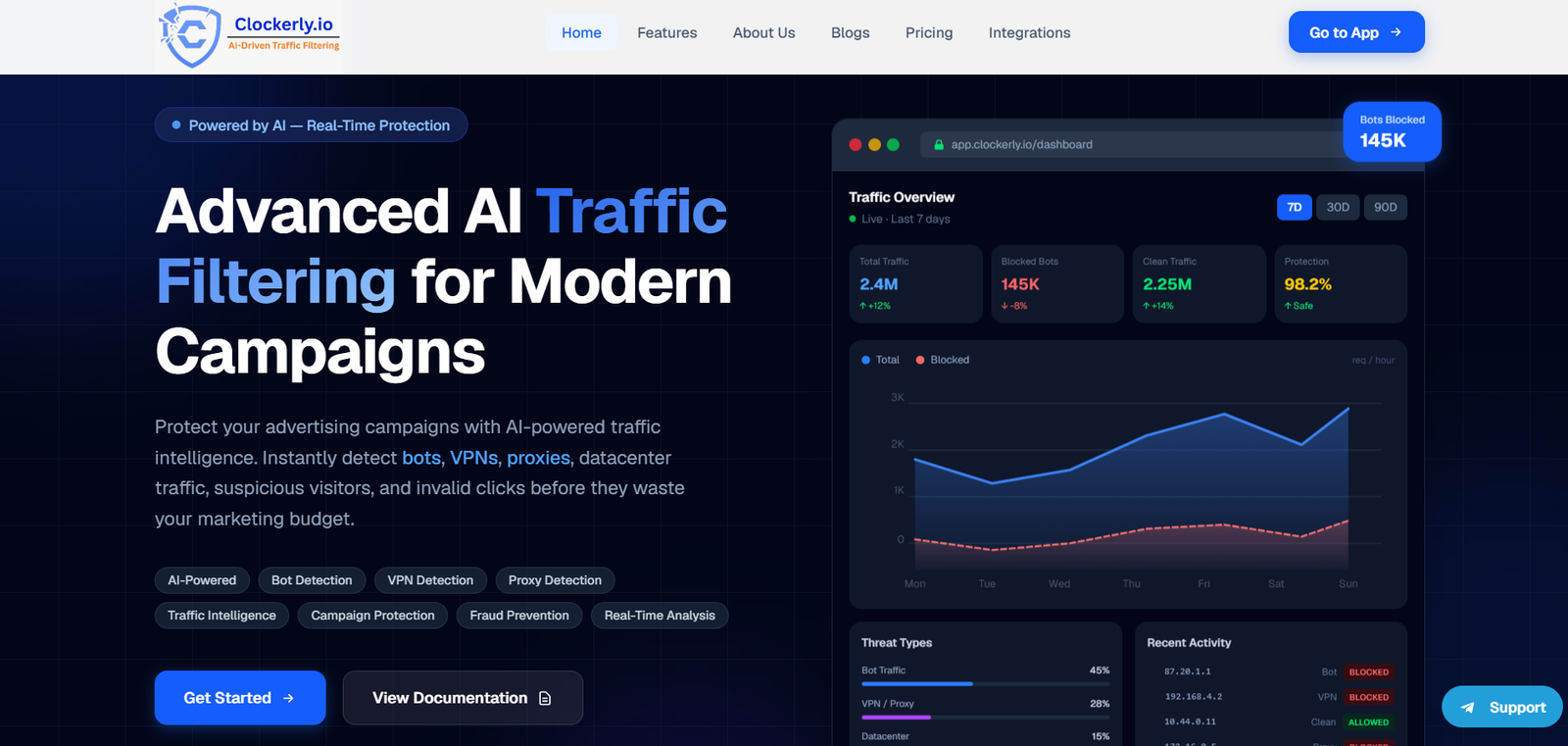 Clockerly is a dedicated cloaking and traffic-filtering platform aimed at advertisers who want to control and understand their incoming campaign traffic. It combines bot blocking, IP risk checks, geo targeting, device targeting, traffic analytics, and routing tools in one dashboard.
Its lower-priced plans also make it easier for smaller advertisers to get started without immediately paying for an expensive enterprise platform. As your campaign needs grow,
Clockerly provides higher plans with more campaigns and additional traffic-management features, making it suitable for both individual advertisers and growing teams.
Features
Clockerly’s current plans include:
- Bot blocking
- AI-based bot and threat detection
- IP risk filtering
- Source and referrer checks
- Geo targeting
- Device targeting
- Operating-system targeting
- Basic and advanced cloaking
- Real-time activity tracking
- Traffic analytics
- Safe-page routing
- Money-path controls
- JavaScript integration
- WordPress integration
- PHP integration
- Team workspace
- Priority support
- SLA on higher plans
The Starter plan supports one campaign and up to 10,000 clicks per day. The Pro plan increases this to 10 campaigns with unlimited clicks, while Enterprise provides unlimited campaigns and clicks.
This makes Clockerly relatively straightforward to understand: smaller advertisers can start with the basic plan, while larger teams can move to plans with more campaigns and more advanced traffic controls.
Pricing Overview
Clockerly currently offers three monthly plans:
| Plan | Price | Main Limit |
| Starter | $49/month | 1 campaign, up to 10,000 clicks/day |
| Pro | $99/month | 10 campaigns, unlimited clicks |
| Enterprise | $149/month | Unlimited campaigns and clicks |
The company also advertises quarterly and yearly billing discounts. A free plan is currently advertised as well.
Pros
- Low starting price
- Dedicated cloaking functionality
- Bot and threat detection
- Geo and device targeting
- Real-time activity tracking
- Analytics dashboard
- PHP, JavaScript, and WordPress integration
- Unlimited campaigns on Enterprise
- Simple plan structure
Cons
- Limited independent review history
- Advanced features require higher plans
- Some features may have a learning curve
- The lower-cost plan has a campaign and traffic limit
Best For
Beginners, solo advertisers, small agencies, and growing teams looking for a lower-cost dedicated cloaking platform.
Final Words
Clockerly is one of the more accessible options in this comparison. Its $49 Starter plan gives smaller advertisers access to basic cloaking and traffic-filtering features without immediately committing to a few hundred dollars per month.
3. Cloaking.House
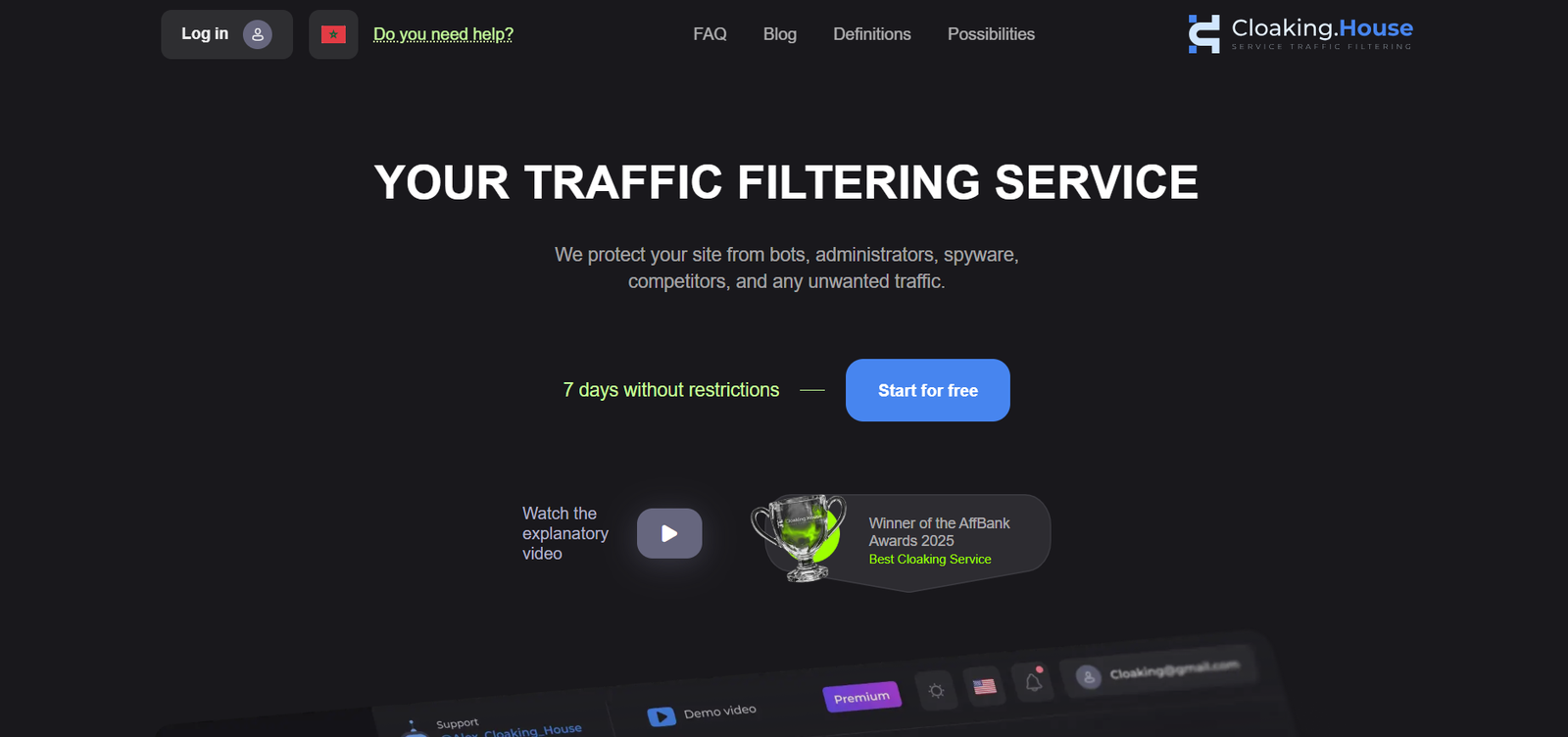 Cloaking.House focuses on one of the biggest problems advertisers face: not every click represents a valuable visitor. The service gives you tools to filter incoming traffic based on factors such as location, device, browser, VPN or proxy use, ISP, and referrer.
It is aimed at users who want a straightforward way to manage unwanted traffic without building their own filtering system. With its range of traffic rules and statistics, Cloaking.House can help advertisers see what type of visitors are reaching their campaigns and decide which traffic should continue to the next page.
Features
- Machine-learning filtering
- Country filtering
- Device filtering
- Operating-system filtering
- Browser filtering
- VPN/proxy filtering
- IPv6 filtering
- ISP filtering
- Referrer filtering
- Traffic statistics
- PHP integration
- Cloaked-link integration
- 7-day trial according to its Trustpilot company description
Pricing Overview
Cloaking.House offers plans based on the number of active traffic flows rather than the number of clicks. Monthly pricing starts at $49, while the annual billing option can bring the cost down to $25 per month.
| Plan | Monthly Price | Annual Billing | Active Flows |
| Starter | $49/month | $25/month | 3 |
| Advanced | $89/month | — | 7 |
| Higher Plan | $159/month | — | 15 |
| Premium | $299/month | — | 100 |
The main difference between the plans is the number of traffic flows you can run at the same time. This makes the Starter plan suitable for smaller campaigns, while higher tiers are better suited to users managing multiple traffic flows.
Pricing can change, so check the current official pricing before purchasing. The service is generally positioned as a more affordable option than premium platforms.
Pros
- Broad filtering options
- Multiple traffic sources
- Trial availability
- Detailed filtering controls
- Lower-cost positioning
Cons
- Very small review sample
- Mixed customer feedback
- Some complaints about support and effectiveness
Best For
Budget-conscious users who want to test a lower-cost traffic-filtering platform before making a larger commitment.
Final Words
Cloaking.House can look attractive because of its feature set and trial approach. However, its current customer feedback is weaker than some alternatives. That makes testing especially important before committing significant advertising spend.
4. ZeroCloak
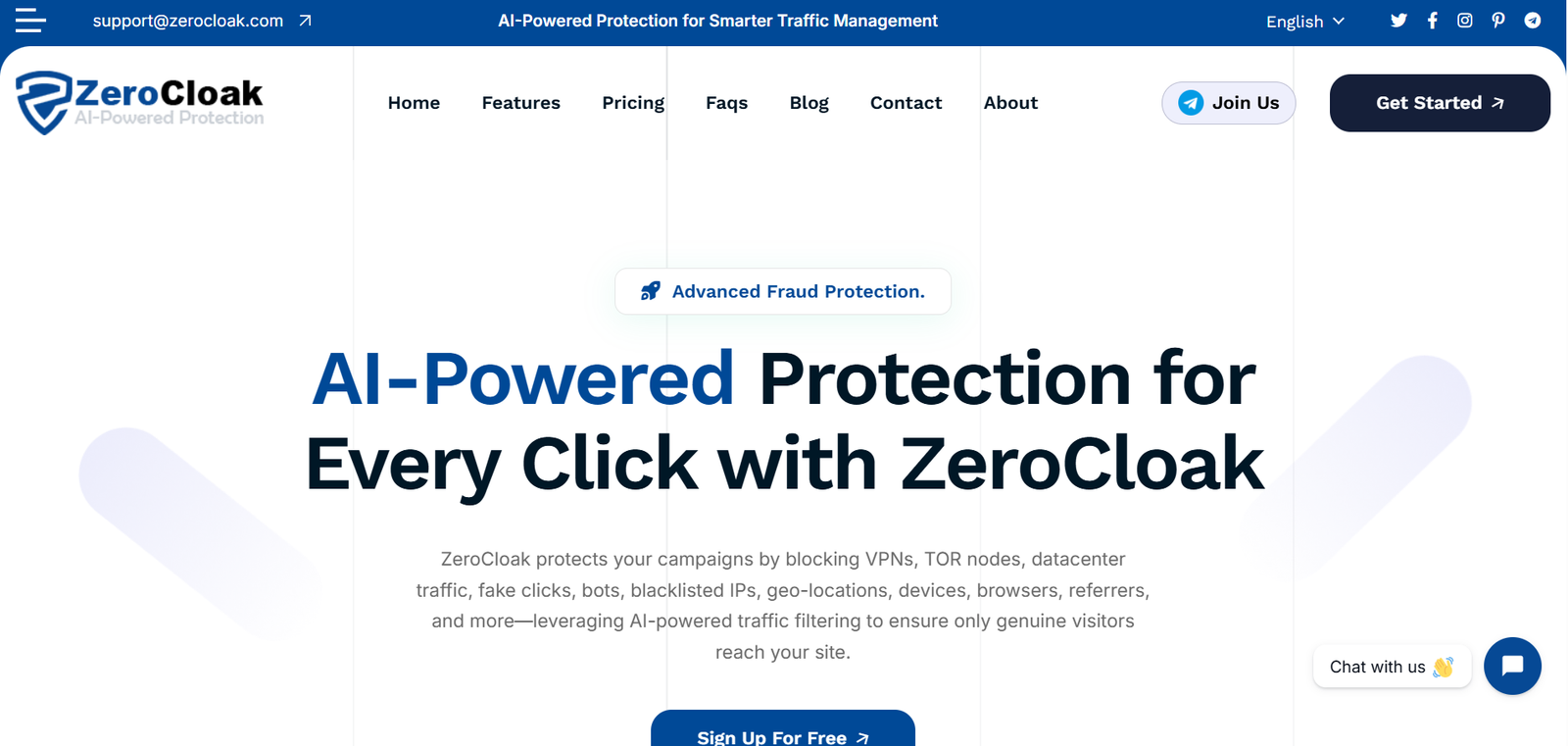 ZeroCloak is a traffic-filtering and cloaking service focused on identifying visitors that may not belong in your campaign traffic. It checks signals such as IP addresses, devices, browsers, locations, VPNs, proxies, and data-center connections to help distinguish suspicious traffic from regular users.
The main advantage is the level of control it gives advertisers over incoming traffic. You can create rules around different visitor characteristics instead of relying on a simple blocklist. This makes ZeroCloak worth considering when traffic quality and unwanted-click detection are important parts of your campaign management.
Features
- AI-powered traffic filtering
- Bot detection
- VPN detection
- Proxy detection
- Tor filtering
- Data-center traffic filtering
- IP reputation filtering
- Geo targeting
- Device targeting
- Browser targeting
- Referrer filtering
- ISP filtering
- Traffic analytics
- Conversion tracking
- PHP and JavaScript integration
- CMS integrations
Pricing Overview
ZeroCloak offers several pricing options, starting with a 30-day free trial and going up to $149 per month for its Premium plan. The main difference between the plans is the number of campaigns and daily clicks they can handle.
| Plan | Price | Campaigns | Daily Clicks |
| Free Trial | $0 | 1 | 1,000 |
| Starter | $49/month | 5 | 5,000 |
| Advanced | $99/month | 10 | 10,000 |
| Premium | $149/month | Unlimited | Unlimited |
The paid plans include features such as real-time traffic tracking, zero-redirect methods, page guards, URL shorteners, and PHP, JavaScript, and WordPress integrations.
Pros
- Strong focus on invalid traffic
- Wide filtering controls
- Analytics and conversion tracking
- Multiple website integrations
- Useful targeting options
Cons
- Limited independent review data
- Pricing transparency is weaker
- Less third-party evidence than established trackers
Best For
Advertisers primarily interested in traffic quality, fraud prevention, and detailed filtering.
Final Words
ZeroCloak has a broad feature set, especially around unwanted traffic and fraud detection. The biggest limitation is not necessarily its technology but the lack of substantial independent customer-review data.
5. Cloaking Master
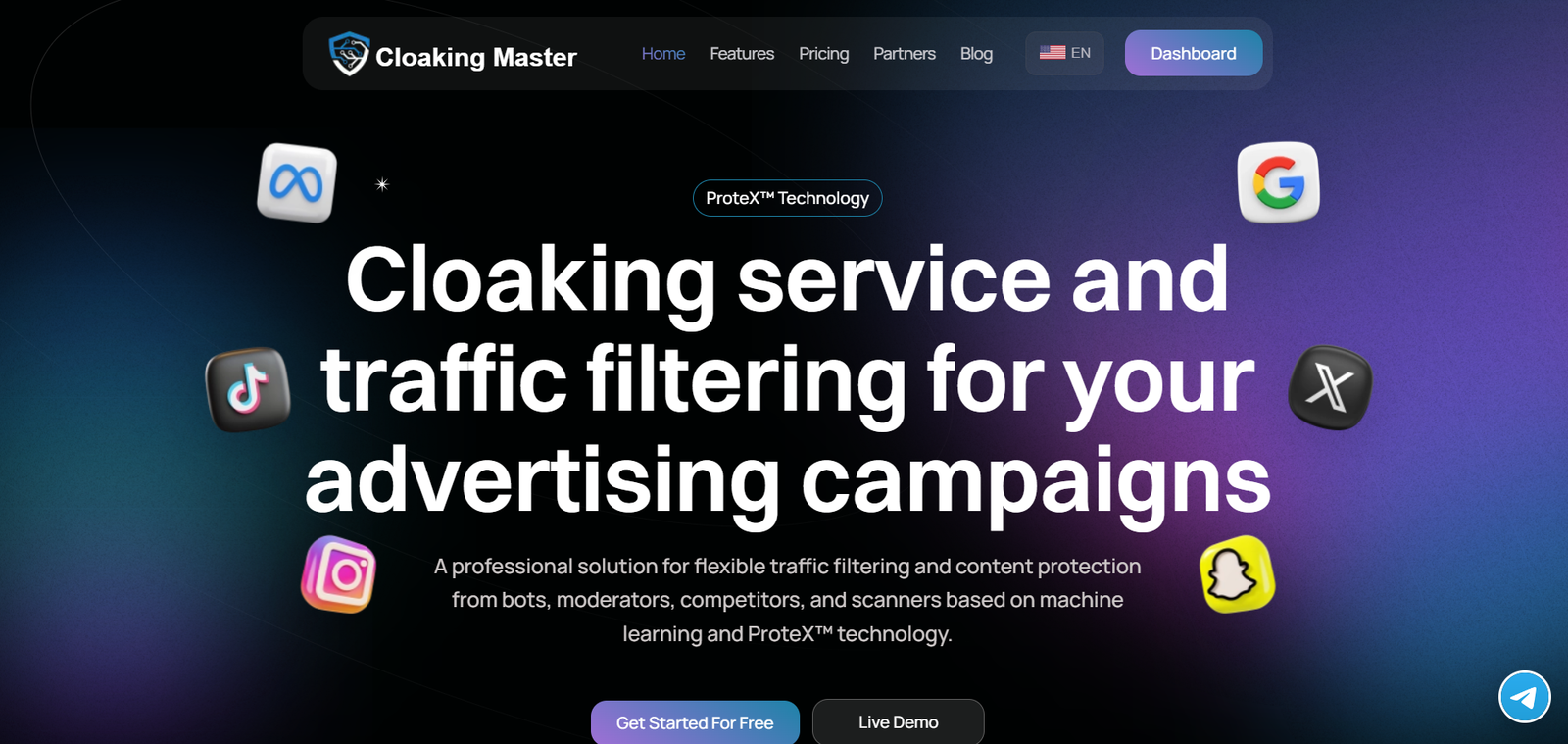 Cloaking Master is designed for advertisers who want detailed control over the visitors entering their campaigns. The service examines different characteristics of a visitor, including the device, browser, operating system, IP address, and network, to help separate useful traffic from unwanted or suspicious visits.
The platform goes beyond basic traffic blocking by giving users several filtering and reporting options. It can be useful when you need to create more specific traffic rules, track what is happening with your campaigns, and understand the quality of the visitors reaching your pages.
Features
- Deep browser fingerprinting
- Bot detection
- VPN and proxy filtering
- Geo filtering
- Device filtering
- Browser filtering
- Referrer filtering
- IP and ISP filtering
- Real-time statistics
- Conversion tracking
- WordPress integration
- PHP integration
- JavaScript integration
- Keitaro integration
- Safe-page generation tools
The platform also advertises an average response time of 120ms.
Pricing Overview
The current official pricing is:
| Plan | Price | Active Streams |
| Basic | $99/month | 3 |
| Standard | $199/month | 10 |
| Premium | $399/month | Unlimited |
All listed plans include traffic filtering, statistics, geo filtering, VPN/proxy filtering, device filtering, and other core features.
Pros
- Strong range of filtering controls
- Detailed traffic information
- Multiple integration methods
- Conversion tracking
- Relatively simple entry plan
Cons
- Independent review sample is very small
- Advanced filtering can feel complicated to new users
- Monthly cost increases quickly at higher levels
Best For
Affiliates and advertisers who want detailed filtering controls without building their own system.
Final Words
Cloaking Master offers a broad feature set for traffic filtering and analytics. Its $99 entry plan makes it more accessible than some premium alternatives.
6. Clockerly
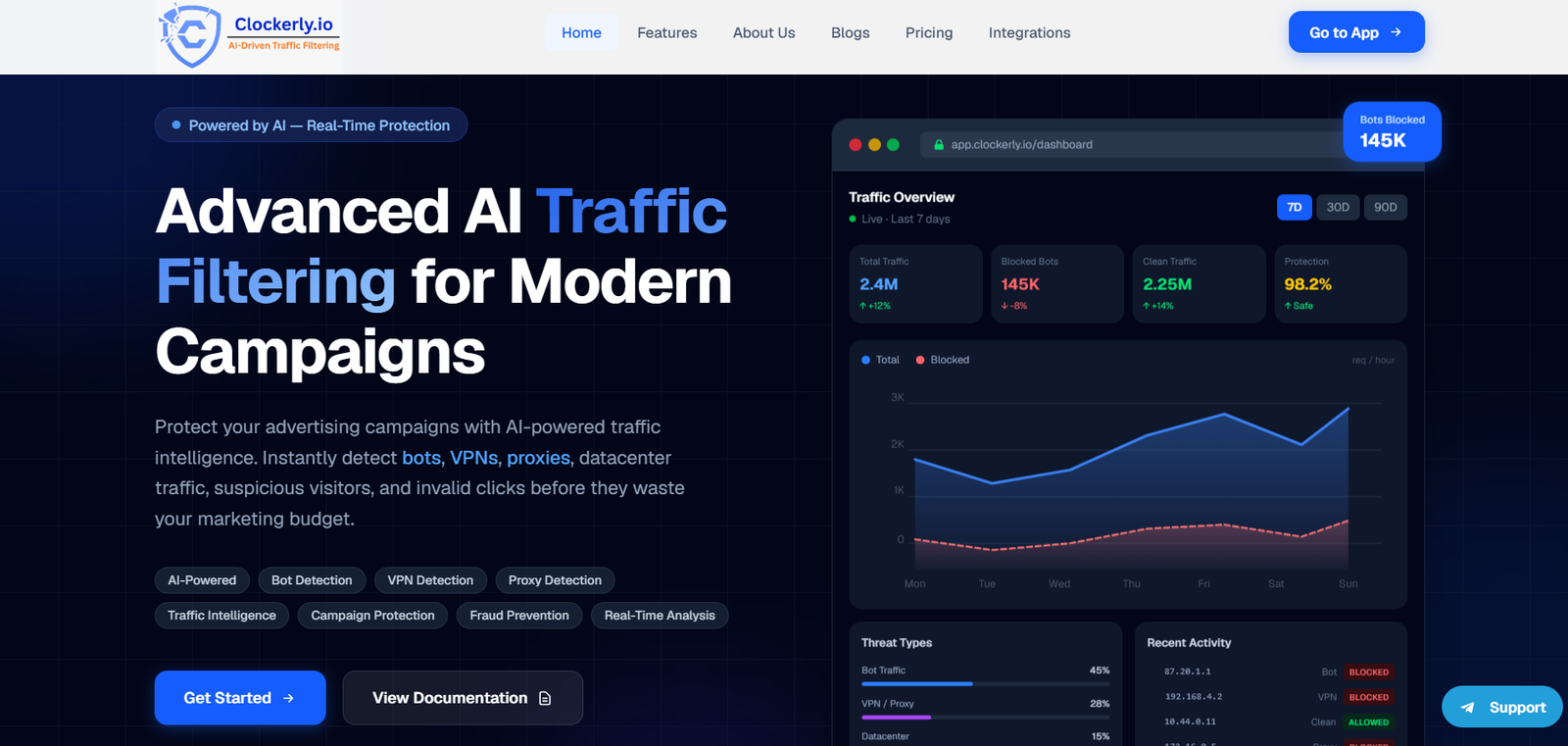 Clockerly is built for advertisers who need more control over the traffic reaching their campaigns. Instead of treating every visitor the same, it checks incoming traffic and helps identify bots, suspicious IPs, VPNs, proxies, and other unwanted visitors before they reach the target page.
What makes Clockerly useful is the range of filtering options it puts in one place. You can filter traffic by location, device, network, and other signals while also monitoring where your clicks are coming from. This makes it a practical choice for advertisers who want to spend more time analyzing genuine traffic instead of sorting through unwanted visits.
Features
- AI-assisted traffic analysis
- IP reputation filtering
- Device fingerprinting
- VPN and proxy detection
- Geo targeting
- IPv4 and IPv6 support
- Real-time traffic detection
- Page protection
- A/B testing and URL rotation
- Traffic analytics
- PHP integration
- WordPress integration
- JavaScript/HTML integration
It can process large traffic volumes and reports a 200ms response-time figure.
Pricing Overview
Clockerly currently lists:
| Plan | Monthly Price |
| Basic | $149/month |
| Advanced | $299/month |
| Professional | $599/month |
| Enterprise | $1,099/month |
The plans differ mainly in campaign capacity.
Pros
- Wide range of traffic-filtering features
- Geo targeting
- Multiple integration options
- Real-time analytics
- Supports IPv4 and IPv6
- Suitable for growing campaigns
Cons
- Higher starting price than some competitors
- Limited independent review coverage
- Some advanced features may be more than a beginner needs
Best For
Growing advertisers, affiliates, and teams that want a managed traffic-filtering platform.
Final Words
Clockerly is a strong option when you want more than basic IP filtering. Its feature set covers traffic analysis, geo-targeting, integrations, analytics, and page protection. The main drawback is price, especially for someone running a very small campaign.
7. hoax.tech
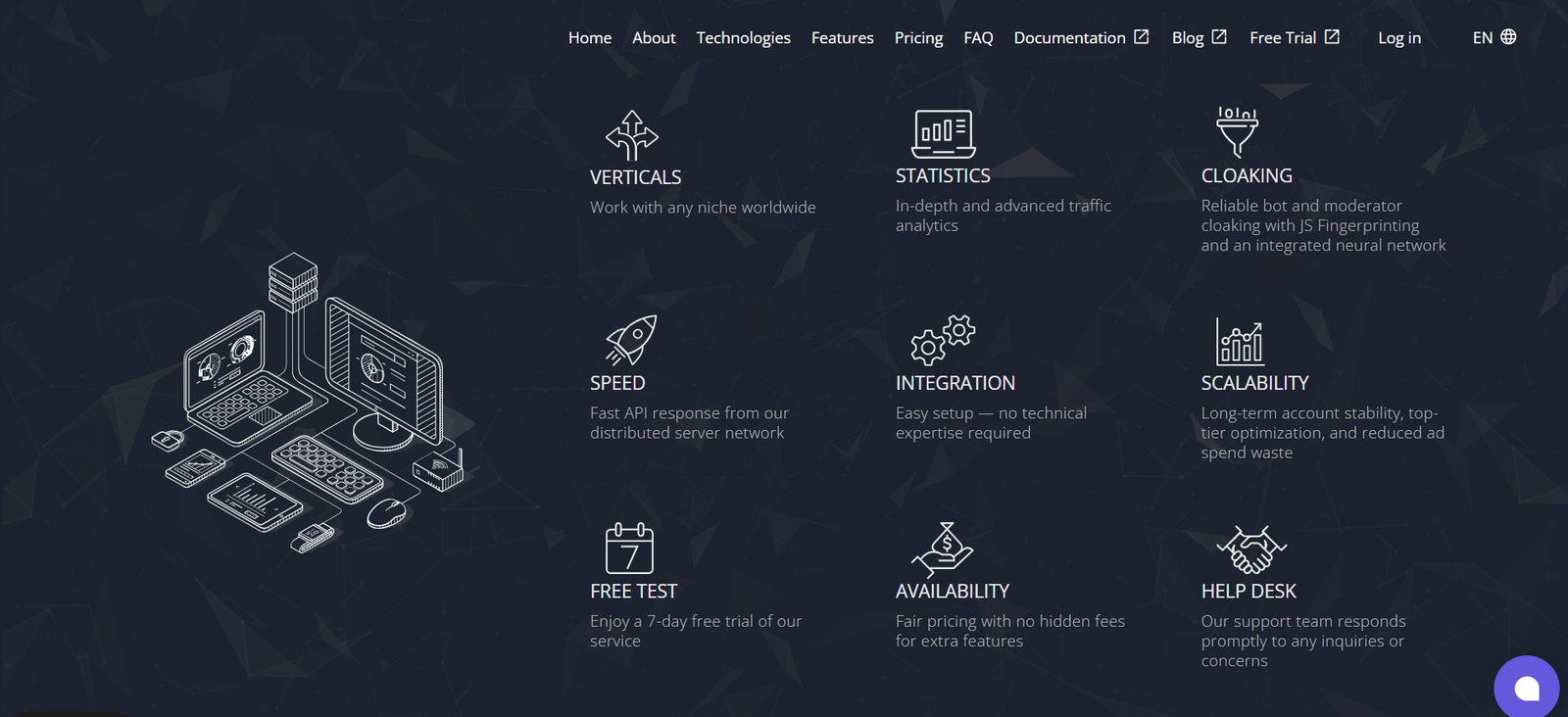 hoax.tech is an intelligent cloaking and traffic-filtering service built around JavaScript fingerprinting and automated traffic analysis. Its official website describes it as an “Intelligent Cloaking Service with JS-Fingerprinting.”
The platform is designed to examine incoming visitors and separate unwanted or suspicious traffic from legitimate visitors. It uses several technical signals rather than relying on a single IP list.
For users who want more detailed traffic analysis, hoax.tech also provides traffic information and an API for automation on its paid plans.
The service has been operating since 2020, according to its official website.
Features
hoax.tech offers several features aimed at traffic analysis and filtering:
- PHP fingerprinting
- JavaScript fingerprinting
- Matchex® detection system
- Traffic details
- API for automation
- Multiple traffic flows
- Automated traffic analysis
- Support for campaign-level filtering
- Free trial for new users
The fingerprinting system is one of its main selling points. In simple terms, it looks at technical characteristics of a visitor’s browser and environment to help identify unusual or unwanted traffic.
The paid plans also provide more room for multiple flows. The Standard plan supports up to 100 flows, while the Pro plan supports unlimited flows.
Pricing Overview
hoax.tech currently offers three main options:
| Plan | Price | Main Features |
| Light | Free for 7 days | 2 flows, PHP & JS fingerprinting, Matchex®, traffic details, API |
| Standard | $170/month | Up to 100 flows, fingerprinting, Matchex®, traffic details, API |
| Pro | $250/month | Unlimited flows, fingerprinting, Matchex®, traffic details, API |
According to hoax.tech, a seven-day trial does not require a payment card and has no click limit. Users need to register and contact technical support to activate it. Longer subscription periods can also receive discounts.
Pros
- Dedicated cloaking and traffic-filtering platform
- JavaScript and PHP fingerprinting
- Matchex® detection system
- API available for automation
- Unlimited flows on Pro
- Seven-day trial
- Clear paid-plan structure
Cons
- $170/month starting paid price may be high for beginners
- Advanced fingerprinting features may be difficult for first-time users
- Technical setup can require some learning
Best For
Experienced advertisers, affiliates, and teams that need detailed traffic filtering and fingerprint-based analysis.
Final Words
hoax.tech is a strong option for users who want more advanced traffic analysis than basic IP filtering. Its fingerprinting technology, Matchex® system, API, and flow-based plans give it a more technical focus. However, its limited independent review history means buyers should test the service before making a long-term commitment.
8. Cloud Filter
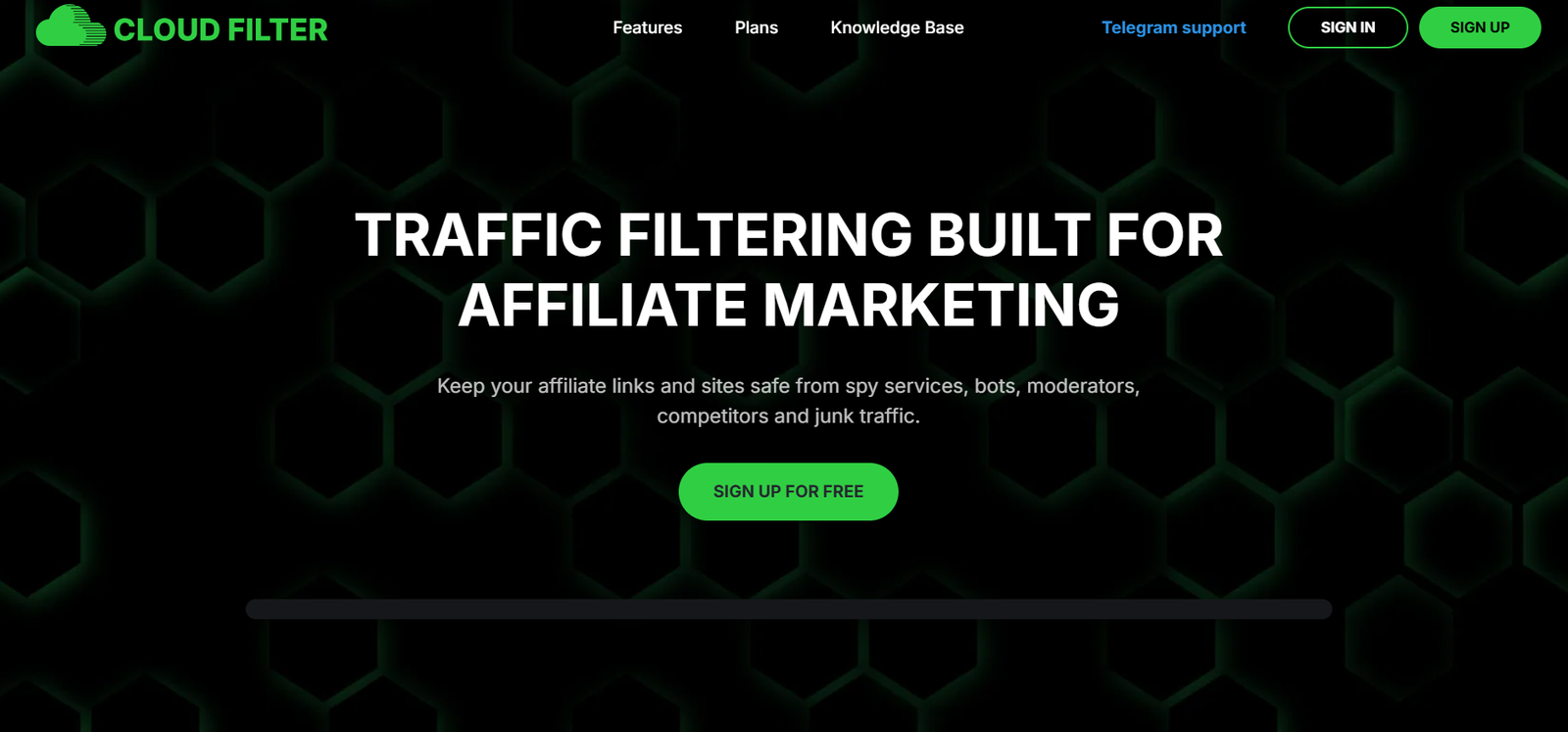 Cloud Filter is a cloud-based traffic-filtering and cloaking service designed to identify unwanted traffic before it reaches the intended destination.
Cloud Filter is built for advertisers who want to filter traffic using more than a basic bot-blocking rule. It lets users examine visitors through factors such as country, language, device, operating system, browser, VPN or proxy use, ISP, referrer, and IP address.
The service brings these controls together so advertisers can create traffic rules around the type of visitors they want to receive. Its traffic statistics also help you see what is actually coming into your campaigns, which can make it easier to identify unwanted traffic and understand your audience.
One of its advantages for beginners is that it does not require users to install a desktop application.
Features
Cloud Filter provides a broad collection of traffic-filtering controls:
- Bot and moderator filtering
- Suspicious IP detection
- Country filtering
- Language filtering
- Device filtering
- Operating-system filtering
- Browser filtering
- VPN and proxy filtering
- IPv6 filtering
- ISP filtering
- Referrer filtering
- UTM-parameter filtering
- Custom blacklists
- Traffic statistics
- PHP integration
- JavaScript integration
- WordPress integration
- WebView integration
Its filtering system also includes a database of bots, moderators, VPNs, proxies, and other unwanted traffic. The service’s available documentation says this database receives real-time updates.
The reporting system can provide information about clicks by country, language, device, operating system, browser, IP address, ISP, user agent, and referrer.
Pricing Overview
Cloud Filter keeps its pricing simple with one PRO plan. You can choose monthly billing or pay annually for a lower effective monthly cost. Both options include unlimited active campaigns and unlimited clicks.
- PRO Monthly: $199/month
- PRO Annual: $1,672/year, which works out to about $139.33/month and saves around 30% compared with monthly billing.
This pricing structure can work well for advertisers managing multiple campaigns because the service does not place separate limits on active campaigns or clicks.
Pros
- Large range of traffic-filtering options
- Country, device, browser, and language filters
- VPN and proxy detection
- Custom blacklist support
- Multiple integration methods
- Detailed traffic statistics
- Cloud-based operation
- Suitable for multiple traffic sources
Cons
- Pricing information is less transparent than some competitors
- Limited standardized review data
- Advanced filtering can be confusing for complete beginners
- Users should verify current trial and promotional terms
Best For
Affiliates, media buyers, and advertisers who want broad traffic-filtering controls and multiple integration options.
Final Words
Cloud Filter stands out for the number of filtering parameters it supports. It can analyze traffic using location, language, device, browser, network, referrer, and other signals. Its main weakness for buyers is the limited standardized independent-review data. A trial is therefore useful before making a larger commitment.
9. Adspect
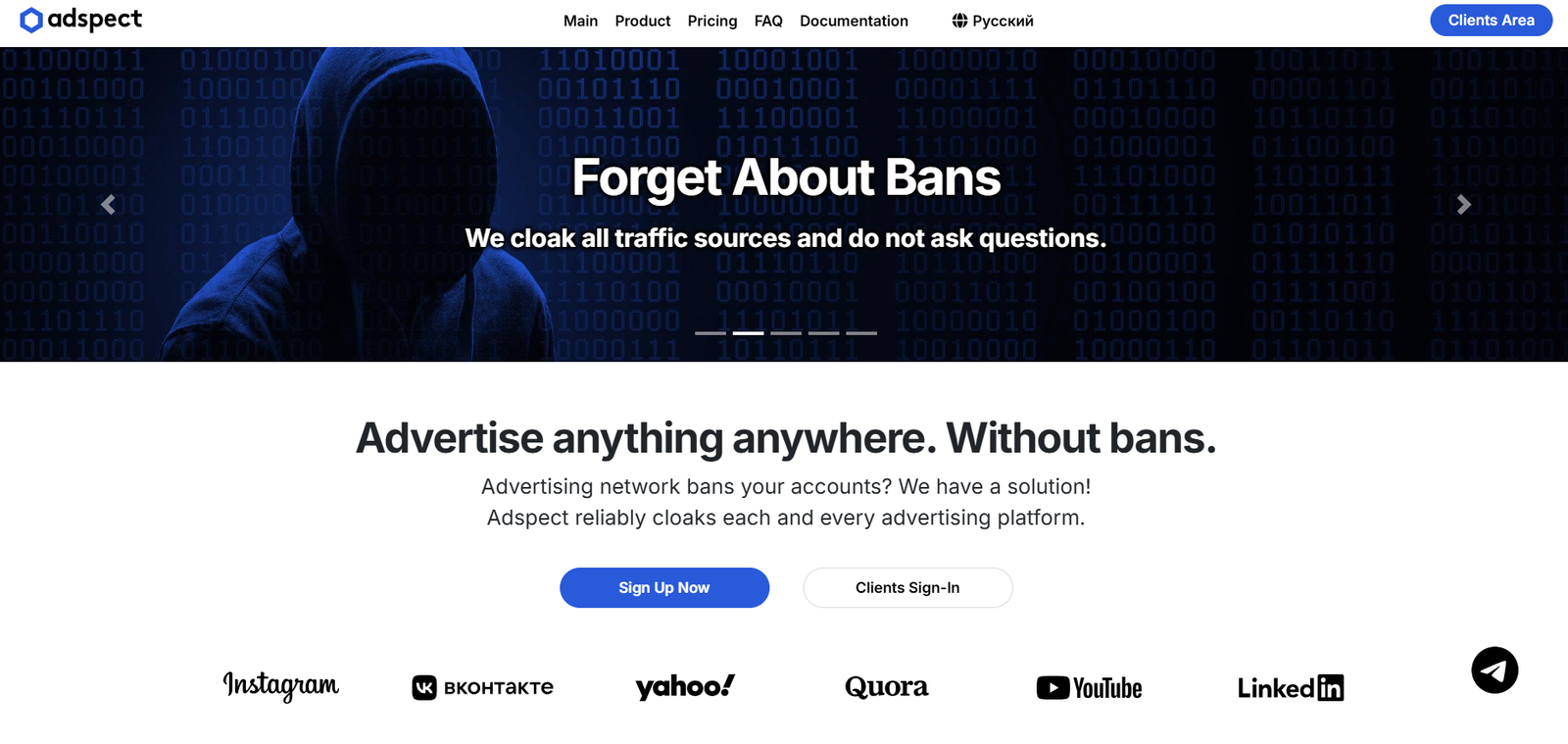 Adspect is one of the more feature-heavy platforms in this category.
It combines traffic filtering, fingerprint analysis, machine learning, click-fraud detection, reporting, integrations, and a built-in tracker. Its documentation says the service evaluates more than 100 checks for each click.
Adspect supports a large number of traffic sources and offers integrations with PHP, JavaScript, WordPress, Keitaro, and Binom.
Features
- Multi-layer traffic filtering
- Machine-learning traffic analysis
- Browser fingerprinting
- JavaScript fingerprinting
- TCP/IP fingerprinting
- SSL/TLS fingerprinting
- Click-fraud detection
- Detailed traffic reporting
- Conversion tracking
- API
- A/B testing
- Multiple money-page rotation
- WordPress integration
- Keitaro integration
- Binom integration
- Safe-page generator
Its reporting system can show individual click information, traffic quality, funnels, conversions, cost, revenue, and ROI.
Pricing Overview
Adspect currently lists:
| Plan | Price | Main Purpose |
| Anti-fraud | $299/month | Click-fraud detection |
| Personal | $499/month | Individual users |
| Professional | $999/month | Teams and advanced use |
The important detail is that the $299 Anti-fraud plan does not include cloaking features. Cloaking begins with the Personal plan.
Pros
- Very extensive filtering system
- Strong reporting
- API access
- Multiple integrations
- Advanced fingerprinting
- Built-in tracker
- Suitable for high-volume users
Cons
- Expensive
- Too advanced for many beginners
- The pricing structure can be confusing
- Independent review volume is limited
Best For
Experienced affiliates, performance marketers, and agencies with advanced traffic-management needs.
Final Words
Adspect is better suited to professionals than casual users. Its combination of filtering, reporting, tracking, and automation makes it one of the more comprehensive options, but the price can be difficult to justify for a small advertiser.
Comparison Of Best Cloaking Services in 2026:
| # | Cloaking Service | Starting Price | Main Strength | Best For |
| 1 | HideClick | $19/month | Lowest entry price with 30-day trial access | Beginners and smaller advertisers |
| 2 | Clockerly | $49/month | Free plan available, simple setup, and bot detection | Solo advertisers, beginners, and small teams |
| 3 | Cloaking.House | $49/month | Flow-based pricing with annual billing option | Budget-conscious users and small campaigns |
| 4 | ZeroCloak | $49/month after free trial | AI-powered fraud detection with 30-day free trial | Advertisers focused on traffic quality and fraud prevention |
| 5 | Cloaking Master | $99/month | Broad filtering controls with Keitaro integration | Affiliates and advertisers wanting detailed filtering |
| 6 | Cloakerly | $149/month | Wide feature set with geo targeting and analytics | Growing advertisers, affiliates, and teams |
| 7 | hoax.tech | $170/month | Advanced JS/PHP fingerprinting with 7-day free trial | Experienced advertisers and advanced users |
| 8 | Cloud Filter | $199/month or $139/month with annual billing | Unlimited campaigns and clicks with broad filtering | Affiliates, media buyers, and high-volume users |
| 9 | Adspect | $499/month for Personal cloaking plan | Comprehensive filtering, tracking, and reporting | Agencies and experienced professionals |
8 Red Flags to Avoid While Choosing a Cloaking Service
Before choosing a cloaking service, watch for these warning signs:
- “100% ban-proof” promises: No service can guarantee that an advertising account will never be banned.
- No clear pricing: Be cautious when costs or traffic limits are hidden until after you sign up.
- No independent reviews: A lack of genuine customer feedback makes it harder to judge reliability.
- Unrealistic detection claims: Avoid services promising to detect every bot or fraudulent visitor.
- Poor customer support: Slow or unavailable support can become a serious problem when campaigns are running.
- No trial or testing option: A trial gives you a chance to check filtering accuracy before spending more.
- Outdated technology: Traffic patterns change quickly, so filtering systems should receive regular updates.
- Unclear policy compliance: A service should not encourage you to violate the advertising platform’s rules.
Cloaking Service vs Traffic Filter: What’s the Difference?
These terms are often mixed together.
- A traffic filter primarily identifies and manages unwanted visitors.
- A cloaking system can route different visitors to different versions of a website based on predefined rules.
How Much Does a Cloaking Service Cost in 2026?
There is no single price. The services reviewed here range from $19/month** to **$499/month.
- HideClick – $19/month
- Clockerly, Cloaking.House, ZeroCloak – $49/month each
- Cloaking Master – $99/month
- Cloakerly – $149/month
- hoax.tech – $170/month
- Cloud Filter – $199/month ($139/month with annual billing)
- Adspect – $499/month (Personal plan for cloaking)
Prices can change, so always verify current plans before purchasing. The cheapest option isn’t always the best—choose the service that fits your actual needs.
Is Cloaking the Same as Redirecting?
No.
A normal redirect sends visitors from one URL to another. For example: Page A → Page B
A traffic-filtering system can make a decision before sending the visitor to an appropriate destination.
The difference is the decision-making layer.
A basic redirect does not normally analyze dozens of visitor signals. A sophisticated traffic-management system can.
Does Cloaking Slow Down a Website?
It can if the implementation is poorly designed.
A traffic-filtering system adds another step before the visitor reaches the destination. A well-designed service tries to keep this processing fast.
Cloakerly reports a 200ms response-time figure, while Cloaking Master reports an average response time of 120ms. These figures come from the vendors themselves and should not be treated as independent benchmark results.
When evaluating a service, test the actual experience on your own website.
Can Cloaking Stop All Bots?
No. This is one of the most important points beginners should understand.
No traffic-filtering service can honestly guarantee that it will identify every future bot, reviewer, crawler, or fraudulent visitor.
Attackers change their methods.
- Browsers change.
- Networks change.
- IP addresses change.
Detection systems therefore need continuous updates.
Be careful with companies promising 100% protection, zero bans, or completely undetectable traffic filtering. Those claims should make you ask more questions, not fewer.
How to Choose the Best Cloaking Service for Your Needs
The best service depends on your situation.
If You Are a Beginner
Start with a platform that has:
- Simple setup
- Clear documentation
- Reasonable pricing
- Basic geo filtering
- Bot detection
- Customer support
You do not need every advanced feature on day one.
If You Are an Affiliate Marketer
Look for:
- Conversion tracking
- Traffic-source integrations
- Detailed reporting
- Campaign-level rules
- Tracker integrations
- Fraud detection
Keitaro and specialist platforms such as Adspect may be more relevant to this type of workflow.
If You Manage Multiple Campaigns
Focus on:
- Campaign limits
- API access
- Reporting
- Automation
- Team access
- Scalability
- Support
If You Run an Agency
You may need:
- Multiple accounts
- Team permissions
- Reporting
- API access
- Higher traffic limits
- Client-level separation
- Reliable support
If You Have a Technical Team
A self-hosted or custom solution may provide greater control.
But remember that control also means responsibility.
Your team becomes responsible for security, updates, infrastructure, and maintenance.
Common Mistakes Beginners Make
1. Choosing a Service Only Because It Is Cheap
Price is important, but it is not the whole story. A cheap tool with poor detection or weak support may cost more over time.
2. Believing “100% Ban-Proof” Claims
No vendor controls an advertising platform’s enforcement system. Therefore, no legitimate vendor can guarantee permanent account safety.
3. Ignoring Independent Reviews
Vendor websites naturally highlight their strongest features. Independent reviews provide another perspective. However, small review counts should also be treated carefully.
4. Buying Too Many Features
Beginners sometimes choose the most expensive platform because it looks more powerful. That is not always smart.
Choose the platform that fits your actual workflow.
5. Forgetting About Compliance
Traffic filtering does not replace advertising-policy compliance. Always review the rules of the traffic source you use.
Final Verdict: Which Cloaking Service Should You Choose?
Choosing a cloaking service can feel overwhelming, but you don’t need the most expensive option—you need the one that fits your situation. Beginners should start simple with HideClick or Clockerly. Affiliate marketers should prioritize tracking and conversions, making Cloaking Master or Cloakerly strong choices. For agencies or high-volume campaigns, Cloud Filter and Adspect offer the automation and scalability you need.
Among the services reviewed, Cloakerly stands out for its broad managed feature set, Cloaking Master offers strong filtering at a lower price, and Adspect is built for advanced users. If tracking matters most, consider Keitaro or Voluum.
Most importantly, don’t fall for “ban-proof” promises—no tool can guarantee account safety. The right choice fits your budget, technical ability, and traffic volume while keeping your campaigns compliant with platform rules.
Frequently Asked Questions
What is the best cloaking service in 2026?
Cloakerly is worth considering for managed traffic filtering, Cloaking Master offers a broad feature set, Adspect targets advanced users, while Keitaro and Voluum are stronger choices when tracking and campaign analytics are important.
What is the cheapest cloaking service?
Among the services reviewed here, HideClick offers the lowest entry price at $19/month, followed by Clockerly, Cloaking.House, and ZeroCloak, which all start at $49/month.
Pricing can change, so verify current plans before purchasing.
Is cloaking necessary for affiliate marketing?
No. Affiliate marketers can run campaigns without cloaking. The more important requirements are compliant offers, suitable landing pages, accurate tracking, quality traffic, and adherence to the advertising platform’s rules.
Traffic filtering can still be useful for detecting bots, fraud, and unwanted traffic.
Can cloaking prevent ad account bans?
No service can guarantee that. Cloaking technology may help manage unwanted traffic, but it cannot guarantee that an advertising account will remain active. Policy violations can still result in rejection or suspension.
What is the difference between cloaking and bot filtering?
Bot filtering focuses mainly on identifying unwanted or automated traffic. Cloaking can include traffic filtering but may also route different visitors to different legitimate experiences.
The terms are often used interchangeably in marketing, but they are not exactly the same.
Is cloaking illegal?
The technology itself is not automatically illegal. However, its use can violate advertising-platform rules or other laws depending on what is being hidden and why.
Always consider both the law and the specific platform’s terms.
Does cloaking work with Facebook and Instagram Ads?
Several services advertise Meta support. Adspect states that it supports Facebook and Instagram traffic, while Cloakerly also lists Meta among its supported traffic sources.
Again, technical support does not override Meta’s advertising policies.
What should I check before buying a cloaking service?
Check:
- Pricing
- Traffic limits
- Detection features
- Geo targeting
- Integrations
- Analytics
- Support
- Trial availability
- Refund terms
- Independent reviews
- Advertising-policy compatibility
Should beginners use a self-hosted cloaking system?
Usually, a managed service is easier for beginners. Self-hosting gives you more control but requires technical knowledge, maintenance, security management, and ongoing updates.
