



Managing business expenses used to mean piles of paper receipts, late nights reviewing spreadsheets, and constant worry about mistakes or missing costs. Many business owners and team leads know the frustration — lost receipts, delayed reimbursements, unclear tracking, and wasted hours.
That’s where modern expense management software comes in. These tools let you snap receipts with your phone, submit expenses instantly, and get approvals faster — all in one place. They help you keep spending transparently, ensure compliance, and save time and money.
In this guide, you’ll learn about the top 10 expense management software platforms businesses rely on in 2026. Each is chosen for reliability, ease of use, features, and value — whether you run a small startup or a large enterprise. Let’s simplify your spending process and bring clarity to business finances.
What is Expense Management Software
Expense management software is a digital tool that helps businesses track, control, and analyze their spending. It automates tasks like submitting receipts, approving expenses, and generating reports, making financial management faster, accurate, and more transparent. By centralizing all spending data, companies can reduce errors, improve compliance, and gain clear insights into their cash flow.
Why Expense Management Software is Necessary
Expense management software is essential for businesses of all sizes because manual expense tracking is time-consuming, error-prone, and hard to audit. It ensures that spending aligns with company policies, prevents fraud, and simplifies reimbursement processes. With real-time tracking and reporting, organizations can make smarter financial decisions, optimize budgets, and maintain transparency for stakeholders.
Factors to Consider Before Choosing Expense Management Software
Choosing the right tool depends on your business type, workflow, team size, and budget. Here are the key factors beginners must understand:
1. Ease of Use
If a tool is complicated, your team may avoid using it — which defeats the purpose.
Look for:
- One-click receipt uploads / smart scanning (e.g. with OCR)
- Clear, intuitive dashboards and workflows
- Easy mobile apps for on-the-go expense submission
2. Integrations
Your expense tracker should connect with tools you already use.
Important integrations include:
- Accounting software (QuickBooks, Xero, NetSuite…)
- Payroll / HR systems
- ERP tools (if you run a larger business)
- Corporate cards or payment gateways
3. Billing & Invoicing / Reimbursements
If you bill clients or reimburse employees, the tool should support:
- Billable hours or expense-to-invoice conversion
- Automatic invoice generation or reimbursement workflows
- Expense approvals and audit trails
4. Company Spend Monitoring & Control
Especially for remote or distributed teams, or teams using corporate cards:
- Real-time spend tracking
- Custom spending limits per card or per employee
- Budget controls and alerts for overspending
5. Reporting & Analytics
Look for detailed, easy-to-understand reports to help you:
- Break down project or department costs
- Track spending over time
- Produce audit‑ready expense reports
- Analyze profitability and budget adherence
6. Pricing & Scalability
Consider:
- Free/low-cost plans for small teams or startups
- Cost per user / per card / per transaction — and how that scales as you grow
- Hidden costs: cards, add-ons, extra users, global use, etc.
7. Business Size & Needs
Your ideal expense software depends on your company’s size and needs:
- Small team or freelancer → simple, affordable tools (like Zoho Expense or Expensify)
- Growing SME → tools with more features, card support, reporting (Pleo, Rydoo, Spendesk)
- Large enterprise or global → powerful, compliant, scalable platforms (SAP Concur, Airbase, Airwallex)
How We Picked the Top 10
When selecting these 10 platforms, we used criteria that matter most for today’s businesses, big and small:
- Automation & Ease of Use: Receipt scanning, simple workflows, minimal manual entry.
- Flexibility & Features: From basic expense tracking to corporate cards, multi-currency support, travel & invoice management.
- Scalability: Works for solo entrepreneurs, small teams, or large global enterprises.
- Integration Capabilities: Syncs with accounting, payroll, ERP, and financial tools that many businesses already use.
- Cost vs Value: Reasonable pricing with plans tailored for different business sizes.
- Compliance & Reporting: Helps maintain transparency, audit trails, and handles multi‑currency / global spend when needed.
These platforms represent the best-in-class options available in 2026, balancing power, usability, and value depending on your needs.
Top 10 Expense Management Software for Businesses in 2026
- Expensify
- Zoho Expense
- SAP Concur
- Pleo
- Rydoo
- Spendesk
- Fyle
- Soldo
- Airwallex
- Airbase
Let’s start detailed reviews of each platform:
1. Expensify
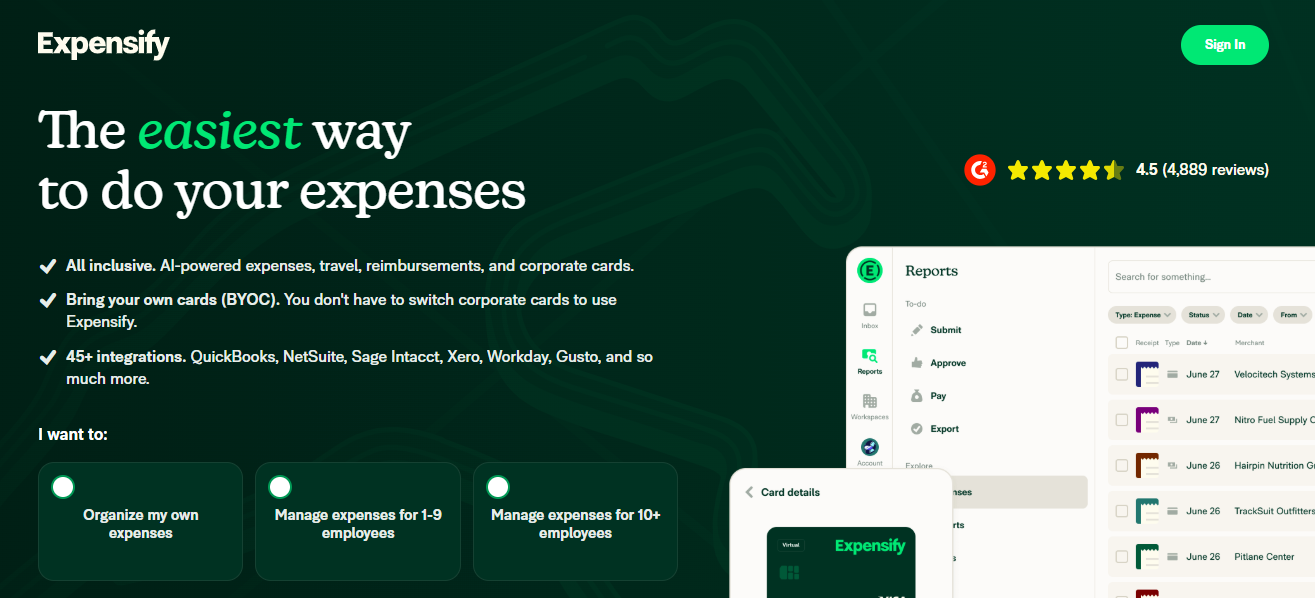

Expensify is one of the most popular expense management tools for small to mid-sized businesses and freelancers. It simplifies expense reporting with automatic receipt scanning and easy approvals — eliminating manual spreadsheets and lost receipts.
Features
- SmartScan: take a photo of a receipt, and Expensify automatically reads and records the data.
- Automated expense report creation — no more manual data entry.
- Integration with major accounting software (QuickBooks, Xero, NetSuite, etc.).
- Corporate card reconciliation and reimbursement support.
- Mobile app + web access — submit expenses on the go.
Reviews
Expensify earns praise for being user‑friendly, mobile‑friendly, and much faster than traditional expense workflows. Users frequently mention how receipt scanning and auto‑report generation save time and reduce headaches.
However, some users note that advanced features (like complex approval workflows or deep corporate‑card integrations) push the pricing up and may require a learning curve for admins.
Pricing Overview
The basic plan starts around US$5 per user/month. More advanced plans — with unlimited receipt scans, corporate cards, and full features — cost more.
Pros
- Very easy to use — good for teams of any size
- Fast receipt processing and reimbursements
- Solid integrations with accounting tools
- Great mobile app and convenience
Cons
- Advanced features can be expensive
- Limited enterprise‑level controls in lower tiers
- Some syncing or bank‑integration issues reported
Best For
Small to mid-sized businesses, freelancers, startups — anyone wanting quick, simple expense tracking without complexity.
Expensify remains a top choice if you value speed, simplicity, and minimal setup. It’s especially useful if your team is small and you want to ditch spreadsheets for good.
2. Zoho Expense
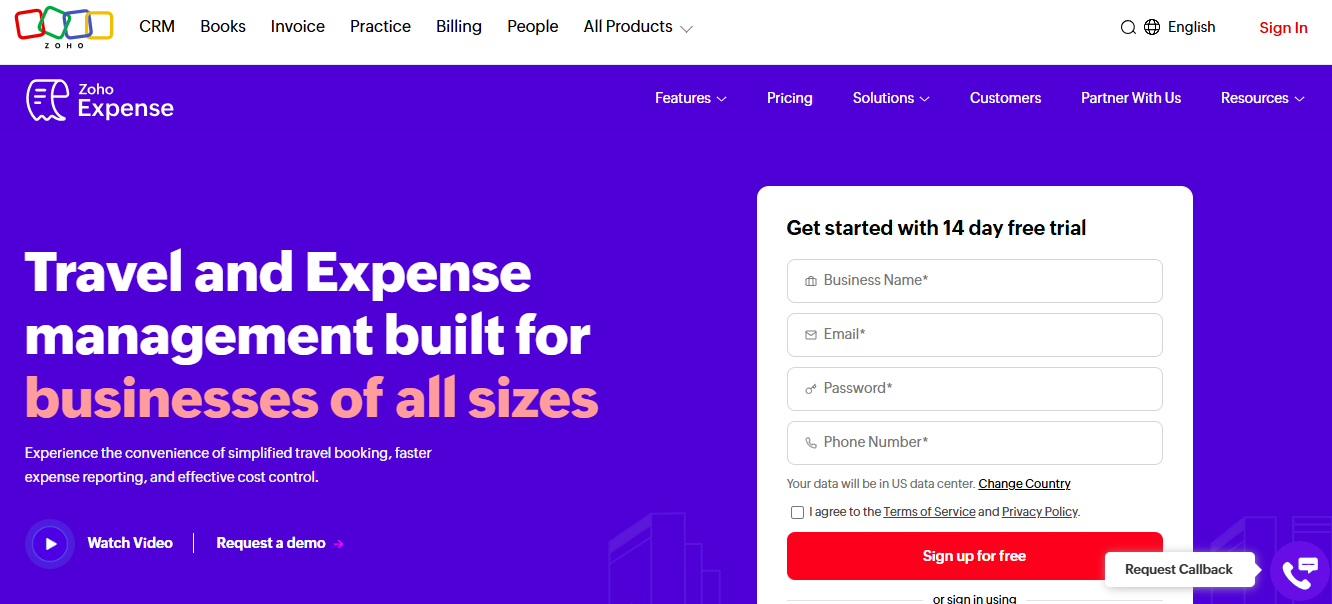

Zoho Expense is part of a bigger suite of business tools, but as a standalone expense manager, it shines for affordability, simplicity, and essential spend tracking — making it ideal for small and medium businesses.
Features
- Receipt capture via mobile app — just snap and upload.
- Customizable approval workflows and expense policy enforcement.
- Multi-currency support and per‑diem or mileage tracking for businesses operating globally or across regions.
- Integrations with common accounting and finance tools (QuickBooks, Xero, Zoho Books, etc.).
- Automated expense reporting and digital receipt storage.
Reviews
Zoho Expense is often praised for giving “most of what you need at a low cost.” Many small businesses like that they can start using it without a heavy investment or a long onboarding.
Some users say that more advanced analytics or enterprise‑level features are restricted to higher-tier plans. Others might miss corporate‑card features if they rely on those.
Pricing Overview
Zoho Expense offers a very budget‑friendly entry point — often around US$3–4 per user/month for basic plans, and sometimes even a free tier for small teams.
Pros
- Affordable — great for startups & SMEs
- Easy to set up and use
- Good for multi‑currency and global expense tracking
- Solid integrations and core expense features
Cons
- Limited advanced features on lower plans
- Fewer enterprise‑grade controls and cards compared to big platforms
- Support and advanced analytics may lag behind premium tools
Best For
Startups, freelancers, small to medium businesses — especially those already using Zoho or simple accounting tools.
Zoho Expense offers an excellent balance of affordability and functionality. For small businesses wanting hassle‑free expense tracking, it’s one of the smartest choices in 2026.
3. SAP Concur
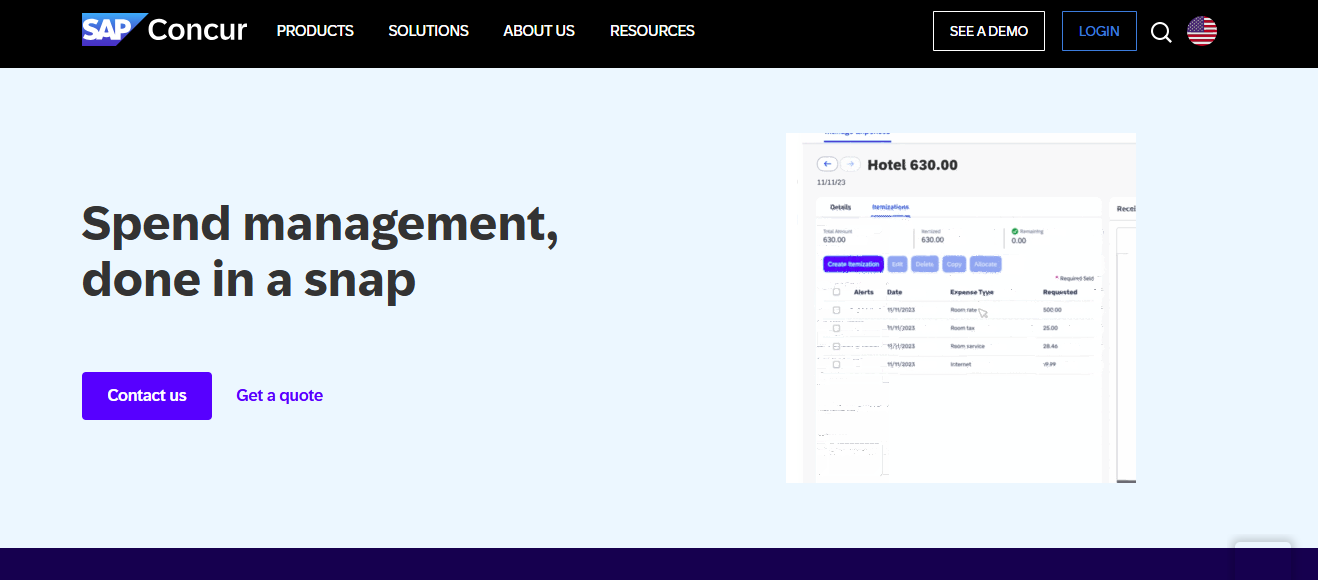

SAP Concur (often just “Concur”) is the powerhouse for large organizations and enterprises needing full-scale expense, travel, and spend management — especially when compliance, audits, and global operations matter.
Features
- Full travel + expense management — including invoice, travel, reimbursements, per diems, and more.
- Global multi-currency & multi-entity support for international companies.
- Deep integrations with ERP, accounting, and enterprise systems for seamless financial operations.
- Advanced policy enforcement, audit trails, compliance and reporting features — critical for regulated industries or large firms.
Reviews
SAP Concur is widely used by large firms for its breadth of functionality and strong compliance. For complex organizations, it delivers everything — expense, travel, invoices, approvals, auditing — in one unified platform.
On the downside, many users report that setup can be complex, the interface feels dated compared to newer tools, and pricing tends to be high, so it might be “overkill” for small teams.
Pricing Overview
Concur typically uses custom/enterprise pricing, based on company size, modules used, and complexity.
Pros
- Enterprise-grade features and compliance
- Handles travel, multi-currency, multi-entity, and complex workflows
- Deep integrations for full financial visibility
- Built for scale — perfect for large teams or global operations
Cons
- Expensive — not cost-effective for small businesses
- Complex setup and steeper learning curve
- UI/UX is less modern compared to newer competitors
Best For
Large enterprises, multinational companies, organizations with complex travel/expense workflows, or regulated industries need strong audit/compliance.
SAP Concur remains the go-to for big businesses needing a robust, all-in-one expense + travel + compliance solution. If your company is large and global, Concur can scale to meet those needs, provided you’re ready for the cost and complexity.
4. Pleo
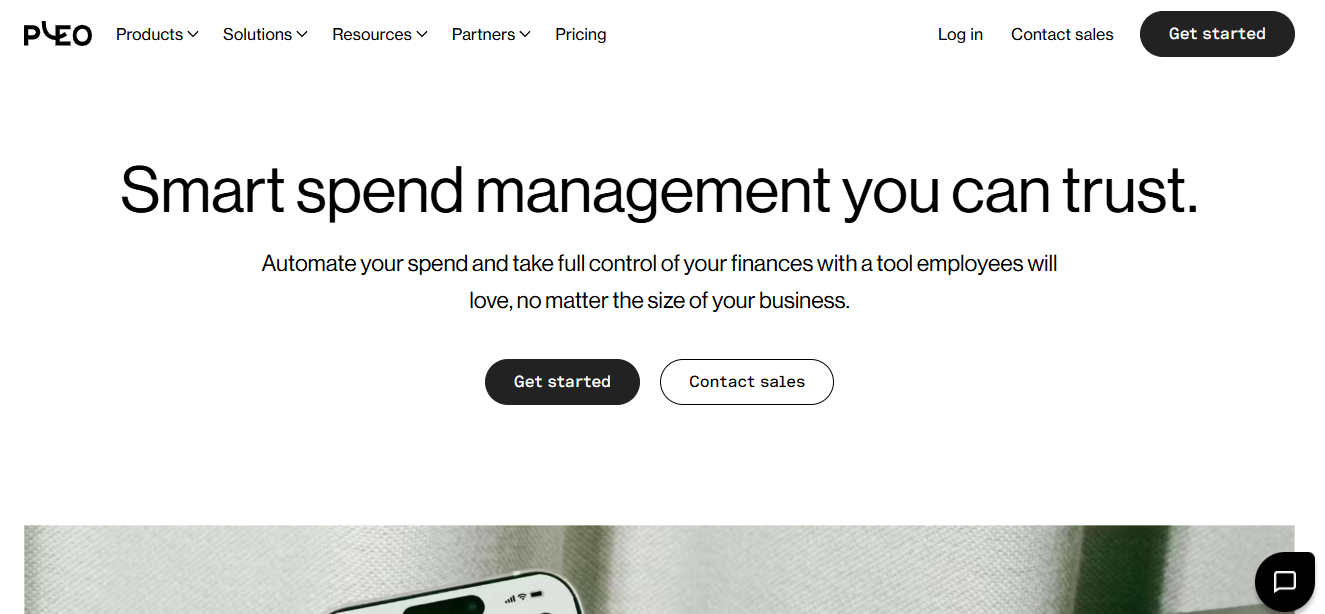

Pleo combines corporate card usage with live expense tracking, giving teams flexibility — while giving management control. It works well for companies that want to avoid manual reimbursements and keep real-time visibility over team spending.
Features
- Smart prepaid or corporate cards for employees, with spending limits.
- Real-time spend tracking — charges appear immediately, giving up-to-date visibility.
- Receipt capture and expense submissions via mobile + web apps.
- Customizable approval workflows and budget controls.
Reviews
Users appreciate Pleo for bringing transparency and control to company spending. Instead of waiting for reimbursements, expenses are tracked live, which simplifies accounting and reduces delays.
Some feedback points out that Pleo might lack deeper accounting or invoice‑management features, and some users mention that support (depending on region) could be better.
Pricing Overview
Pricing varies depending on the number of users, the cards used, and the feature set. Many companies find it positioned around mid-tier plans.
Pros
- Real‑time spend visibility
- Easy expense submission and minimal paperwork
- Great for teams using corporate cards frequently
- Helps enforce budget controls
Cons
- May lack deep accounting or invoice management features
- It might be overkill or expensive for very small teams
- Support and integrations vary by region
Best For
Growing companies, teams with frequent small expenses, agencies — especially where corporate cards are used frequently.
Pleo is a solid choice if you want to spend visibility, convenience, and real-time control — while reducing the burden of manual expense reports and reimbursements.
5. Rydoo
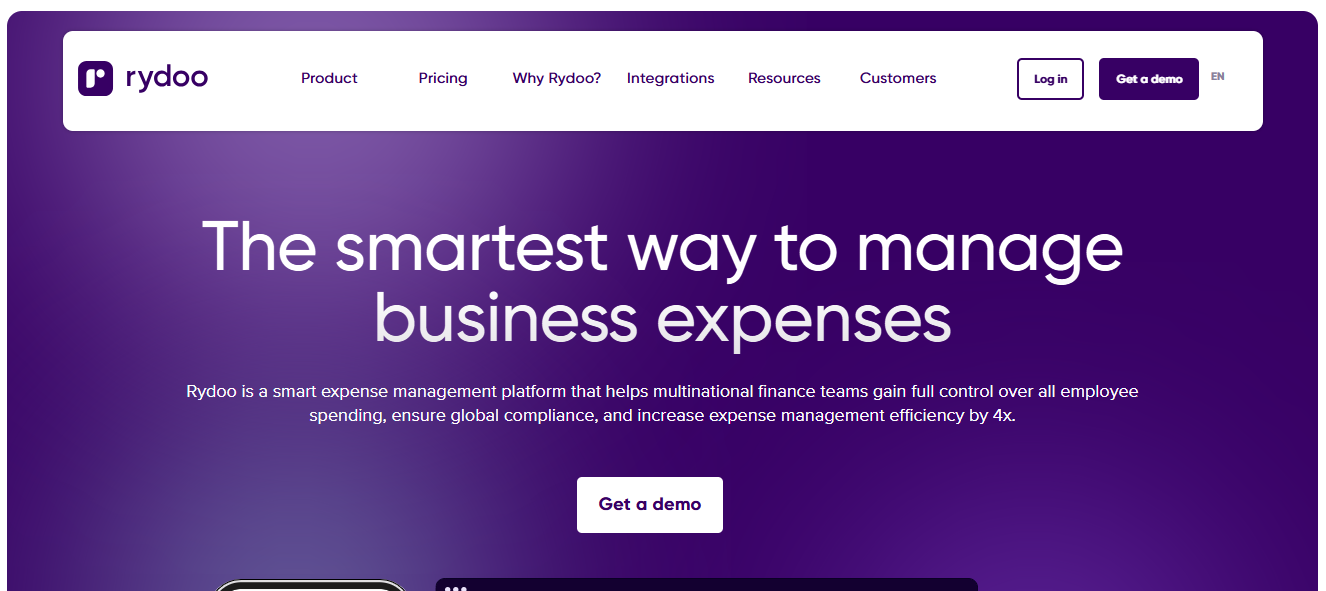

Rydoo focuses on businesses with frequent travel or global operations. It combines expense tracking, reimbursements, multi-currency support, and compliance — making it a smart pick for fast-growing companies with moving parts.
Features
- Mobile receipt capture and real-time expense submission.
- Corporate card integration and reconciliation.
- Automatic policy enforcement and approval workflows.
- Multi-currency support, per‑diem, and mileage tracking — useful for global teams or frequent travelers.
Reviews
Rydoo gets positive mentions for ease of use, clean interface, and efficient travel‑related expense management. Many businesses with remote or globally distributed teams highlight how it simplifies cross-border expenses and policy compliance.
On the flip side, some organizations mention that setup can be a bit more complex, especially when integrating with legacy ERP systems or custom workflows.
Pricing Overview
Pricing starts around US$10/user/month for many plans (though actual pricing can vary based on features and team size).
Pros
- Great for travel-heavy or international teams
- Automated expense and policy compliance
- Mobile-first — easy receipt capture and submission
- Solid multi-currency and global support
Cons
- Setup may be tricky for complex organizations
- Cost may add up for small teams
- Some advanced features may require higher-tier plans
Best For
Companies with frequent travel, multi‑country operations, or teams spread across regions — especially those needing currency flexibility and compliance.
Rydoo brings strong global capabilities and travel‑expense features. It’s a smart pick for businesses scaling across borders or managing frequent team travel and reimbursements.
6. Spendesk
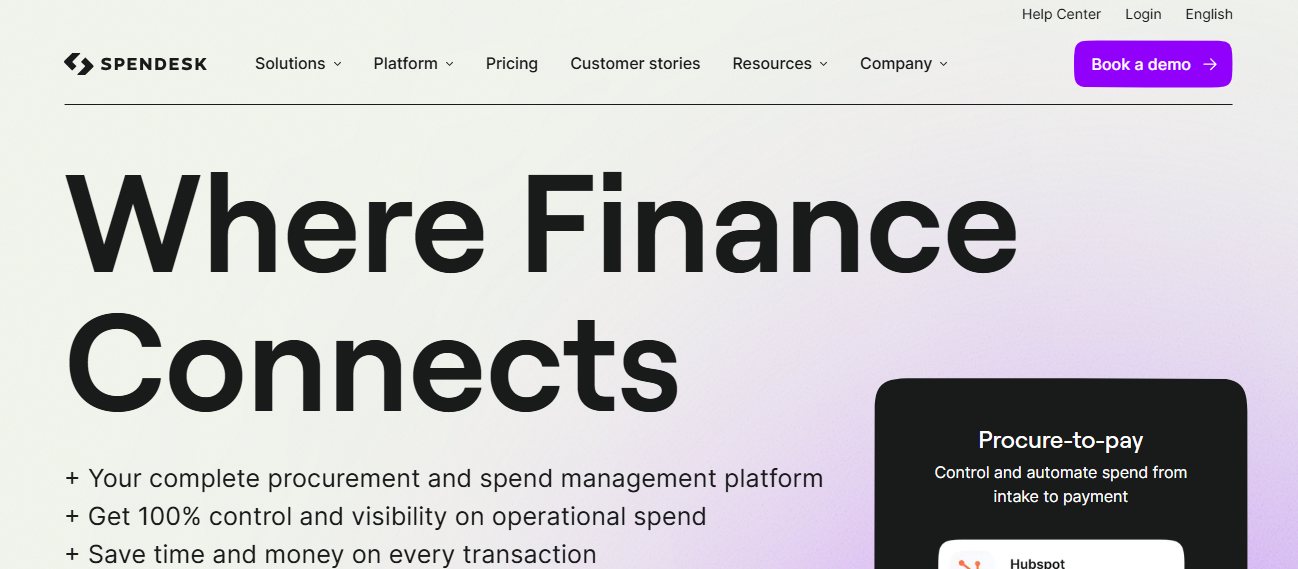

Spendesk aims to manage all kinds of business spending — from corporate cards to invoices, bills, and vendor payments — within one unified platform. It’s designed to reduce complexity and bring full spend visibility under one roof.
Features
- Virtual and physical company cards with custom spending limits.
- Real-time expense tracking and budget management by team or project.
- Invoice and bill payment workflows + approval automation.
- Integration with major accounting and ERP systems.
Reviews
Spendesk is often praised by growing businesses for consolidating multiple financial tasks — expense tracking, payments, invoices — into a single system, reducing the need for multiple tools.
Critics say that some advanced features or larger‑organization capabilities may require higher-priced plans, and support for non‑card spend or legacy systems could be limited.
Pricing Overview
Spendesk uses custom or quote-based pricing, depending on features, number of users, and company size.
Pros
- Unified system for all company spending
- Real-time spend tracking and budget control
- Reduces the need for multiple financial tools
- Good for companies managing cards, invoices and vendor payments
Cons
- It can be expensive for small teams
- Advanced features may be locked behind premium plans
- Less optimal for very small businesses with simple needs
Best For
Small to mid-sized companies want full control over every expense, especially those with card spend, vendor payments, and invoice workflows.
Spendesk delivers a unified, powerful spend-management platform — ideal if you want to handle corporate cards, bills, and invoices in one place, especially as your company grows and spend processes get more complex.
7. Fyle
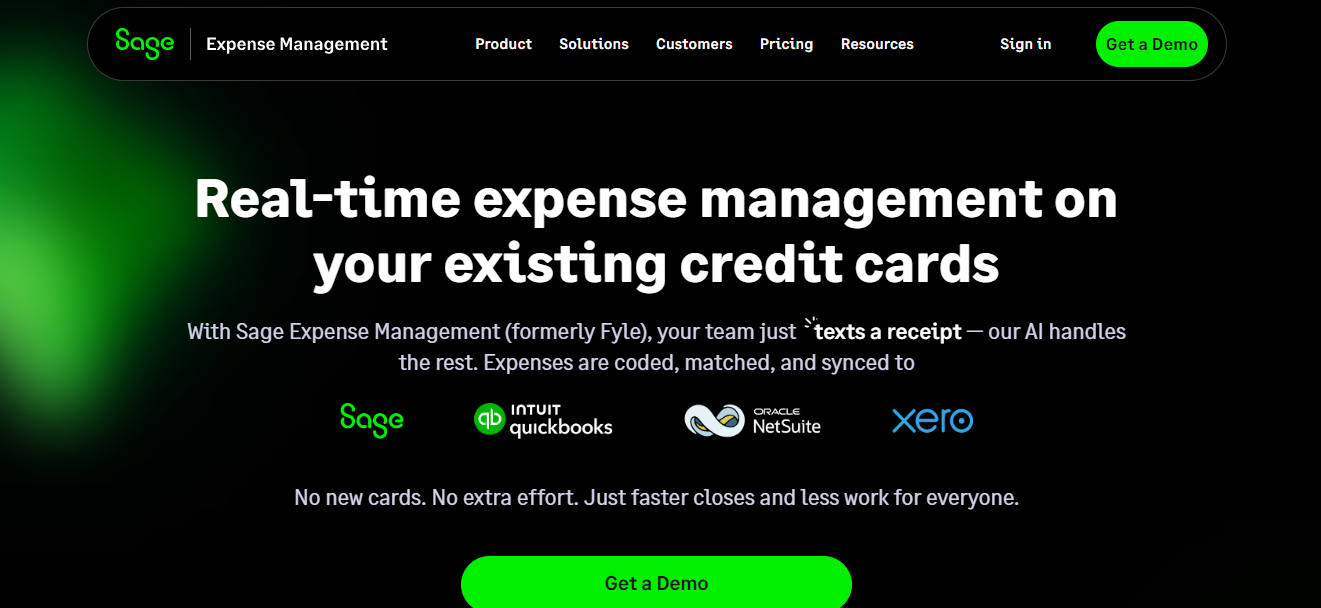

Fyle is an expense management tool positioned as a flexible, modern solution for small to mid-size businesses. It offers many standard expense‑tracking features with a clean interface and an emphasis on automation and policy compliance.
Features
- Digital receipt capture, expense reporting, and employee reimbursement workflows.
- Bank/credit card integrations with automatic reconciliation and expense categorization.
- Real-time spend monitoring and budget management.
- Multi-currency support and flexible user interface.
Reviews
Fyle gets positive reviews for being modern and flexible. Many businesses appreciate its automated workflow and easy receipt handling.
Some users note that the per-user pricing model requires a minimum number of active users, making it less ideal for very small teams. Also, advanced compliance or enterprise‑grade features may only come with higher plans.
Pricing Overview
Plans typically start around US$11.99 per user/month (for the growth plan, with minimum user counts).
Pros
- Modern UI and easy to use
- Good automation and expense workflows
- Real‑time spend tracking and monitoring
- Multi-currency and flexible design
Cons
- Minimum user requirements may not suit small teams
- Advanced features expensive
- Less suited for enterprises needing deep integrations
Best For
Small to mid‑size businesses seeking ease, automation, and flexible expense management without heavy enterprise overhead.
Fyle strikes a balance between simplicity and power. If you want a clean, flexible tool with modern UX — and your team is big enough to justify the cost — Fyle is worth considering.
8. Soldo
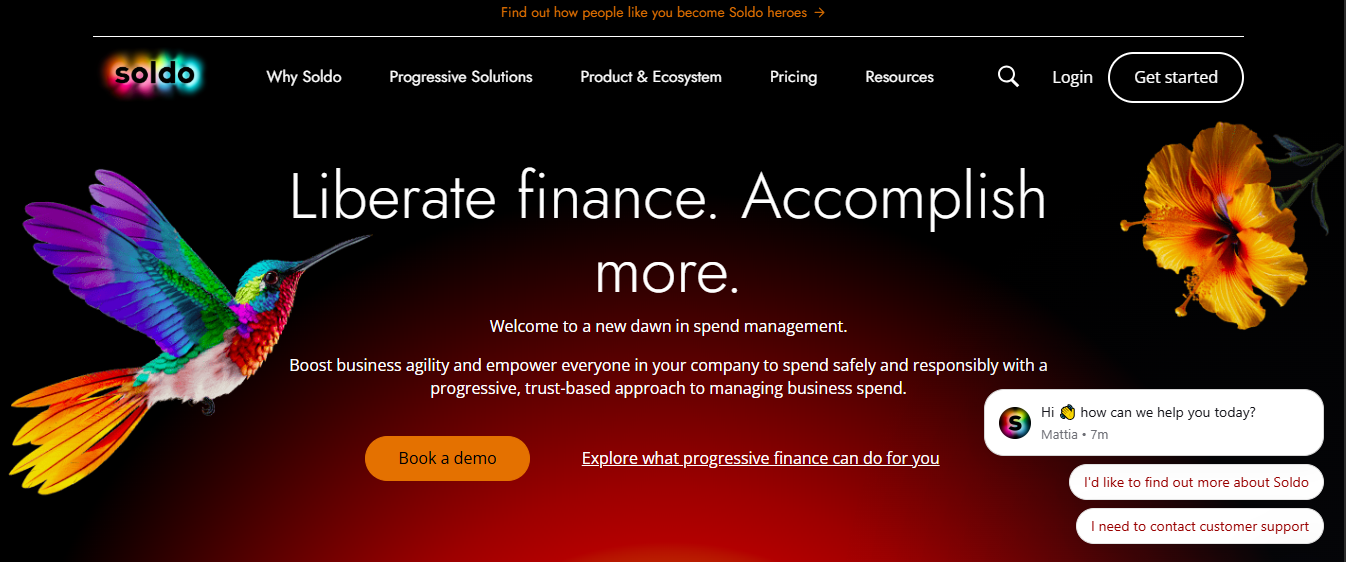

Soldo offers a prepaid card + expense management hybrid — letting companies issue cards to employees and track their spending in real time. This reduces paperwork and simplifies budget control.
Features
- Prepaid or corporate cards for teams with spending limits.
- Real-time spend tracking and categorization by department/team.
- Mobile receipt capture and expense logging.
Reviews
Soldo is appreciated by firms wanting to avoid reimbursements and instead use controlled cards for business expenses. It simplifies approval workflows and reduces manual expense reporting.
However, it may be less flexible for non‑card-based expenses or complex enterprise needs. Some users mention limited integrations compared to full-featured platforms.
Pricing Overview
Pricing varies depending on the number of cards/users and company needs — frequently mid‑market, but details often custom.
Pros
- Real-time control over company spending
- Less paperwork — easier to manage expenses
- Good for companies that issue cards regularly
- Helps enforce budget limits
Cons
- Not ideal for expense reimbursement workflows
- Limited flexibility for non-card expenses
- Fewer integrations and enterprise features
Best For
Companies issuing corporate cards and wanting real-time spend control — especially small to mid-size teams.
If your business often spends via company cards and values speed, control, and simplicity, Soldo is a solid card‑based expense management solution.
9. Airwallex
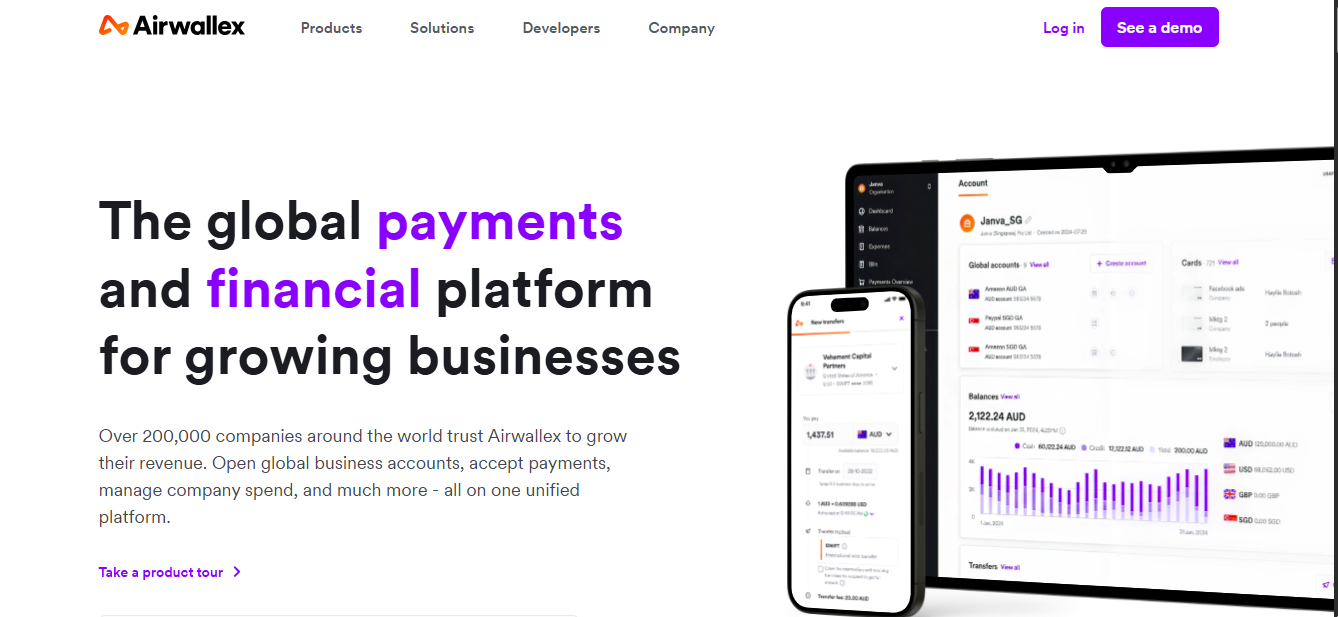

Airwallex is a global financial platform that, among other services, offers business accounts, multi-currency support, and spend management — making it useful for companies dealing with international trade or global teams.
Features
- Multi-currency business accounts and international spend support.
- Global payment and transfer capabilities — useful for companies working across borders.
- Real-time spend tracking and centralized financial control.
Reviews
Airwallex is often chosen by businesses with international operations that need streamlined multi-currency expense handling and global payment solutions. It’s praised for flexibility and global reach.
Some drawbacks: features may be more complex, and small organizations might find the pricing or setup more than they need.
Pricing Overview
Basic plans start around £7–10 per user/month (or equivalent), with more advanced enterprise-tier pricing for global features.
Pros
- Great for international companies with multi-currency needs
- Supports global payments and financial operations
- Real-time expense management and visibility
Cons
- The setup for global features can be complex
- It may be overkill for small, local businesses
- Some advanced features may be pricier
Best For
Companies operating internationally, freelancers working globally, and firms with multi-currency transactions.
Airwallex is a strong pick if your business has international financial operations. It brings multi-currency support, global payments, and spend visibility under one roof.
10. Airbase
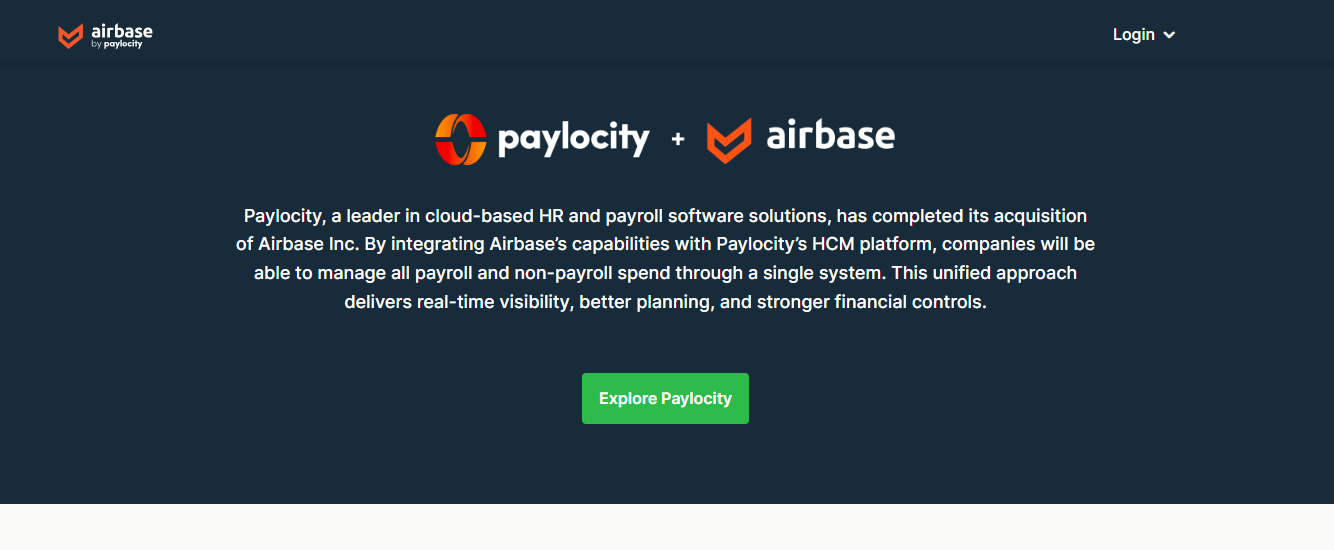

Airbase is a spend management platform focused on giving growing companies control over their spending — from corporate cards to invoices and bills — via a unified system.
Features
- Virtual & physical corporate cards for employees.
- Expense report submissions, invoice payments, and bill management.
- Customizable approval workflows and centralized spend visibility.
- Real-time spend analytics and financial control tools.
Reviews
Airbase is popular among growing businesses wanting one tool for all spending — cards, invoices, bills — with strong visibility and control. Many users appreciate that it reduces scattered workflows and brings everything under a single system.
However, pricing is often quote-based. For small teams or very simple needs, this might be more than required. Some users also mention that implementing custom workflows takes time.
Pricing Overview
Plans are typically custom/quote-based, depending on company size, number of cards, features required, etc.
Pros
- Unified spend management (cards + bills + invoices)
- Strong spend visibility and control
- Streamlined workflows and reduced administrative load
- Scales with company growth
Cons
- Cost may be high for small teams
- Custom pricing — can be hard to estimate upfront
- Setup and workflow customization may take time
Best For
Mid-sized to large businesses needing centralized spend and invoice management across teams or departments.
Airbase is a powerful unified spend tool — ideal if your company is growing and you need control over cards, bills, and invoices from one platform.
Comparison Table — Top 10 Expense Management Software (2026)
*Prices and plans may change — always check the vendor website for the latest info.
FAQs (Frequently Asked Questions)
Q: What is expense management software, and why do businesses need it?
A: Expense management software helps companies track, report, approve, and reimburse business‑related expenses. It automates workflows, reduces paperwork, improves accuracy, prevents fraud, and gives real‑time visibility into company spending.
Q: Is cloud‑based expense software safe?
A: Yes — top tools use encryption, secure servers, and compliance standards to protect financial data. Always confirm the provider’s security certifications (SOC 2, ISO, GDPR if relevant).
Q: Which software is best for small businesses or freelancers?
A: Tools like Zoho Expense, Expensify, or Fyle — with low cost, ease of use, and core expense‑tracking features — are usually best.
Q: What should large companies look for?
A: Large firms often need global currency support, multi‑entity management, corporate card integration, compliance & audit features, and deep ERP/accounting integration — platforms like SAP Concur, Airbase, or Airwallex are more suitable.
Q: Do these tools work for international/multi‑currency expenses?
A: Many do. Tools such as Rydoo, Zoho Expense, Airwallex, and SAP Concur support multi-currency, global payments, and international policy compliance.
Conclusion
Looking after business spending doesn’t have to be a headache of lost receipts, late reimbursements, or budgeting chaos anymore. With the right expense management software, you can turn messy expense workflows into smooth, transparent, and organized financial operations.
Whether you need simple expense tracking, corporate‑card spend control, travel and global compliance, or full spend management, there’s an ideal tool for you on this list. Start with the one that fits your team size, budget, and business needs, and you’ll soon enjoy better financial clarity, faster reimbursements, and smarter decisions.
Pick wisely — and watch your business spending go from messy to manageable.