



Managing human resources can feel like juggling dozens of moving parts. Hiring new staff, onboarding, payroll, performance reviews, employee engagement — it’s a lot. Many HR teams end up buried in repetitive tasks and paperwork. But what if there was a smarter, faster way?
Enter AI-powered HR software. These advanced tools give HR teams a helping hand — automating routine tasks, analyzing data, spotting trends early, and freeing up time to focus on people. In 2026, with AI becoming more powerful and widespread, using the right AI HR platform isn’t just a nice-to-have — it can make the difference between overwhelmed HR staff and a smooth, efficient workplace.
In this article, we cover the 10 best AI HR software you can use in 2026 — the ones that stand out for features, reliability, and real-world results. We’ll explain what makes each tool special, who it’s best for, and how to decide what fits your business. Even if you know nothing about HR software or AI — this guide is for you.
Why AI HR Software Matters in 2026
In 2026, companies are facing faster hiring cycles, larger remote teams, and increasing pressure to automate HR tasks. AI HR software has become essential for saving time, improving accuracy, and reducing workload. It helps HR teams focus on people—not paperwork—while boosting efficiency across the entire employee lifecycle.
- Growing AI adoption across companies: As of 2025, about 43% of organizations now use AI in HR tasks (up from 26% in 2024).
- Real gains in efficiency and time savings: Many HR teams report that AI saves time on routine tasks such as resume screening, candidate matching, onboarding, and admin work — freeing them up for strategic work like employee development.
- Better hiring and performance insights: AI tools can help screen resumes faster, help identify best-fit candidates, flag patterns of attrition risk or performance issues, and even detect morale or engagement problems early.
- Cost savings and scalability: For growing businesses — especially those scaling fast — AI HR software offers a way to handle more employees without proportionally increasing HR headcount or overhead.
So in 2026, AI HR software isn’t just a trend — it’s a strategic tool. Used right, it offers powerful support for hiring, onboarding, performance management, employee engagement, and compliance — all while letting human HR professionals stay focused on empathy, culture, and real people.
Factors to Consider Before You Choose an AI HR Platform
Here are key factors to evaluate before investing in any AI-powered HR software:
- Your company size and growth plans: Small startups likely benefit most from simple tools (like Gusto, BambooHR, ChatGPT), while growing or large companies may need scalable platforms (HiBob, Workday, Rippling).
- Your HR/business needs: Are you hiring often? Do you need payroll + compliance + HR records? Or just recruiting support? Match features to pain points.
- Integration with your existing stack: Payroll systems, communication tools, calendars, ATS — the tool should work smoothly with what you already use.
- Ease of use and learning curve: For teams without dedicated HR experts, choose simple, intuitive platforms. Complex systems may require training.
- Data privacy, security & compliance: Especially important if you handle sensitive employee data or operate in regulated environments.
- Balance between AI automation and human oversight: AI can boost efficiency — but HR decisions often need empathy, fairness, and human judgment.
- Budget and cost structure: Per-employee pricing, custom quotes, and growth scalability should fit your budget and workforce size.
- Flexibility and scalability: The software should be able to grow with your company, support new features, and handle increased workload without performance issues.
10 Best AI HR Software in 2026
Here are the best AI HR software you should use in 2026:
- HiBob
- BambooHR
- Rippling
- Workday
- Gusto
- Lattice
- Personio
- Workable
- Microsoft Copilot (for HR tasks)
- ChatGPT / Generative-AI Tools
Below, each platform is presented with a structured overview:
1. HiBob

Features:
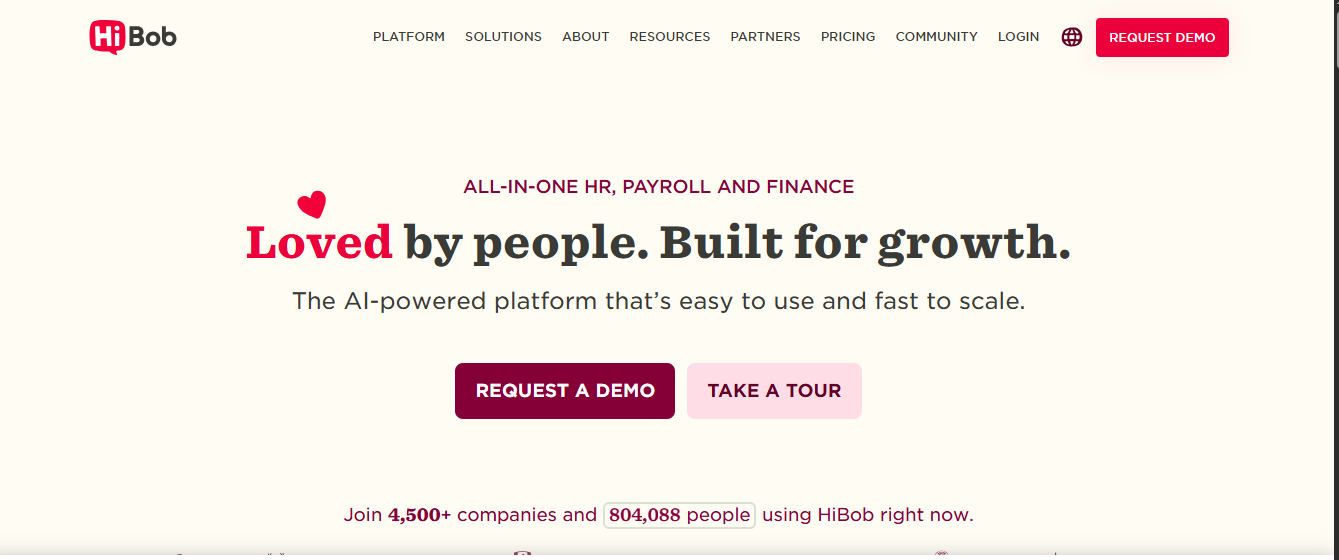
- AI-powered assistant (AskBob AI) that gives instant answers and suggestions on HR tasks.
- Auto-generation of job descriptions, polls, employee surveys, and internal communications.
- Workforce analytics: tracks trends in employee sentiment, engagement levels, turnover risk, and department performance.
- Onboarding automation, leave/time-off management, performance tools (360 reviews, goal tracking), and employee engagement tools.
Reviews:
- Provides meaningful, actionable insights — not just raw data, but context HR teams can act on.
- Combines multiple HR functions (payroll/HR core + engagement + analytics) in one platform — reduces need for multiple tools.
- Easy-to-use interface, quick onboarding for HR teams and employees.
Pricing Overview:
HiBob uses custom pricing depending on company size and modules, so you need to contact sales for a quote.
Pros:
- All-in-one solution — HR core, engagement, analytics, and onboarding.
- Great for companies scaling quickly.
- AI-generated content and insights save time.
Cons:
- Custom pricing — can be expensive for smaller companies if not optimized.
- As with many AI-driven tools, some advanced features may require training or setup time.
Best For:
Startups or mid-size companies that want an integrated HR + engagement + analytics platform without managing many separate tools.
HiBob stands out as a modern, AI-enabled HR solution ideal for companies in growth mode — balancing employee data, engagement, and automation in a unified experience.
2. BambooHR

Features:
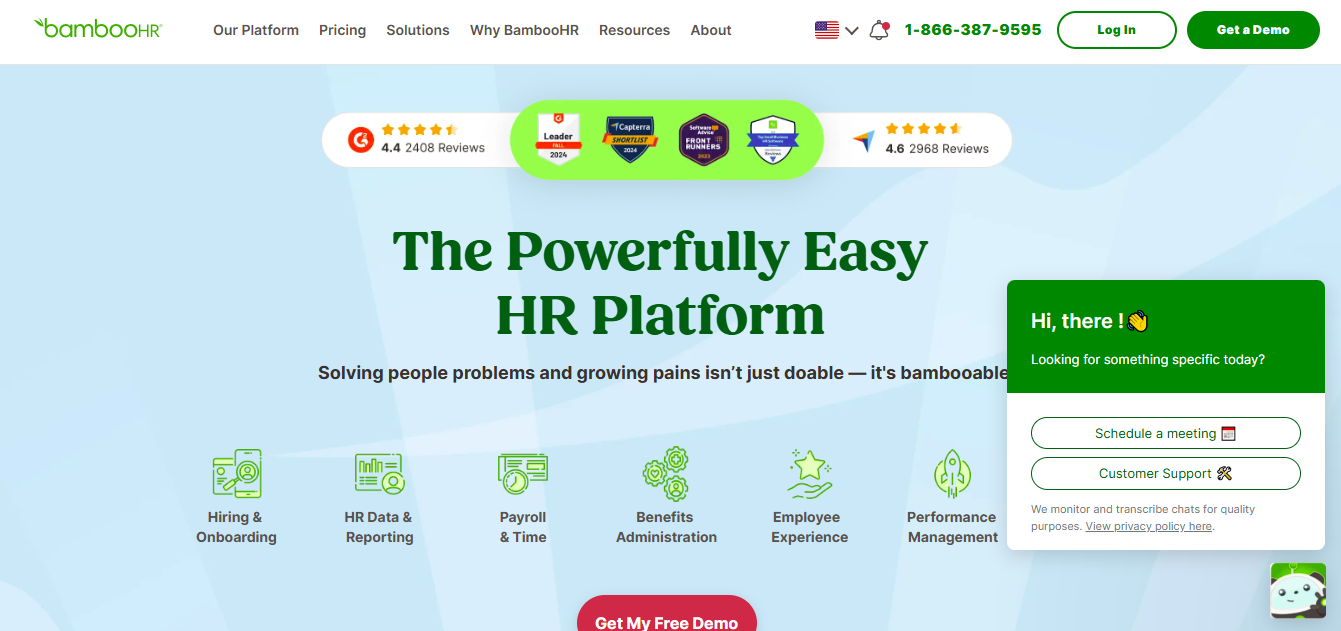
- Applicant Tracking System (ATS) with AI-powered candidate ranking and resume screening.
- Automated onboarding workflows — task assignments, reminders, digital paperwork.
- Time-off and leave management, employee profiles, documents, and HR record keeping.
- Reporting and analytics to help HR visualize team data.
Reviews:
- Clean, intuitive UI — easy for managers and employees alike.
- Covers essential HR needs without unnecessary complexity — perfect for small to mid-size teams.
- Helps automate routine tasks and reduces manual errors.
Pricing Overview:
Typically priced per-employee per month. As per sample data: Core plan starts at ~$10 per employee/month; higher tiers add more features.
Pros:
- Easy to start with, minimal onboarding friction.
- Good balance between essential HR functions and automation.
- Affordable and scalable for growing small/mid-sized businesses.
Cons:
- Less feature-rich compared to enterprise-grade platforms.
- Limited integrations might be a downside for complex or fast-growing organizations.
Best For:
SMBs and companies with straightforward HR needs are looking for a simple, reliable, cost-effective HR + recruiting + onboarding solution.
BambooHR offers a no-fuss, approachable way to manage HR — ideal for small and mid-size teams that want simplicity, reliability, and some AI help without overcomplication.
3. Rippling

Features:
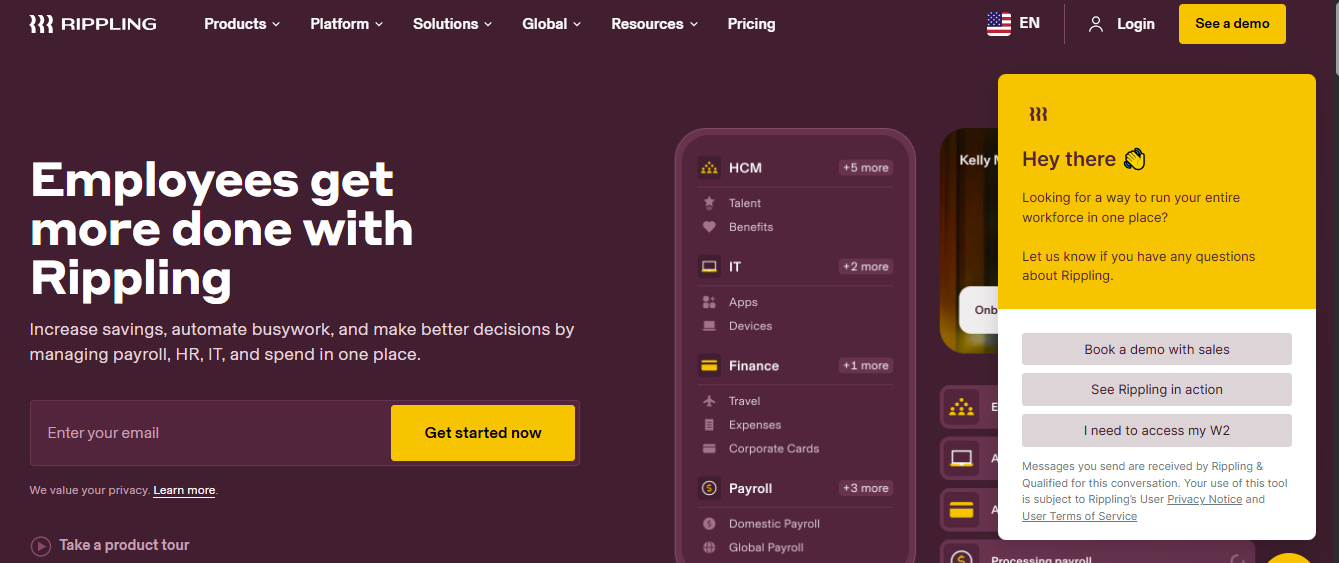
- Automated payroll, tax filings, direct deposit, and benefits administration.
- Device provisioning & IT onboarding — e.g., when a new hire joins, it can trigger IT to provide necessary tools.
- Workforce analytics, early performance signals for new employees, and skill-gap analysis.
- Automation engine (Workflow Studio) to build customized workflows for many HR/IT tasks.
Reviews:
- Combining HR + IT + payroll reduces the need for multiple separate tools.
- Great for organizations that want a unified system for staff lifecycle management.
- Data-driven performance and workforce insights help make objective decisions.
Pricing Overview:
Rippling doesn’t list fixed public pricing — you have to contact their sales team for a custom quote based on company size and features.
Pros:
- Highly integrated — HR, payroll, IT, benefits in one place.
- Powerful automation and flexibility.
- Especially suitable for companies doing frequent hiring and device provisioning.
Cons:
- It may be overpowered for small teams or companies with minimal IT needs.
- Custom pricing may be expensive, especially for smaller organizations.
- Learning curve for workflow automation.
Best For:
Mid-size to large companies, especially those needing both HR and IT onboarding together — e.g., tech companies, remote teams, global operations.
Rippling is a robust, all-in-one platform for businesses that want everything in one place — from hiring to payroll to IT setup — with automation and data-driven HR + workforce management.
4. Workday

Features:
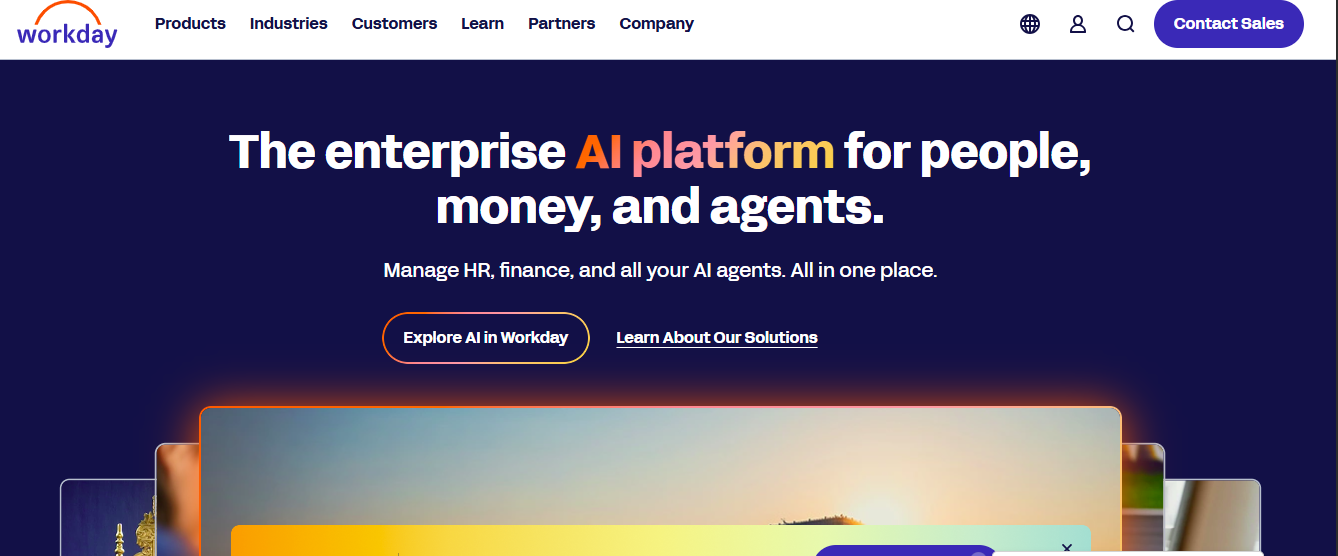
- AI-powered talent management — identifies skill gaps, recommends growth plans, suggests training and career paths.
- Automated HR & finance task support through AI assistant.
- Workforce analytics: tracks skill distribution, performance patterns, employee movement, attrition risk.
- Customizable workflows for HR + finance + talent planning.
Reviews:
- Excellent for large teams with diverse roles and complex HR needs.
- Helps align HR and business strategy using data-driven insights.
- Supports long-term workforce planning, skill development, and compliance.
Pricing Overview:
Workday uses custom enterprise pricing — you need to contact them for a quote based on modules and company size.
Pros:
- Very powerful and comprehensive — covers HR, talent, finance, and workforce planning.
- Highly customizable and scalable.
- Good for large or growing enterprises with complex HR operations.
Cons:
- Expensive and may be overkill for small to medium businesses.
- Implementation and setup can take time.
Best For:
Large enterprises or organizations with complex HR & workforce planning needs, multiple departments, and many employees.
Workday is a heavyweight in the HR software world — offering deep functionality and analytics for companies that need full HR & workforce management coverage.
5. Gusto

Features:
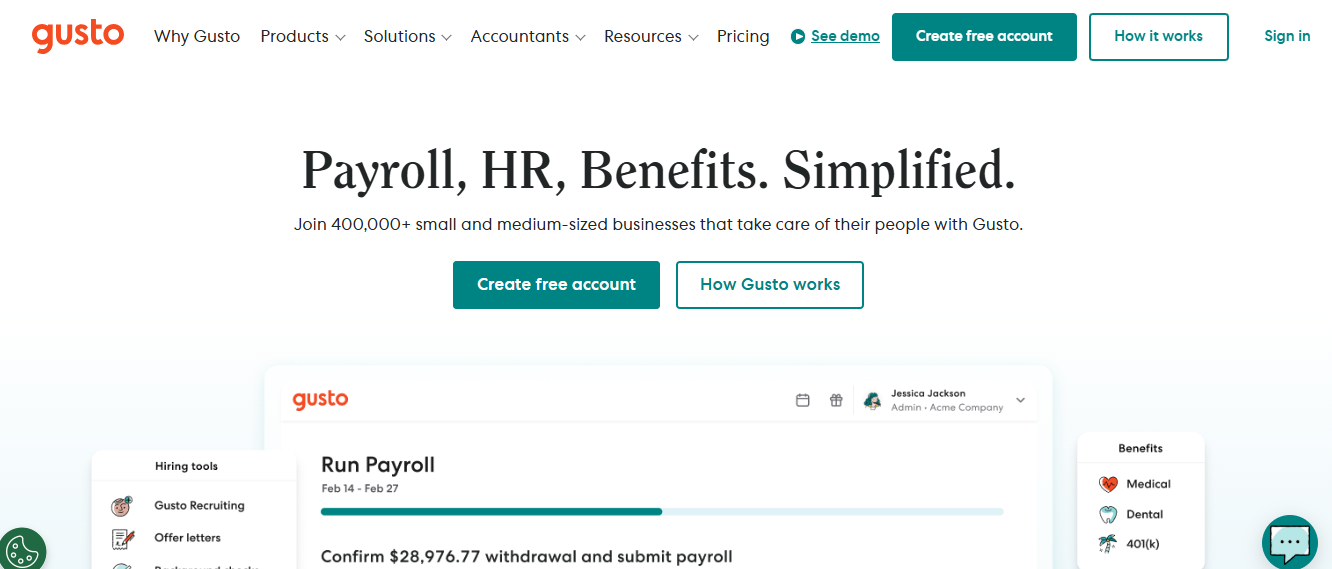
- Payroll automation: salary payment, tax filing, compliance.
- Onboarding workflows — offer letters, new hire setup, basic documentation.
- Time and attendance tracking, PTO, and benefits management for small teams.
- AI-assisted data imports, automation of routine HR tasks, and a simplified interface.
Reviews:
- Especially valuable for small businesses and startups.
- Helps manage payroll and compliance without needing dedicated staff.
- Simple UI — approachable even if you don’t have HR experts on the team.
Pricing Overview:
- Basic plan: ~$49/month + ~$6 per employee/month (for minimal features)
- Higher plans add more features; cost increases with the number of employees.
Pros:
- Affordable and simple — good for small businesses.
- Payroll + HR + compliance in one package.
- Low learning curve, quick implementation.
Cons:
- Less suitable for large or growing businesses needing advanced HR features.
- Reporting and advanced analytics may be limited compared to enterprise tools.
Best For:
Small businesses and startups need affordable payroll + HR support without complexity.
Gusto offers a friendly, budget-conscious entry point into AI-powered HR — ideal for small teams that need payroll and basic HR automation without heavy investment.
6. Lattice
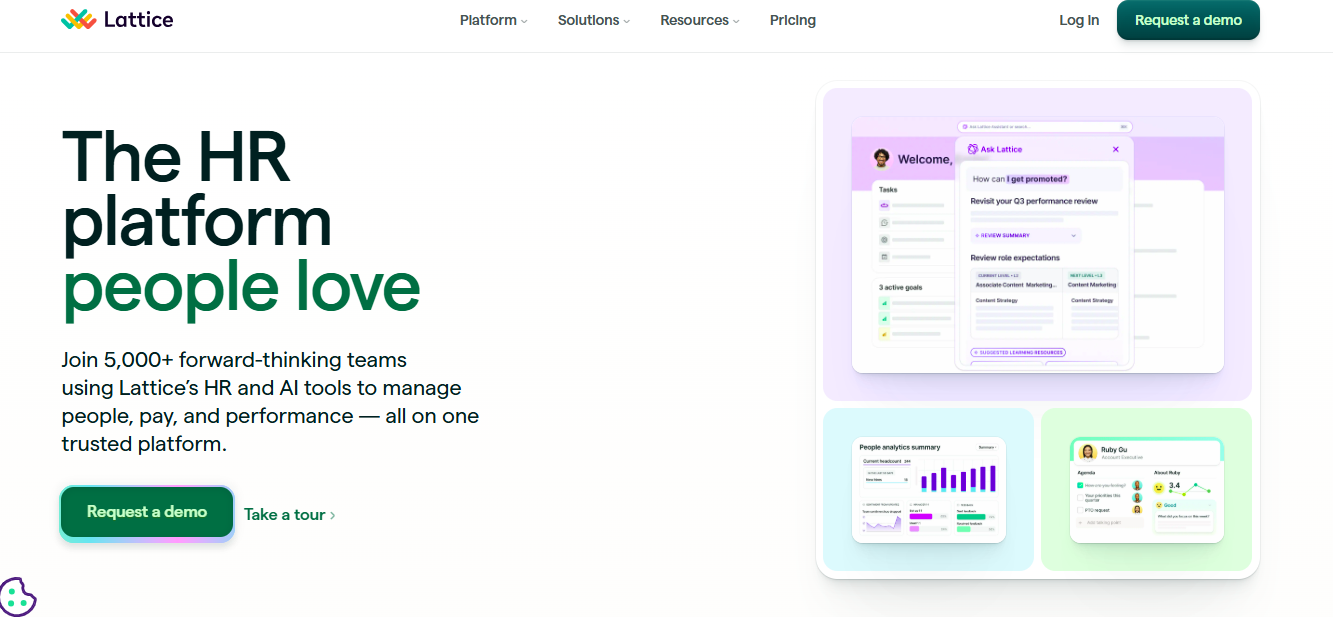

Lattice focuses on people — performance reviews, growth planning, engagement — and brings AI to support feedback, analytics, and employee development. It’s ideal for companies that care not just about HR operations but about nurturing talent and building culture.
Features:
- AI-assisted performance reviews and feedback writing.
- Goal tracking and alignment with company objectives.
- Employee engagement and pulse surveys, with analytics to detect morale or satisfaction trends.
- Personalized growth and development plans based on review feedback and career tracks.
Reviews:
- Helps HR teams move beyond admin tasks to build meaningful development processes.
- Supports regular feedback culture, goal-setting, and transparent performance tracking.
- Useful for companies emphasizing growth, feedback, and retention.
Pricing Overview:
Pricing usually depends on the number of seats/users. For example: base seat price around $11/month + additional fees for add-ons (engagement, career growth, compensation modules).
Pros:
- Strong focus on growth, performance, and engagement — not just admin.
- Easy to use, fast to implement.
- Helps companies build positive culture and retain talent through regular reviews and growth paths.
Cons:
- Lacks full HRIS or payroll — works best as part of a broader HR stack.
- Advanced modules can get pricey; features may vary depending on add-ons.
Best For:
Companies that prioritize performance management, employee growth, feedback culture, and retention.
Lattice is a great choice if you want to go beyond basic HR operations and invest in building a strong people-first culture. It’s especially useful for teams that value continuous feedback, growth, and engagement.
7. Personio

Features:
- Automated HR workflows: onboarding, leave/time-off management, record keeping.
- AI-assisted employee self-service: employees can access info, submit requests, and manage tasks.
- Workforce trend analytics and reporting to help HR monitor team health, turnover risk, and staffing needs.
- Integrations with many external tools and apps for flexible workflows.
Reviews:
- Offers a balanced HR automation solution — not overly complex, but rich enough for growing teams.
- Good for businesses scaling up from basic spreadsheet-based HR.
- Helps centralize data and automate routine tasks.
Pricing Overview:
Pricing is custom and depends on the number of employees, modules, and required features — you need to contact sales for a quote.
Pros:
- Scalable and versatile for SMEs.
- Automates routine tasks and reduces manual effort.
- Employee self-service reduces the load on HR staff.
Cons:
- Custom pricing may be a barrier for small startups.
- Some modules may require additional setup or integration efforts.
Best For:
Small to mid-sized companies that want a scalable, balanced HR platform capable of growing with them.
Personio is a solid all-around HR tool for SMEs looking to move beyond spreadsheets and build a structured, automated HR workflow for the long term.
8. Workable

Workable is built for recruiting and hiring — especially useful for companies facing high-volume hiring or regular candidate sourcing. Its AI features aim to streamline and simplify recruitment.
Features:
- AI-powered candidate sourcing and screening — helps identify best candidates quickly.
- Job description and posting automation — publish to multiple job boards with one click.
- Interview scheduling support and interview-question generation.
- Candidate pipeline visualization, applicant tracking, and collaboration across hiring teams.
Reviews:
- Great for companies hiring frequently or at scale.
- Saves time in posting jobs, screening resumes, and scheduling interviews.
- Helps standardize hiring processes and improve candidate quality.
Pricing Overview:
Pricing tiers typically: Starter (~$249/month), Standard (~$349), Premier (~$679) — depending on features and number of job posts.
Pros:
- Strong focus on recruitment; ideal for fast-growing companies.
- AI helps reduce the burden of sourcing and shortlisting candidates.
- Simplifies job posting and collaboration across hiring teams.
Cons:
- Not a full HRIS — focused heavily on hiring, not on payroll or HR operations.
- Smaller companies hiring rarely may not get the full value.
- Costs may add up depending on hiring volume.
Best For:
Companies with frequent hiring needs, staffing agencies, growing startups scaling quickly, or teams wanting stronger recruitment automation.
Workable is a powerful recruitment-focused tool that saves time and resources when hiring often — best when used alongside a broader HR stack.
9. Microsoft Copilot (for HR tasks)

Many organizations already use Microsoft 365 tools. With Microsoft Copilot, HR teams can integrate AI-assisted tasks — from job description creation to resume analysis, documentation, and onboarding workflows — within familiar tools like Word, Outlook, and Loop.
Features:
- Resume screening and analysis inside Word.
- Job description and offer letter drafting.
- Interview scheduling attachments, onboarding documents, and email workflows.
- HR report generation and data summarization — useful for internal reports and planning.
Reviews:
- Low learning curve — uses tools many teams already know.
- Great for companies that want to dip toes into AI without adopting a full HR system.
- Helps save time on writing, documentation, and workflows while staying inside the existing Microsoft ecosystem.
Pricing Overview:
Typically costs around ~$31.50 per user/month (as part of the relevant Microsoft 365 + Copilot package).
Pros:
- Easy integration with existing Microsoft tools.
- Useful for document-heavy HR tasks without major setup.
- Good for small-to-mid teams wanting simple AI support without full HR software overhaul.
Cons:
- Not a full HR platform — lacks payroll, ATS, employee database, etc.
- AI outputs need review — may require editing/oversight.
- Limited HR-specific features compared to dedicated HR software.
Best For:
Small to mid-size organizations already using Microsoft 365 that want AI-powered document & workflow support without switching systems.
Microsoft Copilot offers a no-frills, accessible way to adopt AI in HR — perfect for teams wanting lightweight automation and document assistance without committing to a full HR platform.
10. ChatGPT (Generative-AI Tools)
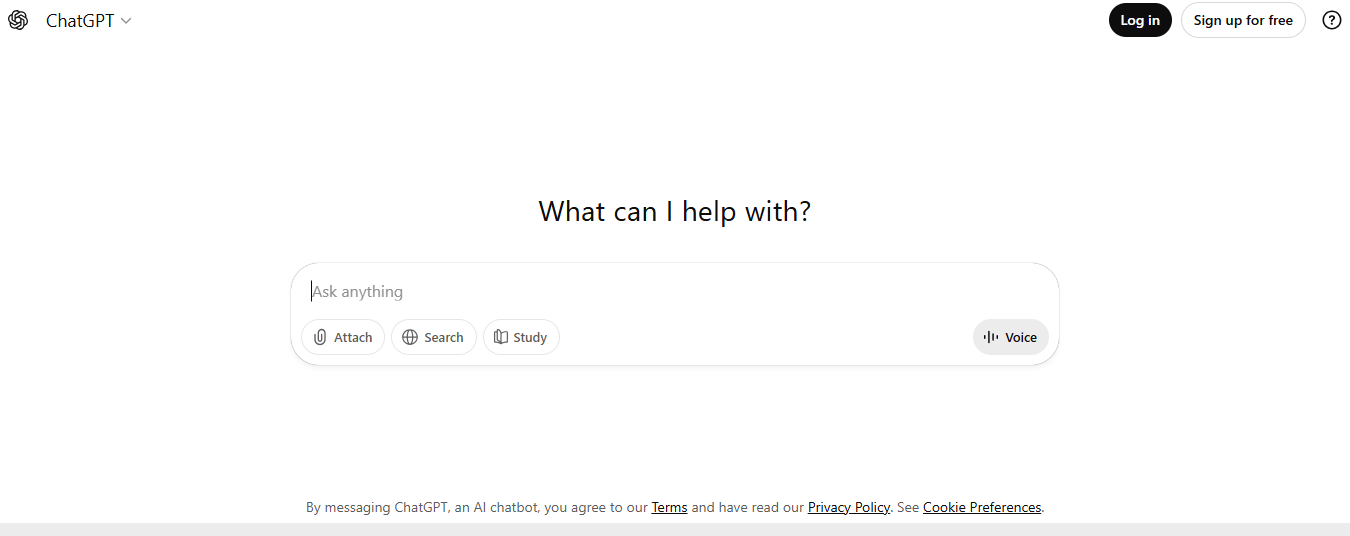

General-purpose AI language tools like ChatGPT are being used by HR teams worldwide to generate job descriptions, draft policies, automate internal communications, support employee queries, and speed up document creation.
Features:
- Drafting job descriptions, internal policies, employee handbooks, offer letters, and onboarding emails.
- Automating responses to common HR questions or FAQs.
- Assisting with performance review summaries, feedback drafts, and internal communications.
- Flexible usage — usable across many tasks instead of one narrow HR function.
Reviews:
- Highly flexible — can be adapted to many different HR tasks.
- Good starting point for companies new to AI — minimal cost or setup.
- Useful for quick writing tasks, drafts, and content creation when internal resources are limited.
Pricing Overview:
Free basic plan; paid versions start around $20/month (for more features or usage limits). Some enterprise/team pricing tiers are also available.
Pros:
- Very low barrier to entry — cheap or free, easy to start.
- Flexible and can be used for many HR-related writing or communication tasks.
- Helpful for small teams without dedicated HR staff.
Cons:
- Not purpose-built for HR — outputs may be generic or require human review.
- Lacks built-in HR workflows, databases, integration, or compliance features.
- Over-reliance may lead to impersonal or inaccurate communications if not carefully managed.
Best For:
Small teams, startups, or businesses wanting basic writing/communication help — or those experimenting with AI before committing to a full HR platform.
ChatGPT and other generative-AI tools provide a lightweight, flexible starting point for HR automation — ideal for simple tasks or small teams. But for full HR operations, they work best as a supplement, not a primary solution.
Comparison Table: Top 10 AI HR Software for Businesses in 2026
| Software | Best For / Strength | Core AI Features / Use Cases |
| HiBob | Growing teams needing all-in-one HR + engagement + analytics | AI-driven insights, job description generation, workforce analytics, employee sentiment & engagement tracking |
| BambooHR | Small to mid-size businesses wanting clean UI + ATS + core HR functions | Applicant tracking, onboarding automation, leave/time-off management, basic analytics |
| Rippling | Companies needing integrated HR + payroll + IT + workforce automation | Payroll automation, device & IT provisioning, performance & workforce analytics |
| Workday | Mid-to-large enterprises needing full HCM + talent management + compliance | Skill-gap analysis, growth plans, AI-assisted HR/finance tasks, talent management |
| Gusto | Small businesses needing payroll + HR + compliance in one platform | Payroll automation, compliance tools, onboarding workflows, basic HR functions |
| Lattice | Teams focusing on performance reviews, feedback, employee growth & engagement | AI-assisted reviews, goal tracking, engagement surveys & analytics, growth plans |
| Personio | SMEs or growing companies seeking HR automation + integrations | HR automation, workflow recommendations, employee self-service, workforce trend analytics |
| Workable | Companies prioritizing recruiting & hiring at scale | AI-powered candidate sourcing, resume screening, job-posting automation, and interview question generation |
| Microsoft Copilot (for HR tasks) | Organizations using Microsoft 365 want AI-assisted HR documentation & workflow support | Resume analysis, job description writing, report generation, workflow drafting |
| ChatGPT / Generative-AI Tools | Any size business needing flexible writing, document creation, and FAQ automation | Policy drafting, email & communication templates, employee support chatbots, performance review drafting |
What to Look for in an AI HR Software
Before deciding on any top AI HR tools, here are the most important features you should check when evaluating any AI HR platform:
1. Automation of Routine Tasks
Automation means the software can take over repetitive, boring tasks—like sending onboarding emails, creating employee documents, scheduling interviews, or processing payroll.
This matters because HR teams often waste hours on simple administrative work. When AI handles these tasks, HR managers get more time to focus on people, strategy, and solving real problems instead of clicking through spreadsheets all day.
2. AI-Powered Recruitment and Candidate Screening
Modern AI HR tools can read resumes, compare skills to job descriptions, and highlight top candidates automatically. They can also write job descriptions, create interview questions, and analyze applicant data.
This matters because it prevents hiring managers from getting overwhelmed by hundreds of applications and helps companies avoid bias, speed up hiring, and choose better candidates with less effort.
3. Analytics and Insights
This refers to how well the software can read large amounts of employee data and turn it into useful information.
Examples include:
- spotting which teams are struggling
- predicting who might leave the company
- analyzing engagement or satisfaction levels
- measuring performance trends
This matters because it helps HR leaders make smarter decisions with real data instead of guessing — and it helps companies fix small issues before they become bigger problems.
4. Employee Self-Service & User-Friendly UI
A good HR tool should be easy for both managers and employees to use. Employees should be able to request time off, check payslips, update their info, or complete onboarding tasks without asking HR for help. HR staff should also be able to find information quickly through simple menus and clear dashboards.
This matters because if the tool is confusing, no one will use it — and HR will spend more time helping people instead of managing their work.
5. Integration Capabilities
Integration means the software can connect with other tools a company uses — like payroll systems, communication apps, calendars, applicant tracking systems, or project management tools.
This matters because if systems don’t “talk to each other,” HR teams must manually move data around — which wastes time and creates errors.
A great HR platform works smoothly with tools you already use.
6. Security and Compliance
HR platforms store sensitive information like employee addresses, salaries, medical documents, and performance reports.
Security features such as encryption, access control, and audit logs make sure no unauthorized person can see or misuse this information.
Compliance ensures the software follows laws such as GDPR, HIPAA, SOC 2, and other privacy regulations.
This matters because protecting employee data builds trust — and avoiding legal issues saves the company from serious penalties.
7. Scalability and Flexibility
Scalability means the software can grow as your company grows — from 10 employees to 1,000+ — without slowing down or becoming expensive.
Flexibility means it can adapt to changing needs, new roles, or custom workflows.
This matters because the wrong software will force you to upgrade every year. The right one works smoothly for small, medium, and large businesses.
8. Balance Between AI and Human Control
AI should assist HR teams — not replace them. Good platforms can suggest candidates, summarize cases, generate reports, or analyze data — but final decisions like hiring, promotions, or investigations should always be made by humans.
This matters because relying only on AI can lead to bias, errors, or decisions that don’t consider human context. The best HR tools use AI to support HR teams, not control them.
FAQs — Common Questions About AI HR Software
Q: What exactly is “AI HR software”?
A: It’s a software platform that uses artificial intelligence (AI) — including machine learning, natural language processing, predictive analytics — to automate HR tasks, analyze employee data, support recruitment, improve employee engagement, and help with decision-making.
Q: Are AI HR tools safe? Will they jeopardize employee data privacy?
A: Reputable platforms use data encryption, role-based access, and compliance safeguards — but it’s important to review their privacy policies and how they store/handle data before trusting them with sensitive HR information.
Q: Can small businesses benefit from AI HR software, or is it only for big companies?
A: Yes, even small businesses benefit — tools like Gusto, BambooHR, or using generative AI assistants like ChatGPT can automate payroll, hiring, and onboarding, and reduce admin work, making them cost-effective and time-saving.
Q: Will AI replace HR professionals?
A: No — AI is a tool, not a replacement. It helps handle repetitive, time-consuming tasks, analyze data, and provide insights. Human qualities like empathy, fairness, leadership, and personal judgment remain essential for HR decisions.
Q: How much does AI HR software cost?
A: Costs vary widely — some (like ChatGPT) are free or low-cost; others (like Workday or Rippling) use custom enterprise pricing. Many tools are priced per employee per month. Choose based on your company size, needs, and budget.
Q: What if I just need hiring help vs. full HR management?
A: If hiring is your main concern, tools like Workable, Hire-centric BambooHR, or AI-powered candidate sourcing tools will do the trick. For full HR management (payroll, onboarding, performance, compliance), go with full-suite platforms like HiBob, Rippling, or Workday.
Conclusion
2026 is a great time for HR teams to embrace smart, AI-powered tools. Whether you’re a small startup juggling payroll and onboarding — or a fast-growing company scaling internationally — the right AI HR software can save hours of manual work, help you make data-driven decisions, reduce errors, and let you focus on what really matters: people.
From all-in-one platforms like HiBob and Rippling, to recruitment-focused tools like Workable, to cost-effective solutions like Gusto or flexible helpers like ChatGPT, there’s something for every business type and size.
Take stock of your needs: what are your biggest pain points? Are you hiring often, struggling with payroll and compliance, trying to engage employees, or building a people-first culture? Match those needs to the right tool, and you’ll be well on your way to a smarter, smoother HR process — one that grows with your business and keeps your team happy.
AI in HR isn’t about replacing humans. It’s about supporting them. In 2026, the best AI HR software helps you work smarter, not harder — so your HR team can stop managing spreadsheets, and start building stronger, happier teams.