





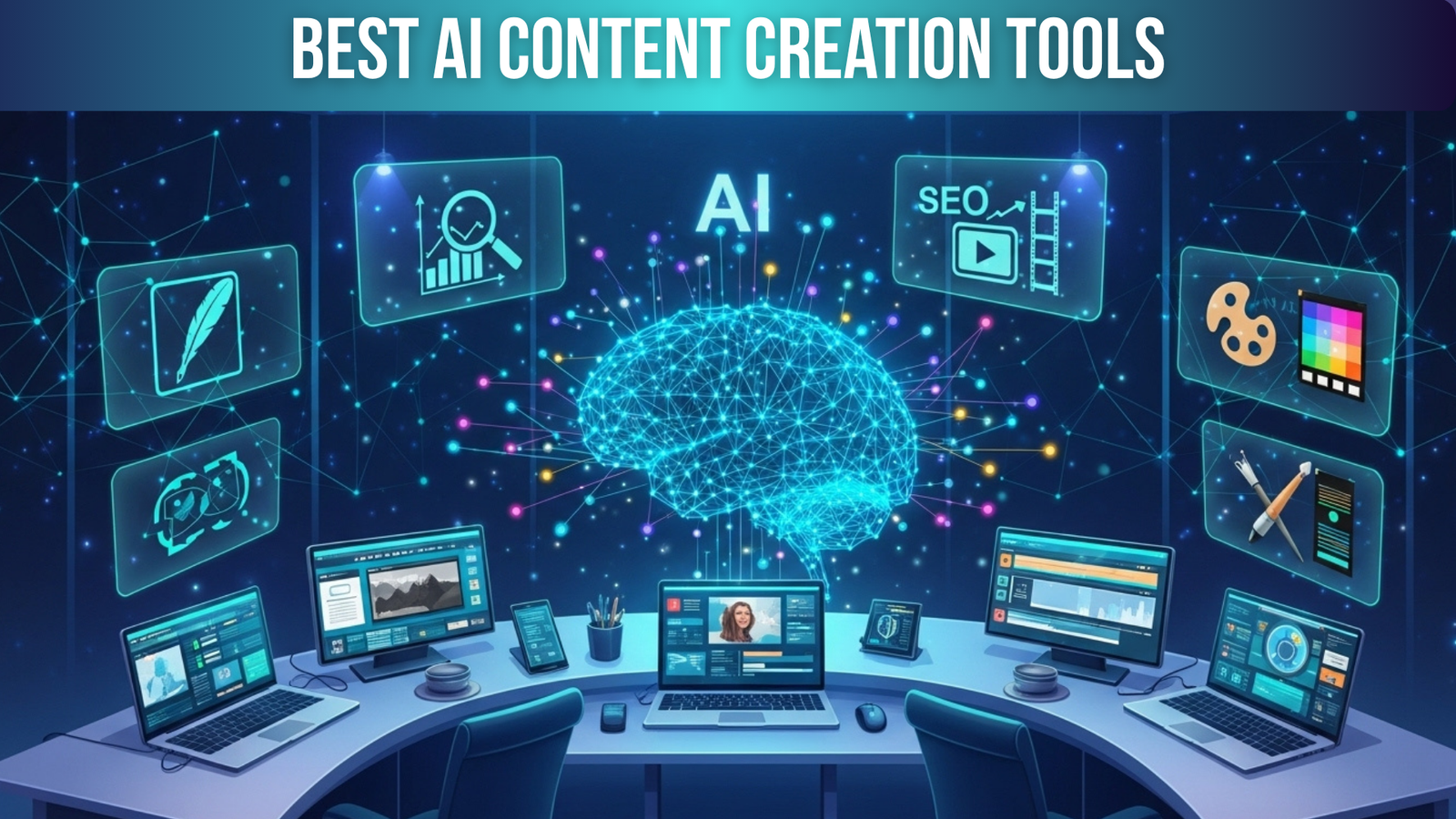
In 2026, AI content creation tools are no longer optional—they’re essential for anyone serious about digital marketing, content creation, and SEO success. From writing blogs, social media posts, and ads to producing videos, graphics, and SEO-optimized content, AI tools save time, reduce costs, and scale production like never before.
Businesses and creators who embrace AI gain a competitive edge, but choosing the right platform is critical. This article breaks down the 10 best AI content creation tools for 2026, comparing their features, pricing, pros, cons, and ideal use cases—so you can make the most informed decision.
Whether you’re a beginner looking for easy-to-use AI tools or a professional content marketer aiming to optimize workflows, this guide will provide everything you need to get started.
Factors to Consider Before Choosing an AI Content Tool
- Purpose & Use Case
Determine what you need the AI tool for: writing, video, graphics, or SEO. Each tool is specialized, so picking the right one saves time and money.
- Ease of Use
Some AI platforms have steeper learning curves. Beginners may prefer tools with simple interfaces like Canva or ChatGPT.
- Pricing & Budget
Free plans are great to start, but advanced features often require a subscription. Compare pricing against your content goals.
- Output Quality & Accuracy
AI-generated content may need human editing. Check reviews and sample outputs before committing.
- Collaboration & Team Support
For teams, choose tools that support multi-user access and project sharing like Descript or Canva.
- SEO & Optimization Features
Tools like SurferSEO and Jasper AI help you optimize content for search engines and improve organic reach.
- Multilingual & Accessibility
For global audiences, AI tools supporting multiple languages like Synthesia, are beneficial.
- Scalability
Consider how much content you plan to produce. Tools like Pictory AI and Canva scale easily for multiple channels.
10 Best AI Content Creation Tools for 2026
Discover the 10 best AI content creation tools for 2026 that can supercharge your writing, design, and video production. These platforms are designed to save time, boost efficiency, and help creators produce high-quality content effortlessly.
- ChatGPT (by OpenAI)
- Jasper AI
- Copy.ai
- Writesonic
- Notion AI
- Descript
- Canva Magic Studio
- Pictory AI
- SurferSEO
- Synthesia
Each of these tools offers unique features tailored to different content needs, from text and SEO to visuals and video. Choosing the right combination can transform your workflow and take your content strategy to the next level.
1. ChatGPT (by OpenAI) – The All-Round AI Assistant
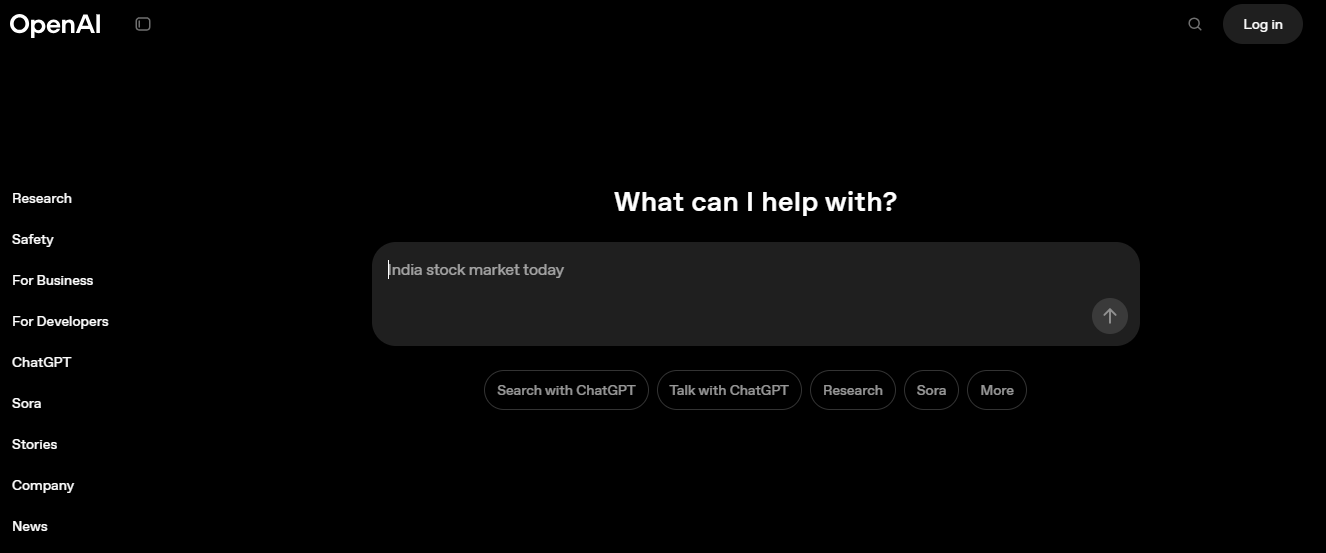

ChatGPT, developed by OpenAI, is one of the most versatile AI tools available in 2026. It’s designed to handle everything from writing blog posts and social media content to coding, creating outlines, and answering questions. What sets it apart is its multi-modal abilities — it can generate text, images (via DALL-E integration), and even interact with web-based plugins for real-time content updates.
Whether you’re a freelancer, business owner, or content marketer, ChatGPT is ideal for anyone looking to streamline content creation while saving time. Its memory feature allows it to remember project-specific information, making it perfect for ongoing tasks or long-term campaigns.
Key Features
- Multi-purpose content creation: Write blogs, social media posts, emails, product descriptions, and even code.
- Memory feature: Retains details from previous interactions to maintain continuity in projects.
- Custom GPTs: Tailor ChatGPT for specific tasks or industries.
- Plugin ecosystem: Extend functionality to access real-time web data, SEO tools, or other integrations.
- Voice conversation & DALL-E integration: Generate images and converse naturally via voice prompts.
- Multi-lingual capabilities: Create content in multiple languages easily.
Reviews
ChatGPT is praised for its flexibility and accuracy. Users report that, when prompted correctly, it can produce human-like content that requires minimal editing. Its ability to integrate with external tools and generate real-time information makes it superior to most other AI writing platforms.
However, beginners may find that crafting the right prompts is essential to getting high-quality results. Without proper guidance, the output might be generic or slightly off-topic.
Pricing Overview
- Free Plan: Limited usage, basic features.
- ChatGPT Plus: $20/month — includes GPT-4 access, memory features, and faster response times.
- Enterprise plans: Custom pricing, ideal for large teams or advanced integrations.
Pros
- Extremely versatile; covers almost all content needs.
- Memory and project continuity features for long-term workflows.
- Real-time browsing via plugins ensures accurate, updated content.
- Supports multi-lingual content creation.
Cons
- The free version is limited in features and usage.
- Quality depends on prompt quality; beginners may need practice.
- Advanced features require a paid subscription.
Best For
- Content marketers and agencies managing multiple campaigns.
- Freelancers need a single AI tool for diverse tasks.
- Businesses seek consistent and fast content generation across blogs, social media, and email marketing.
ChatGPT is a jack-of-all-trades in the AI content creation space. For 2026, it remains one of the most reliable and versatile AI tools, capable of handling almost any content-related task. Its multi-modal functionality, combined with memory and plugin support, makes it a must-have tool for beginners and professionals alike.
2. Jasper AI – The Marketing-Grade AI Content Generator
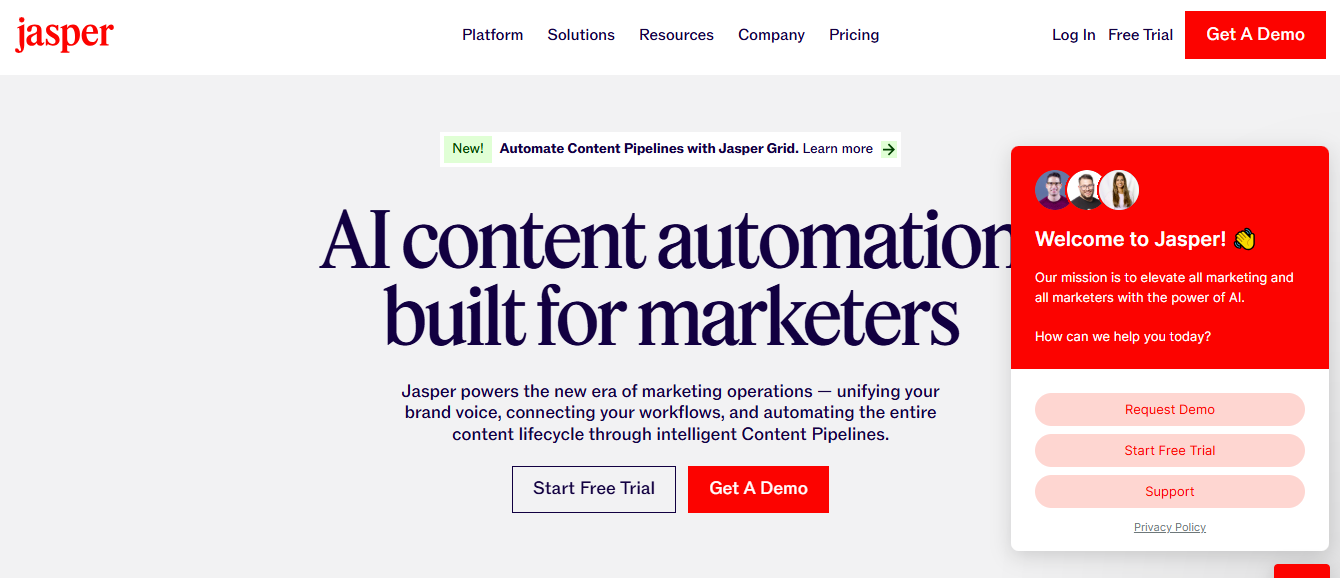

Jasper AI is designed specifically for businesses, marketers, and content creators who need high-quality, conversion-focused content. It’s ideal for generating ads, landing pages, emails, blog posts, and SEO-optimized articles. Unlike general-purpose AI, Jasper AI emphasizes brand consistency and professional-grade writing, making it an indispensable tool for agencies and marketing teams.
Jasper AI also integrates with other platforms like Surfer SEO, allowing you to generate content that is not only engaging but optimized for search engine ranking. Its Boss Mode feature allows you to instruct Jasper in detail, making content creation faster and more aligned with your brand voice.
Key Features
- 50+ content templates: Includes blog outlines, ad copies, social media posts, email campaigns, and product descriptions.
- Boss Mode: Enhanced control over tone, style, and content structure.
- Long-form content assistant: Generate blog posts and articles in a fraction of the time.
- SEO integrations: Works seamlessly with tools like Surfer SEO for content optimization.
- Multi-language support: Create content in over 25 languages.
- Team collaboration: Share projects and templates with team members for streamlined workflows.
Reviews
Jasper AI is highly regarded for its ability to produce marketing-ready content quickly. Users report that the content is human-like, persuasive, and well-structured, reducing the need for extensive editing.
However, it can feel expensive for individual freelancers, and the learning curve is noticeable if you want to fully leverage Boss Mode and SEO integrations.
Pricing Overview
- Starter Plan: $39/month — ideal for short-form content and social media posts.
- Boss Mode: $59/month — best for long-form content, blogs, and marketing campaigns.
- Custom Enterprise Plans: Pricing based on team size and advanced requirements.
Pros
- Produces professional marketing content in minutes.
- Multiple templates cover virtually all content needs.
- SEO integration for higher-ranking articles.
- Brand voice training ensures consistent messaging.
Cons
- More expensive than some competitors, especially for solo creators.
- Requires some learning to use Boss Mode effectively.
- Long-form content may need minor editing for nuance.
Best For
- Marketing agencies create campaigns across multiple channels.
- Businesses looking for consistent, high-quality content that converts.
- Freelancers or teams who manage SEO-optimized long-form content regularly.
Jasper AI is perfect for anyone who wants marketing-grade content quickly and efficiently. Its combination of templates, SEO tools, and brand voice customization makes it a top choice for businesses and professional content creators in 2026.
3. Copy.ai – AI-Powered Copywriting for Every Platform
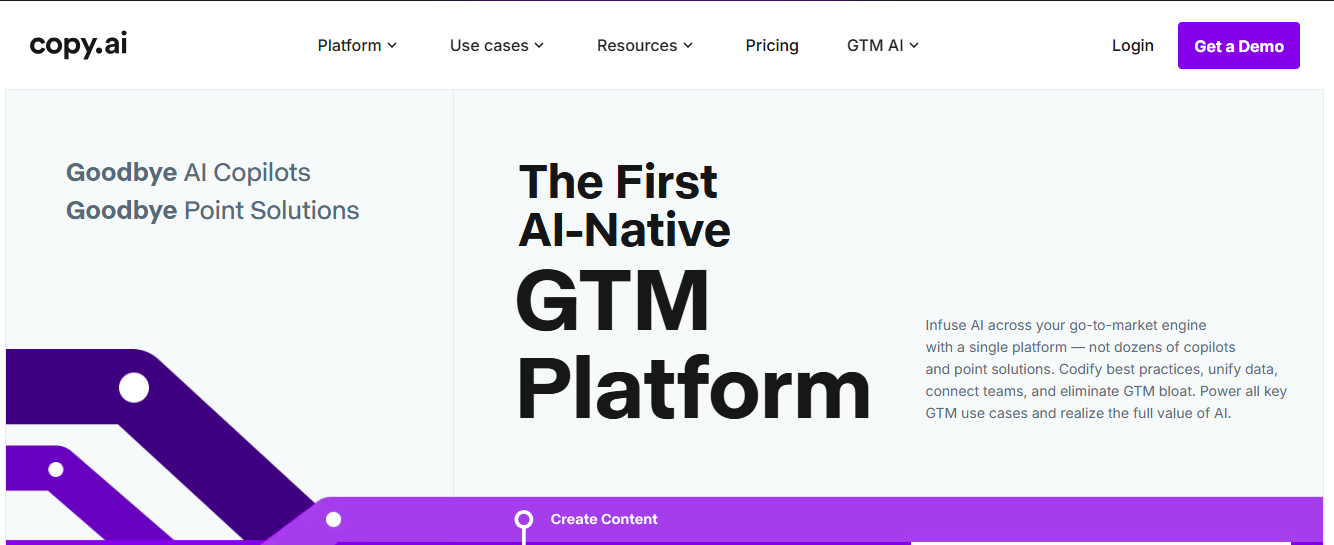

Copy.ai is a versatile AI writing tool designed for marketers, entrepreneurs, and small businesses who need creative, high-converting copy quickly. Its focus is on social media posts, email marketing, product descriptions, ad copy, and landing pages. Copy.ai uses advanced natural language processing (NLP) to generate human-like, persuasive text while maintaining brand tone consistency.
Copy.ai supports over 25 languages, making it ideal for international campaigns. Its user-friendly dashboard allows content creators to generate ideas and complete drafts in minutes.
Key Features
- Multiple content templates: Social media, emails, blogs, ads, product descriptions.
- AI brainstorming tool: Generates creative content ideas in seconds.
- Tone customization: Adjust tone to fit professional, casual, or playful styles.
- Collaboration tools: Share content and templates with teams.
- Integrations: Works with Grammarly, WordPress, Shopify, and other platforms.
- Unlimited copy generation: Premium users can create unlimited content.
Reviews
Users praise Copy.ai for its ease of use and speed. It’s particularly useful for social media marketers and small business owners who need quick, creative output. Some users note that for long-form articles, the AI may need additional human editing for coherence and depth.
Pricing Overview
- Free Plan: 10 credits/month for limited content generation.
- Pro Plan: $49/month — unlimited content and premium templates.
- Custom Business Plans: Tailored pricing for teams and enterprises.
Pros
- Very beginner-friendly and fast to use.
- Ideal for social media content and ad copy.
- Unlimited content generation on Pro plan.
- Integration with multiple platforms for workflow efficiency.
Cons
- Not optimized for long-form SEO blogs.
- The free plan is limited and may not meet heavy usage needs.
- Some generated content may require fine-tuning for brand voice.
Best For
- Social media managers and marketers.
- Small businesses need high-quality copies quickly.
- Content teams looking to generate campaign ideas fast.
Copy.ai is an excellent tool for marketers who need quick, creative, and persuasive copy. Its user-friendly interface and wide range of templates make it a go-to AI platform for content ideation and short-form marketing content.
4. Writesonic – AI Writing Assistant for All Content Needs
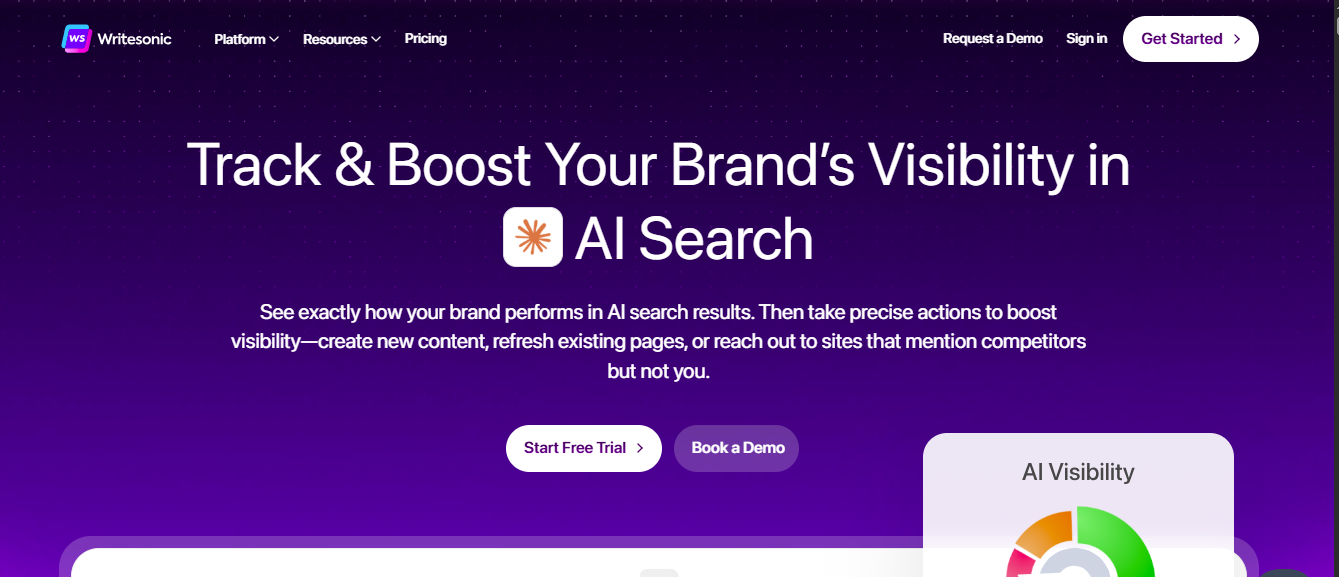

Writesonic is an AI-powered platform designed to generate high-quality content quickly, including blog posts, marketing copy, landing pages, social media content, and product descriptions. Its AI engine combines NLP and GPT-4 technology to produce human-like content that can be customized for tone, style, and length.
Writesonic also includes tools for SEO optimization and AI article summarization, making it perfect for both content ideation and long-form writing.
Key Features
- Long-form content generator: Blogs, eBooks, articles.
- Marketing content templates: Ads, emails, landing pages.
- AI Article Expander & Summarizer: Create in-depth content efficiently.
- SEO-friendly content creation: Keyword suggestions and optimization.
- Multi-language support: Generate content in 25+ languages.
- ChatSonic feature: Conversational AI assistant for research and content generation.
Reviews
Writesonic is appreciated for its flexibility and SEO support. Users report high satisfaction with content quality and speed, especially for long-form articles and marketing copy. Some beginners may require time to master prompt crafting for optimal results.
Pricing Overview
- Free Plan: Limited words per month.
- Basic Plan: $15/month — ideal for short-form content.
- Professional Plan: $45/month — long-form content and premium features.
- Business/Custom Plan: Tailored for enterprises with higher usage.
Pros
- Supports both short-form and long-form content creation.
- SEO tools and keyword optimization built-in.
- Multiple language support.
- Affordable pricing tiers for beginners and pros.
Cons
- AI-generated content may need proofreading for clarity.
- Learning curve for new users to generate high-quality long-form content.
- Limited free plan.
Best For
- Bloggers, digital marketers, and agencies.
- Businesses needing long-form and short-form content.
- Teams looking for SEO-friendly AI content generation.
Writesonic offers a perfect balance of speed, flexibility, and SEO integration, making it ideal for marketers and content creators who want high-quality AI content for various platforms.
5. Notion AI – AI for Organized Knowledge & Writing
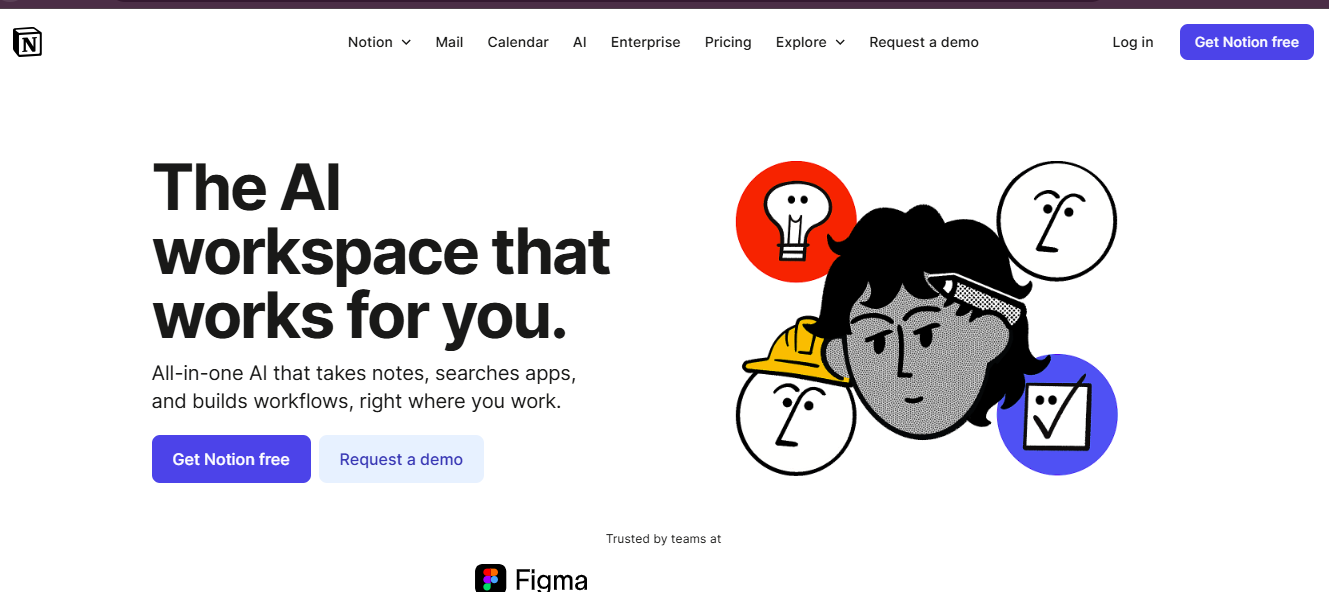

Notion AI combines the power of AI writing with project management, making it ideal for teams, creators, and knowledge workers. Beyond content creation, it helps in note-taking, planning, task management, and knowledge organization.
Notion AI can summarize notes, generate project outlines, draft blog posts, and create marketing content, all within your workspace, keeping workflow and productivity centralized.
Key Features
- Content generation inside Notion workspace: Blog drafts, emails, reports.
- Summarization: Converts long notes into concise summaries.
- Task automation: Generates to-do lists and project outlines.
- Idea generation: Brainstorming content and strategy within the workspace.
- Multi-language support: Create content in various languages.
- Collaboration: Share AI-generated content with teammates seamlessly.
Reviews
Users love Notion AI for its integration into the workflow, helping with both productivity and content creation. Its AI is particularly effective for summarizing research and generating structured content.
Pricing Overview
- Personal Plan: Free, with limited AI usage.
- Personal Pro: $8/month — unlimited AI usage.
- Team Plan: $15/month/user — collaboration and team features.
- Enterprise Plan: Custom pricing.
Pros
- Centralized workspace combining AI writing and productivity.
- Excellent for summarization and structured content.
- Affordable for individuals and teams.
- Improves efficiency in both writing and project management.
Cons
- AI capabilities are not as advanced for creative long-form content.
- Requires an active Notion workspace to use effectively.
Best For
- Teams need productivity and content in one platform.
- Creators and professionals managing large knowledge bases.
- Writers need idea generation and note summarization.
Notion AI is perfect for those who want content creation integrated with productivity. It streamlines writing, brainstorming, and workflow management efficiently.
6. Descript – AI Audio & Video Editing Made Simple
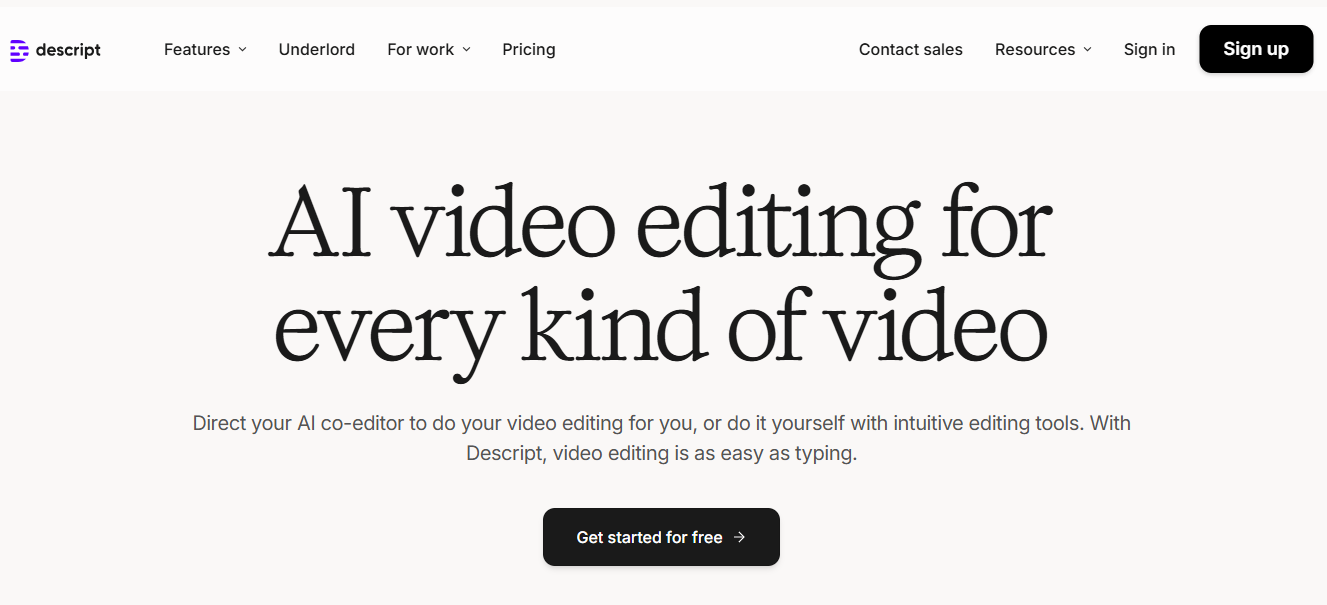

Descript is a powerful AI-powered audio and video editing tool designed for podcasters, content creators, and marketers. It simplifies editing, transcription, and voiceover creation by using AI to automate tasks that normally take hours. With Descript, you can edit videos by editing text, remove filler words, and generate AI voices, making content production faster and more efficient.
Key Features
- Transcription and captioning: Converts audio/video to text quickly.
- Overdub AI voice: Create realistic voiceovers without recording.
- Screen recording and editing: Capture content and edit simultaneously.
- Multi-track video/audio editing: Perfect for podcasts or video projects.
- Filler word removal & auto-correct: Speeds up editing workflow.
- Collaboration tools: Teams can edit projects in real-time.
Reviews
Descript is highly praised for saving time on audio/video editing. Creators report it’s especially useful for podcasts and social media content. Beginners can get started quickly, though advanced video editing may require some practice.
Pricing Overview
- Free Plan: Limited transcription and editing features.
- Creator Plan: $12/month — basic video/audio editing and transcription.
- Pro Plan: $24/month — full features, including Overdub AI.
- Enterprise Plan: Custom pricing for teams.
Pros
- Edit audio/video by editing text.
- AI voiceovers save recording time.
- Real-time collaboration for teams.
- Beginner-friendly interface.
Cons
- Advanced video editing options are limited.
- Overdub voices may sound robotic in some cases.
- Free plan is restrictive.
Best For
- Podcasters and video content creators.
- Teams producing audio/video content quickly.
- Beginners seeking simplified editing workflow.
Descript is a must-have for anyone looking to streamline audio and video production. Its AI features reduce editing time significantly while maintaining professional results.
7. Canva Magic Studio – AI-Powered Design & Image Generation

Canva Magic Studio transforms graphic design and visual content creation using AI. With its image generation, templates, and design tools, Canva allows creators to produce professional-quality visuals without needing advanced design skills. Perfect for social media, presentations, marketing, and branding, Canva Magic Studio also supports collaboration across teams.
Key Features
- AI image generator: Create images from text prompts.
- Smart templates: Thousands of pre-designed layouts.
- Brand kit integration: Maintain brand consistency across projects.
- Animation & video creation: Add dynamic elements to visuals.
- Multi-platform export: Download in various formats, including PDF, PNG, MP4.
- Collaboration tools: Share designs with teams and clients.
Reviews
Users love Canva for its ease of use and versatility. Beginners can create high-quality visuals quickly, while professionals enjoy the collaboration and customization options. Some advanced AI-generated images may need minor adjustments for realism.
Pricing Overview
- Free Plan: Limited templates and image generation.
- Pro Plan: $12.99/month — unlimited AI features and premium assets.
- Team Plan: $14.99/month per user — collaboration and brand management tools.
Pros
- Beginner-friendly and intuitive interface.
- Supports AI image generation and traditional design.
- Multiple templates for different marketing needs.
- Collaboration tools for teams.
Cons
- AI-generated images may lack photorealism in some cases.
- The free plan has limited functionality.
- Advanced customization may require learning curves.
Best For
- Social media marketers and content creators.
- Teams producing marketing visuals.
- Small businesses need professional designs quickly.
Canva Magic Studio is perfect for anyone needing professional-quality visuals without hiring a designer. Its AI features make graphic creation fast, intuitive, and scalable.
8. Pictory AI – AI Video Creation from Text


Pictory AI is an AI-driven video creation platform that converts scripts, blog posts, and articles into engaging videos. It’s ideal for digital marketers, YouTubers, and businesses looking to repurpose written content into videos quickly. The platform automates video editing, captioning, and visual generation, making it accessible even for beginners.
Key Features
- Text-to-video AI: Turn blog posts or scripts into videos automatically.
- AI-generated captions: Automatically add subtitles.
- Stock footage integration: Access a library of images and clips.
- Voiceover automation: Convert text to speech with realistic voices.
- Video templates: Pre-designed layouts for social media, ads, or tutorials.
- Collaboration tools: Share and edit projects with teams.
Reviews
Pictory AI is highly rated for speed and convenience, especially for marketers who need video content without filming. Some users note that creative control is slightly limited compared to manual editing tools.
Pricing Overview
- Free Plan: Limited video length and features.
- Standard Plan: $19/month — full AI video creation capabilities.
- Premium Plan: $39/month — advanced features and team access.
Pros
- Fast AI video creation from existing text.
- Auto captions and voiceovers save time.
- Stock footage library included.
- Beginner-friendly interface.
Cons
- Limited creative customization compared to professional video editors.
- Free plans are restricted.
- Voiceover options may need fine-tuning.
Best For
- Content marketers repurposing blogs into videos.
- Businesses need quick social media videos.
- Beginners in video creation.
Pictory AI is ideal for turning written content into engaging videos quickly. Its AI tools reduce production time while maintaining professional-quality output.
9. SurferSEO – AI-Powered SEO Content Optimization


SurferSEO combines content creation with SEO optimization, making it perfect for digital marketers, content writers, and agencies. Its AI-powered platform analyzes top-ranking pages, keywords, and content gaps, guiding writers to produce SEO-friendly content that ranks higher on search engines.
Key Features
- Content Editor: Real-time SEO recommendations while writing.
- Keyword Analyzer: Identify high-performing keywords.
- SERP Analyzer: Evaluate top-ranking content in your niche.
- Content Planning: Outline optimized content strategies.
- Integration: Works with WordPress, Google Docs, Surfer API.
- Audit Tool: Improve existing content for better ranking.
Reviews
Users love SurferSEO for its data-driven insights. It’s highly effective for content optimization and ranking improvement. Some beginners may find the interface overwhelming initially, but the actionable recommendations make it worth learning.
Pricing Overview
- Basic Plan: $29/month — limited content creation and optimization features.
- Pro Plan: $99/month — full access to content editor and SEO tools.
- Business Plan: $199/month — for agencies and teams.
Pros
- Provides actionable SEO insights while writing.
- Helps improve search engine rankings.
- Integrates with multiple platforms.
- Effective for both new and existing content.
Cons
- Advanced features may be complex for beginners.
- Pricing is higher for full-feature access.
- Keyword suggestions are not always perfect.
Best For
- Content marketers and SEO specialists.
- Agencies managing multiple websites.
- Bloggers seeking better search rankings.
SurferSEO is a must-have for anyone serious about ranking content on Google. Its AI tools provide data-driven optimization strategies, ensuring content performs better in search engines.
10. Synthesia – AI Avatar Video Creation

Synthesia allows businesses and creators to produce AI-generated video content with realistic avatars. Perfect for e-learning, corporate training, and marketing, it can create videos in 120+ languages, eliminating the need for on-camera talent or studios. Synthesia uses AI avatars and text-to-speech technology to produce professional-quality videos quickly and at scale.
Key Features
- AI avatars: Create lifelike presenters from text.
- Multi-language support: Localize content for global audiences.
- Template library: Pre-designed layouts for corporate and marketing videos.
- Voice customization: Choose tone, pitch, and language.
- Collaboration tools: Teams can edit and share video projects.
- Screen recording integration: Combine screen capture with avatars.
Reviews
Users praise Synthesia for its ease of creating professional video content without actors or studios. It’s widely used for corporate training, onboarding, and marketing. Some users note that avatar expressions may feel slightly robotic in certain scenarios.
Pricing Overview
- Personal Plan: $30/month — basic avatar video creation.
- Corporate Plan: Custom pricing — advanced features, team collaboration, and enterprise solutions.
Pros
- Quickly create professional-looking videos.
- Multi-language support for global reach.
- No need for actors or filming equipment.
- Beginner-friendly and scalable.
Cons
- Limited avatar expressions in some templates.
- Personal plans may lack advanced features.
- Premium pricing for enterprises.
Best For
- Corporate training and onboarding.
- Marketing teams producing video campaigns.
- Global businesses needing multilingual content.
Synthesia is a revolutionary tool for creating professional videos with AI avatars. It’s perfect for companies looking to scale content production without relying on traditional filming.
Comparison Table: 10 Best AI Content Creation Tools for 2026
| Tool | Best For | Key Feature | Pricing | Pros | Cons |
| ChatGPT | Content ideation & writing | Conversational AI, text generation | Free / $20/month | Highly versatile, easy to use, multi-purpose | Free version limited, occasional inaccuracy |
| Jasper AI | Marketing copy & SEO blogs | 50+ templates, tone adjustment | $39/month | Professional marketing content, third-party integration | Enterprise pricing high, scaling limited |
| Copy.ai | Social media content | Social media copy, drafting wizard | Free / $49+/month | User-friendly, free plan available | Not ideal for long-form content |
| Writesonic | Blog posts & ads | AI-generated copy, SEO optimization | Free / $15+/month | Fast content generation, multiple formats | Some outputs need human editing |
| Notion AI | Productivity & note writing | AI note summarization & ideas | $8+/month | Great for personal & team organization | Not ideal for professional marketing content |
| Descript | Audio & video editing | Overdub voice, text-to-video editing | Free / $12–$24/month | Easy editing, AI voiceovers | Advanced video editing limited |
| Canva Magic Studio | Graphic & image design | AI image generator, templates | Free / $12.99–$14.99/month | Beginner-friendly, professional visuals | Free plan limited, AI image quality varies |
| Pictory AI | Text-to-video | Automatic video creation from text | Free / $19–$39/month | Fast video repurposing, auto captions | Limited creative control |
| SurferSEO | SEO content optimization | Keyword analysis, content editor | $29–$199/month | Data-driven SEO insights, rank improvement | Complex for beginners, higher pricing |
| Synthesia | AI avatar videos | Realistic AI avatars, multilingual support | $30/month+ | Scalable video creation, global reach | Limited avatar expressions, enterprise pricing |
Frequently Asked Questions (FAQs)
1. Are AI content creation tools free?
Many AI tools offer limited free plans, but advanced features usually require a subscription. For example, ChatGPT’s free plan is restricted, while Canva and Jasper AI offer paid plans for full access.
2. Can AI tools replace human writers?
Not entirely. AI tools streamline and speed up content creation, but human editing is necessary for tone, context, and originality.
3. Which AI tool is best for beginners?
For beginners, Canva Magic Studio, ChatGPT, and Pictory AI are user-friendly and intuitive, allowing fast results without steep learning curves.
4. Can AI tools help with SEO?
Yes. Tools like Jasper AI and SurferSEO provide keyword suggestions, on-page optimization, and content audit features to improve search rankings.
5. Are AI-generated videos realistic?
Yes, tools like Synthesia and Pictory AI produce professional-looking videos, though AI avatars may sometimes look robotic.
6. How much time can AI save?
AI tools can reduce content creation time by 50–80%, depending on the task. For instance, a blog post that takes 4 hours manually can be drafted in minutes with Jasper AI or ChatGPT.
Conclusion
AI content creation tools have transformed the way we produce and manage content. From text-based AI like ChatGPT and Jasper to visual platforms like Canva and Pictory, these tools offer unmatched speed, efficiency, and scalability.
However, it’s essential to remember that AI is a powerful assistant, not a replacement for human creativity. The best results come from combining AI efficiency with human insight, editing, and brand strategy.
By choosing the right AI tools and integrating them into your workflow, you can boost productivity, create high-quality content, and stay ahead of competitors in 2026.