



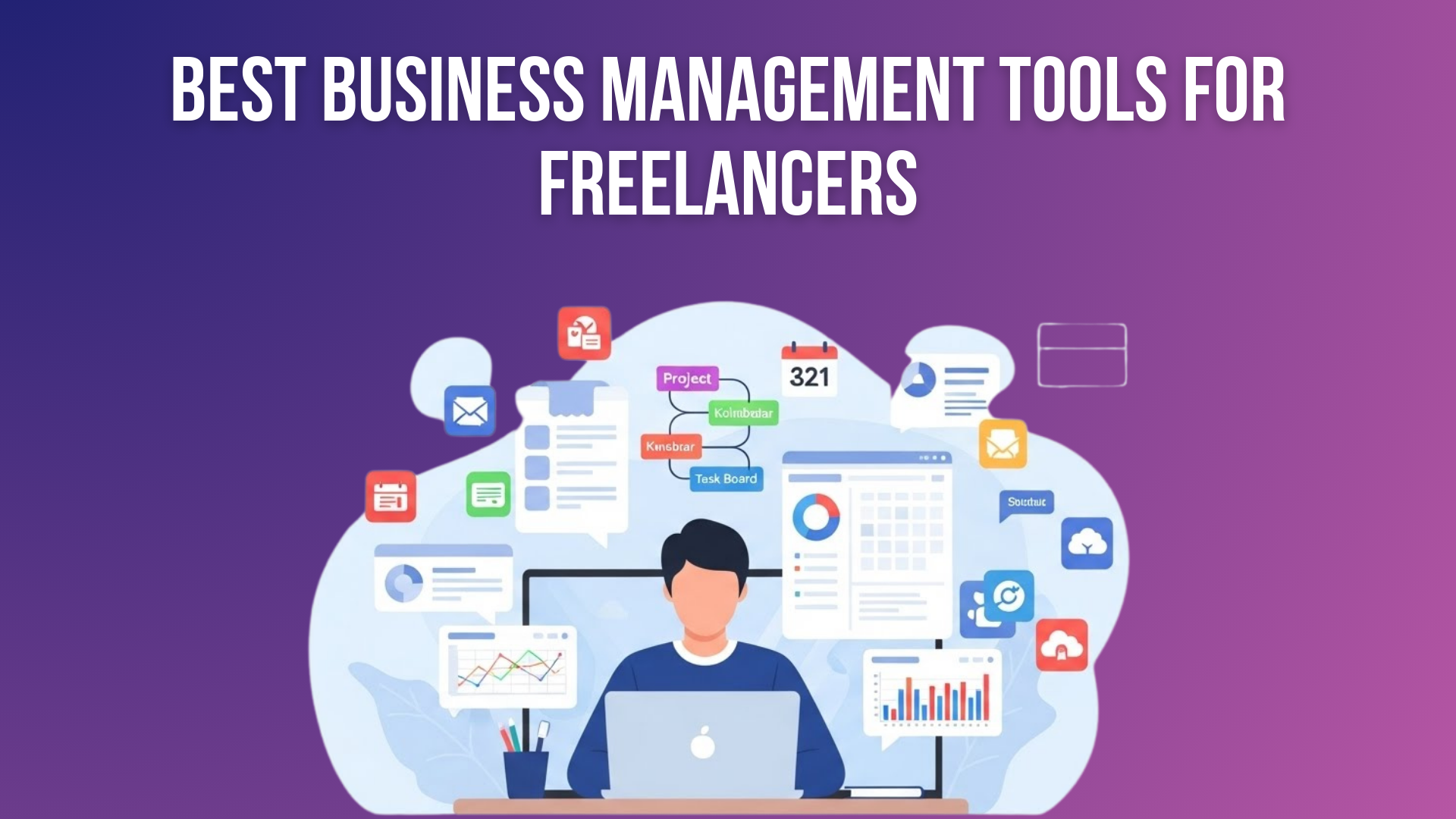
Freelancers often juggle many things at once — clients, deadlines, tasks, invoices, communication, and documents. Without a proper system, work can feel chaotic: lost emails, forgotten deadlines, scattered notes. That’s where a good business management tool comes in.
Business management tools help freelancers by giving them a central place to: track tasks and projects, manage time, communicate with clients or teammates, store files, and keep everything organized. The right tool can turn confusion into clarity — helping you deliver on time, stay professional, and even scale your freelance workload without losing your mind.
In 2026, with remote work booming and clients expecting fast, organized delivery, picking the right tool matters. That’s why I researched and compared the top tools freelancers — solo or small teams — use most often. In this article, you’ll find 10 of the best platforms, an easy comparison table, details about what to consider before choosing one, and clear breakdowns to help you pick for your workflow.
Whether you’re just starting out or already juggling multiple clients, this guide will help you choose a tool that fits your work style — simple or advanced — while keeping things easy to understand.
What Are Business Management Tools and Why Do They Matter for Freelancers?
Business management tools are digital platforms that help freelancers organize tasks, projects, time, clients, and files in one place. Instead of using many different apps, these tools bring everything together, making daily work faster, cleaner, and more professional.
These tools matter because freelancers handle everything alone — deadlines, clients, communication, and payments. The right freelancing management software reduces stress, prevents missed tasks, saves time, and helps you appear more reliable, organized, and professional in 2026’s competitive freelance market.
What to Consider Before Choosing a Freelance Business Management Tool
Before diving into each tool, here are key factors you should think about — especially as a freelancer or one‑person team:
- Simplicity vs. Power: Do you want something minimal for tasks and deadlines? Or a full‑fledged system with automations, reporting, and time tracking?
- Free plan availability: As a freelancer, a low budget or testing phase means free or low‑cost tools matter.
- Scalability: You may have a few clients now, but as the workload grows, you might need stronger workflows, collaboration, or integrations.
- Views & Workflow Style: Some people prefer Kanban boards (visual), others prefer lists, calendars, timelines — pick what fits your brain.
- Automation & Integration: Automating repetitive tasks (like reminders, status updates) saves time. Also, integration with email, cloud storage, or invoicing tools helps centralize work.
- Ease of use & learning curve: If the tool is too complex, it may slow you down instead of speeding you up.
- Cost — now and later: Free is great now. But if you grow or add a team, ensure the paid plan is still economical for you.
Keep these in mind when you read each platform’s full breakdown below.
10 Best Business Management Tools for Freelancers
Here are the 10 best business management software for freelancers in 2026:
- ClickUp – All-in-one productivity platform
- Trello – Simple visual Kanban board tool
- Asana – Structured project and task management
- Monday Work Management (monday.com) – Flexible and scalable workflow platform
- Notion – All-in-one customizable workspace
- Airtable – Spreadsheet-database hybrid for data management
- Zoho Projects – Affordable project management with time tracking
- FreshBooks – Finance-first invoicing and accounting software
- Hive – Project management with analytics and automation
- Wrike – Advanced project management for complex workflows
Now, let’s dive deeper into each tool to help you find the perfect fit for your freelance workflow.
1: ClickUp
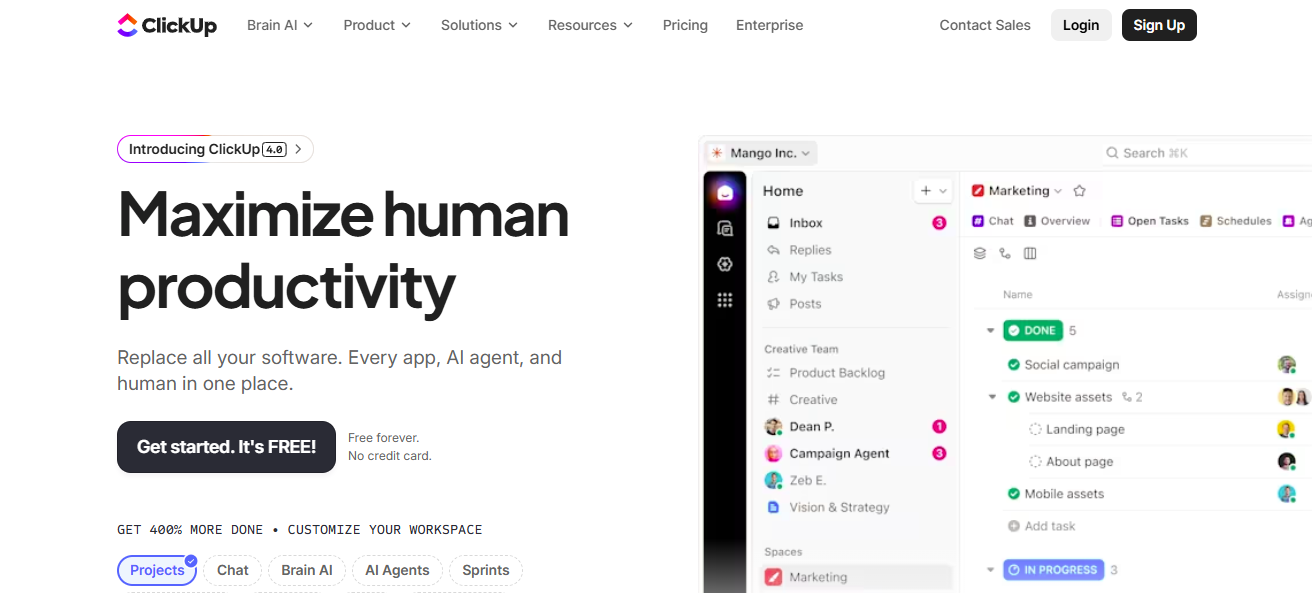

ClickUp is an all‑in‑one productivity and project management platform built to give freelancers, small teams, and businesses full control over their workflows. It’s designed to combine tasks, documents, goals, time tracking, and communication — all inside a single workspace.
Features
- Multiple project views: Kanban, List, Gantt (timeline), Calendar, Mind‑map — letting you choose how you visualize work.
- Built‑in docs and wikis: Write notes, project briefs or instructions without leaving ClickUp.
- Time tracking: Track hours spent — helpful for freelancers billing by time or monitoring project effort.
- Automations: Automate repetitive tasks or notifications; even free plan offers some automation support.
- Integrations: Works with many other tools (cloud storage, communication, design, finance, etc.) via direct or third‑party connectors.
Reviews
Many users — especially freelancers and agencies — appreciate ClickUp for being “the only tool you need” rather than juggling different apps (one for tasks, one for docs, one for time).
According to one comparison, ClickUp offers more features and better value for money than simpler tools.
However, some find its powerful features overwhelming if you only need basic task tracking — the learning curve can be steep.
Pricing Overview
- Free plan: Yes — unlimited users and tasks, limited storage (100MB), and basic features.
- Paid plans: start at roughly $7/user/month (for small teams or freelancers wanting more) — higher plans around $12/user/month add advanced automations, dashboards, reporting, guest permissions, etc.
Pros
- Extremely feature-rich — tasks, docs, time‑tracking, automation all in one tool.
- Great flexibility — adapt the tool to simple or complex workflows as you grow.
- Good value: even the free plan is usable; the paid plan price is reasonable for freelancers or small teams.
- Strong integrations and the ability to replace multiple tools.
Cons
- It can feel complex or heavy if you only need basic task management.
- Initial setup and learning curve — may take time to configure your ideal workflow.
- Some free‑plan limitations (storage, advanced features).
Best For
Freelancers or small teams who want a complete, all-in-one workspace — especially if you plan to scale, handle many projects, or bill by hours. Good for power users who want to keep all work, docs, and billing tracks in one place.
If you’re serious about organizing your freelance work and foresee growth or varied clients/projects, ClickUp stands out as the most comprehensive, “everything under one roof” platform. For many freelancers, it can replace a messy stack of separate tools.
2: Trello

Features
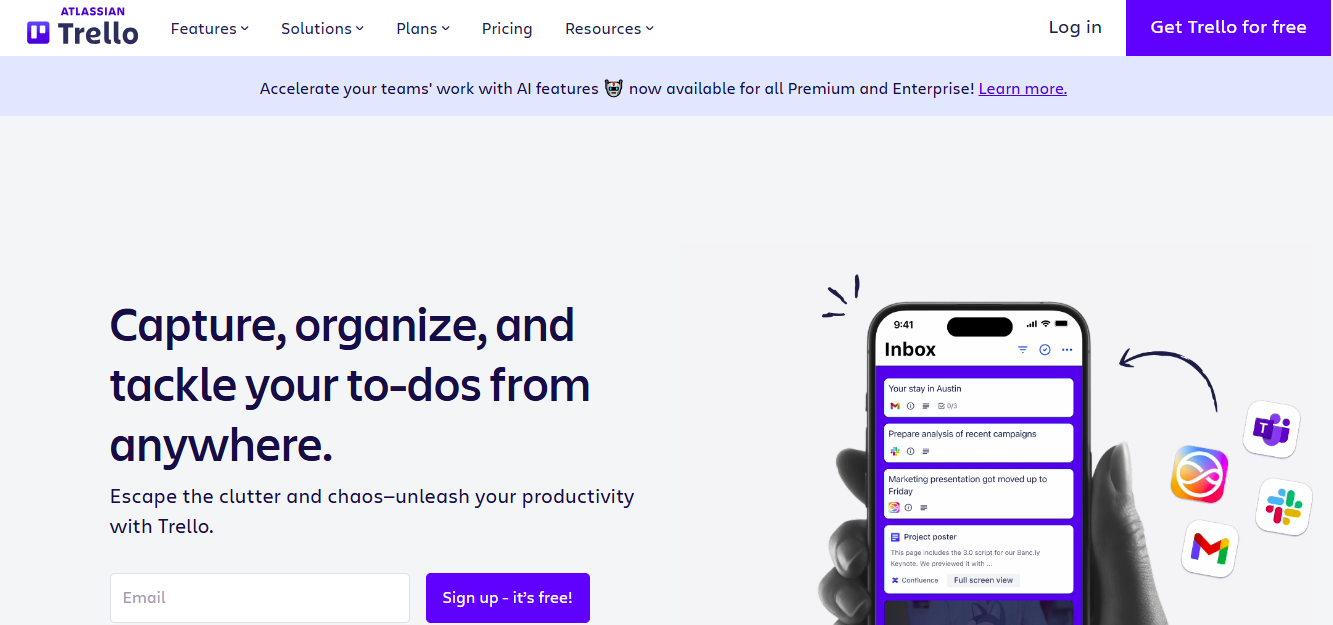
- Kanban boards with lists and cards: create projects or workflows visually and manage tasks by dragging cards.
- Checklists, attachments, due dates & reminders: each card can hold subtasks, files, deadlines — simple but effective for tracking.
- “Butler” automation: built-in automation engine lets you set simple rules (e.g., move to “Done” when the checklist is completed) to save time.
- Integrations (“Power-Ups”): connect with storage tools, calendars, and communication apps for more flexible workflows.
Reviews
Trello receives praise for its ease of use and visual simplicity — many freelancers love that they can set up a board in minutes and start organizing work without training.
On the downside, if your projects get complex — many clients, deadlines, dependencies — Trello can feel limiting; advanced needs (timelines, resource planning) require external add-ons or Power‑Ups.
Pricing Overview
- Free plan: Yes — unlimited cards, tasks; some workspace & Power-Up limits. p
- Paid plans: start around $5/user/month (annual billing) for more boards, attachments, and integrations. Premium tiers ~ $10/user/month add more project views and advanced features.
Pros
- Extremely easy to start — minimal learning curve, intuitive drag-and-drop interface.
- Visual and flexible — great for freelance workflows, content planning, small projects.
- The free plan is workable for many solo freelancers or small teams.
- Lightweight and clutter‑free — no overload of unnecessary features.
Cons
- Limited advanced project features — not ideal for complex projects with dependencies or many moving parts.
- To scale up (multiple clients/projects, timelines, time tracking), you may outgrow it.
- Some features (like advanced integrations or automation) needa paid plan or add-ons.
Best For
Freelancers or small teams who want a simple, visual board to manage tasks and clients — especially content creators, designers, or anyone juggling a few projects at once.
Trello’s beauty lies in its simplicity. If you prefer a clean, visual interface and just need to track projects and deadlines — not complex workflows — Trello is one of the best entry‑level tools out there. It’s perfect for freelancers starting out or managing a small client roster.
3: Asana

Features
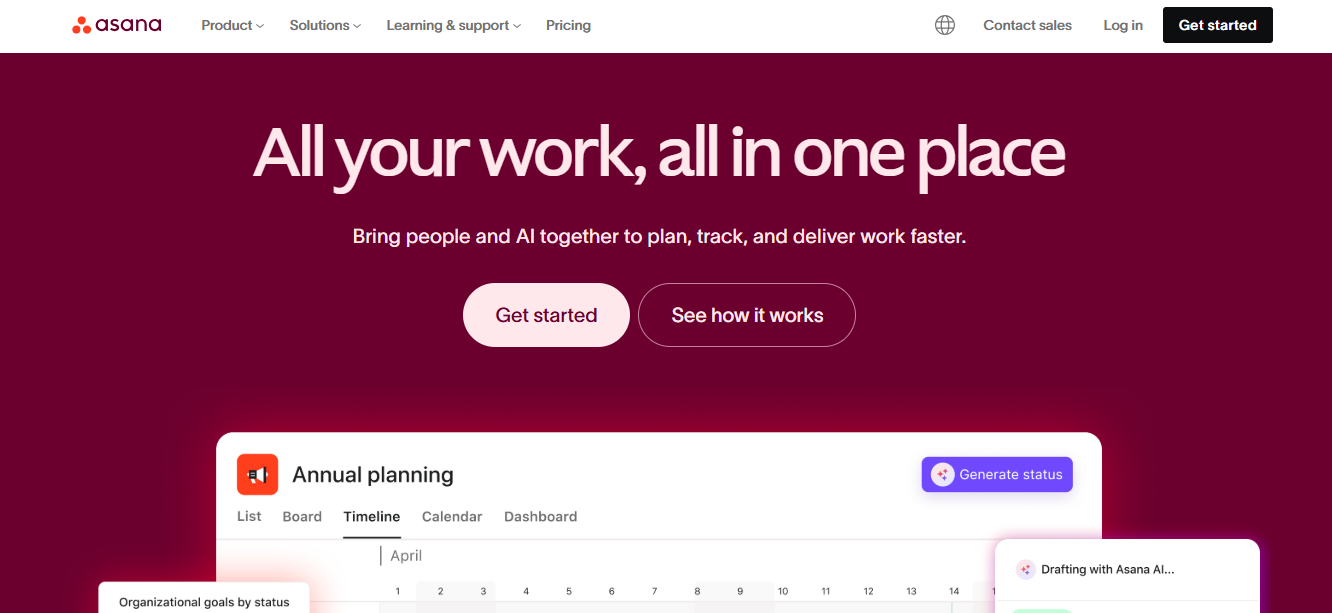
- Multiple views: list view, board (Kanban), calendar, and timeline (with paid plan), letting you choose how to visualize tasks and deadlines.
- Task dependencies and custom fields (with premium plans): helps plan complex workflows where tasks depend on each other or need extra data (e.g. client name, priority).
- Project tracking and collaboration: assign tasks, comment, attach files — good for freelancing with collaborators or clients.
- Reporting & basic automation (on higher plans): helps track progress, deadlines, and simplify recurring tasks.
Reviews
Users like Asana for its balance between simplicity and power. It’s more structured than Trello but not as heavy as enterprise systems — a good middle ground for freelancers or small teams.
Some drawbacks: advanced features only unlock with a paid plan; the free plan lacks timeline view and custom fields, which may limit use for complex projects.
Pricing Overview
- Free (Basic) plan: yes — suitable for solo freelancers or small teams (up to ~10–15 users).
- Paid plans: start at ≈ $10.99/user/month (annual billing) for Premium; Business plan ~ $24.99/user/month for advanced workflow features.
Pros
- Good balance between simplicity and robust workflow features.
- Flexible and scalable — suitable for both one-person freelance and small team collaboration.
- Well-suited for managing multiple projects/clients with dependencies and deadlines.
- Clean interface with decent ease-of-use.
Cons
- The free plan has limited features (no timeline, limited fields).
- For full power, cost grows with every user added — it can get expensive if collaborating.
- It might feel overkill if you only need a simple to‑do list.
Best For
Freelancers or small teams who manage multiple clients or projects at once — especially when tasks have dependencies or need structured planning (e.g., content writing, design, marketing, production scheduling).
Asana sits comfortably between simplicity and power. For freelancers juggling multiple clients or projects, or collaborating with others, it offers the structure and flexibility needed to stay organized without being overwhelming.
4: Monday work management
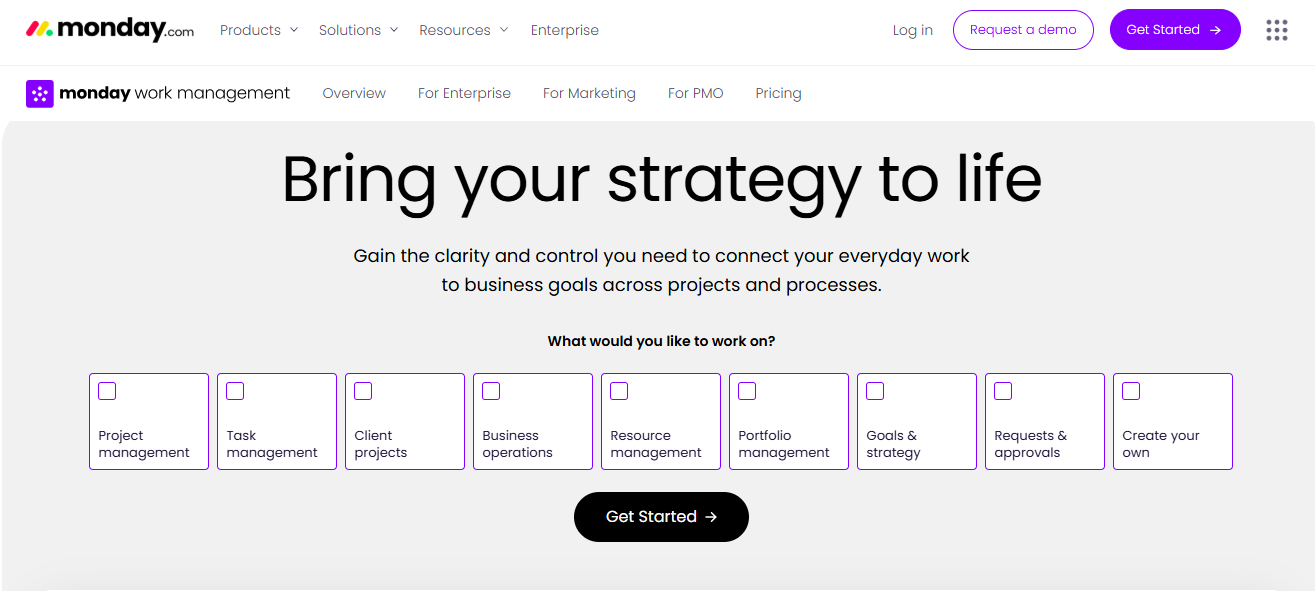

Monday work management (sometimes called monday.com) is a flexible and visually friendly platform that combines boards, timelines, automation, and integrations — letting freelancers start small and grow into more complex workflows as their business expands. It’s often chosen by small businesses and solo freelancers because of its customizable nature and scalability.
Features
- Customizable boards and workflows — you can set up your work structure exactly how you want, whether it’s simple to-do lists or full project pipelines.
- Multiple views: Kanban-style boards, timeline, Gantt charts, calendar, or chart views (depending on plan) to match different work styles.
- Automation & integrations: supports automating repetitive tasks, notifications, and reminders — and connects with many popular apps to streamline workflow.
- Templates & flexibility: comes with many templates (project planning, marketing, content, client workflows) — useful for freelancers who don’t want to build from scratch.
Reviews
Many freelancers and small teams appreciate monday’s flexibility — especially for its ability to grow with them. It’s seen as more polished than Trello, but easier to start with than heavy enterprise tools.
Some criticism: for a full-featured setup, it’s often necessary to pay, and some features (like timeline or deeper automations) are locked behind higher tiers — may feel limiting for tight budgets.
Pricing Overview
- Free / entry plan: limited — mostly for very simple use (few boards, few users)
- Paid plans: from roughly $9 to $19 per seat/month, depending on plan and features needed.
Pros
- Highly customizable — you can build workflows your way.
- Scales well — from small freelance tasks to complex projects or small teamwork.
- Clean, intuitive interface and many built-in templates.
Cons
- The free plan is very limited. To get real value often requires a paid plan.
- Cost per seat may add up if you add team members.
- Some features (advanced views, automation) are behind higher tiers.
Best For
Freelancers or small agencies who want flexibility and foresee growth — good for content creators, consultants, small teams managing multiple clients or project types.
If you want a flexible, scalable, and customizable business management platform that can grow as your freelance work expands, monday makes a strong case. It gives you more control and options than simpler tools — but you may need to invest in a paid plan to get the most out of it.
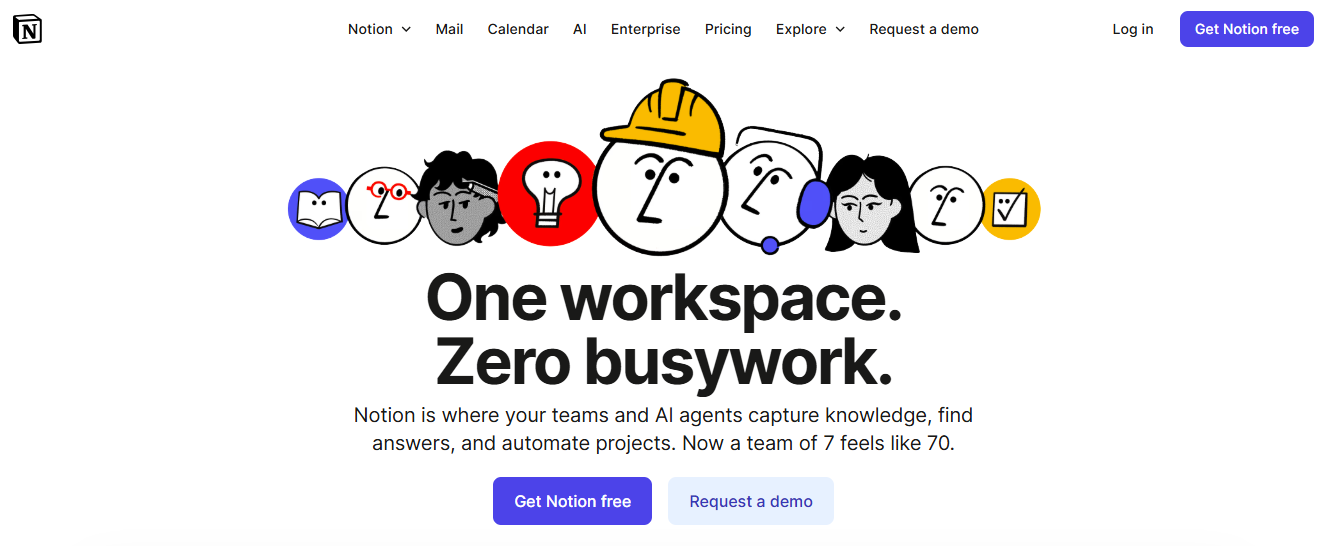
5: Notion

Features
- Notes & Docs: Write client briefs, personal reminders, or content plans in an organized manner.
- Databases & Tables: Track projects, tasks, budgets, or clients in a structured way.
- Templates & Customization: Use pre-built templates or build your own workflow tailored to freelance work.
- Integrations: Connects with tools like Google Calendar, Slack, and Zapier for workflow automation.
Reviews
Freelancers love Notion for its all-in-one flexibility and the ability to create a system that fits their unique workflow. Some beginners find the setup overwhelming because it’s very open-ended, but once mastered, it can replace multiple apps.
Pricing Overview
- Free Plan: Yes — includes unlimited pages, blocks, and sharing with small teams.
- Paid Plans: Personal Pro plan ~ $5/ 5/month; Team plan ~$10/user/month for advanced features like admin tools, unlimited version history, and team collaboration.
Pros
- Highly customizable for any freelance workflow.
- Combines notes, tasks, and databases in one platform.
- The free plan is sufficient for solo freelancers.
Cons
- Steeper learning curve due to flexibility.
- It can become cluttered if not structured properly.
Best For
Freelancers who want a personalized workspace for tasks, projects, notes, and databases — especially content creators, consultants, and planners.
If you enjoy building your own system and want a single tool for all types of freelance management, Notion is unmatched in flexibility. It’s ideal for creatives and planners who value control over structure.
6: Airtable

Airtable is a hybrid between a spreadsheet and a database. Freelancers can manage projects, clients, or content calendars in a highly visual and organized way. It’s perfect for those who like structured data management but want more flexibility than traditional spreadsheets.
Features
- Customizable Databases: Track projects, invoices, clients, or content pipelines.
- Multiple Views: Grid, Kanban, Calendar, Gallery, or Form views.
- Automations: Automate notifications, task status changes, or email reminders.
- Integrations: Connects with Slack, Google Workspace, Zapier, and more.
Reviews
Airtable is praised for its power and flexibility. Freelancers who manage multiple clients or data-heavy projects appreciate its database features. Beginners may need time to understand views and automations, but benefit greatly once set up.
Pricing Overview
- Free Plan: Yes — includes unlimited bases, 1,200 records per base, 2GB attachments per base.
- Paid Plans: Plus ~$10/user/month, Pro ~$20/user/month for advanced features, larger attachment limits, and more automation runs.
Pros
- Powerful database management for complex projects.
- Multiple views for visual workflow flexibility.
- Strong integrations and automation.
Cons
- It can feel complex for simple freelance work.
- The free plan has limited records and automation runs.
Best For
Freelancers handling multiple clients, content calendars, or projects with detailed data management needs.
If you like structure, visual data tracking, and automation, Airtable is a must-have. It’s particularly useful for freelancers managing multiple projects with large amounts of information.
7: Zoho Projects


Features
- Task & Subtask Management: Break down projects into manageable pieces.
- Gantt Charts & Timelines: Visualize project progress and deadlines.
- Time Tracking: Record hours spent on tasks for billing or productivity.
- Automation & Integrations: Automate workflows and connect with Zoho apps or third-party tools.
Reviews
Zoho Projects is valued for its comprehensive features at a competitive price. Freelancers like the ability to manage projects visually with Gantt charts and track time accurately. Some find the interface slightly dated compared to newer tools.
Pricing Overview
- Free Plan: Up to 3 users, 2 projects.
- Paid Plans: Premium ~$5/user/month; Enterprise ~$10/user/month for more users and advanced features.
Pros
- Affordable pricing for freelancers.
- Strong project tracking and time management features.
- Integration with other Zoho tools (CRM, invoices, email).
Cons
- The free plan is very limited.
- The interface can feel cluttered for beginners.
Best For
Freelancers who manage multiple projects or clients and need time tracking, visual progress tracking, and workflow automation.
Zoho Projects is a budget-friendly yet capable platform for freelancers who want structured project management with time tracking.
8: FreshBooks
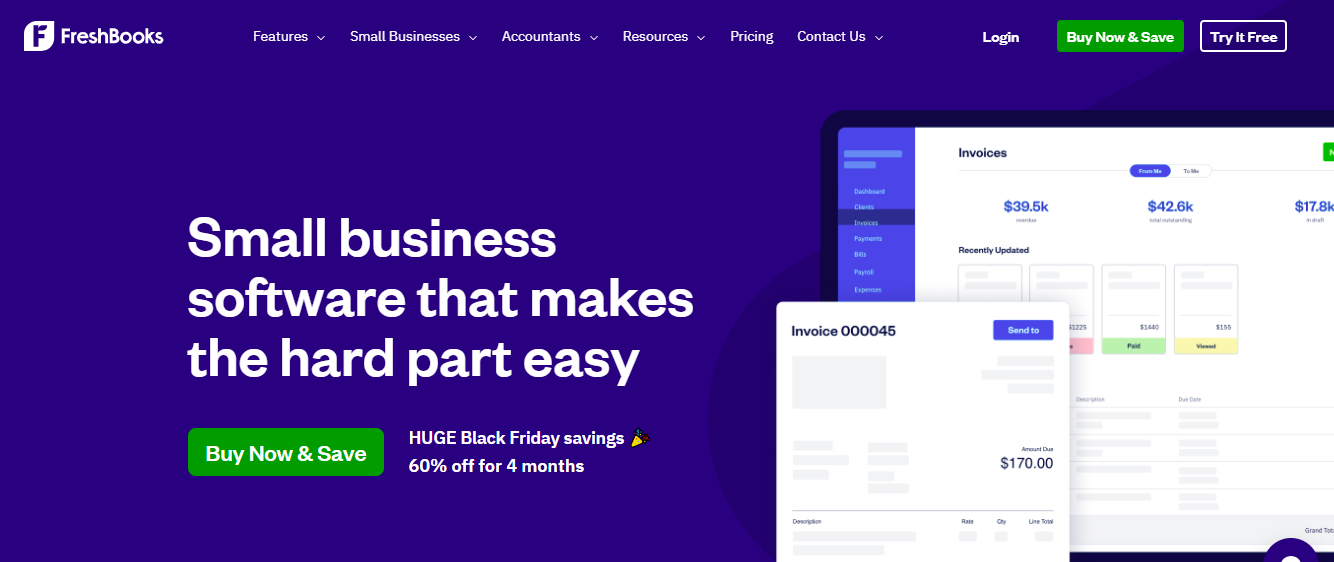

FreshBooks is a cloud-based accounting and invoicing software designed for freelancers. Beyond finances, it includes time tracking, project management, and client communication features — making it a hybrid tool for managing both money and tasks.
Features
- Invoicing & Payments: Create professional invoices and accept payments online.
- Time Tracking: Track hours for clients and projects.
- Expense Tracking: Keep track of receipts and costs.
- Project Management: Manage client projects, tasks, and collaboration.
Reviews
Freelancers praise FreshBooks for simplifying billing and project tracking in one platform. Its accounting features save time, but it’s less focused on deep project management compared to ClickUp or Asana.
Pricing Overview
- Paid Plans: Lite ~$17/month, Plus ~$30/month, Premium ~$55/month, depending on the number of clients.
- No free plan (though a trial is available).
Pros
- Excellent for invoicing and client payment management.
- Simple time and project tracking.
- Trusted and reliable platform for freelancers worldwide.
Cons
- Limited project management features compared to full PM tools.
- No free plan.
Best For
Freelancers who prioritize invoicing, time tracking, and simple project management — especially service-based freelancers like consultants, designers, or marketers.
FreshBooks is the go-to for freelancers needing an easy, reliable way to manage finances and track project hours without juggling multiple tools.
9: Hive
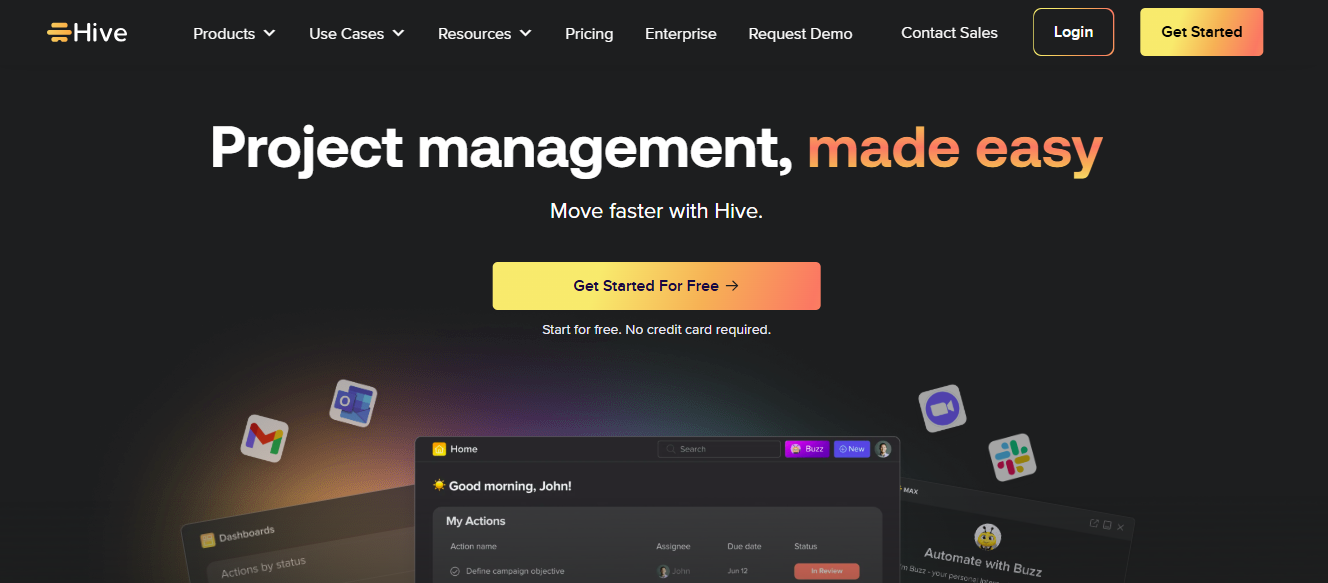

Hive is a project management and collaboration platform built for productivity. It combines task management, email integration, time tracking, and analytics — helping freelancers manage both small and complex projects efficiently.
Features
- Multiple Views: Kanban, Gantt, calendar, and table views.
- Time Tracking & Analytics: Track productivity and project progress.
- Task Dependencies & Automation: Streamline repetitive tasks.
- Integrations: Works with Slack, Google Workspace, Zoom, and more.
Reviews
Hive is appreciated for its analytics and task management combined in one platform. Freelancers benefit from workflow automation and reporting, but some note that the interface can feel complex for beginners.
Pricing Overview
- Free Plan: Yes — basic task and project management for up to 2 users.
- Paid Plans: Professional ~$12/user/month; Enterprise pricing varies.
Pros
- Combines analytics, automation, and project tracking.
- Multiple visualization options for workflow.
- Scales from solo freelancers to small teams.
Cons
- Learning curve for beginners.
- The free plan is very limited in features.
Best For
Freelancers who need project tracking, analytics, and workflow automation in one platform.
Hive is powerful for freelancers who want insight into project progress and productivity while managing tasks efficiently.
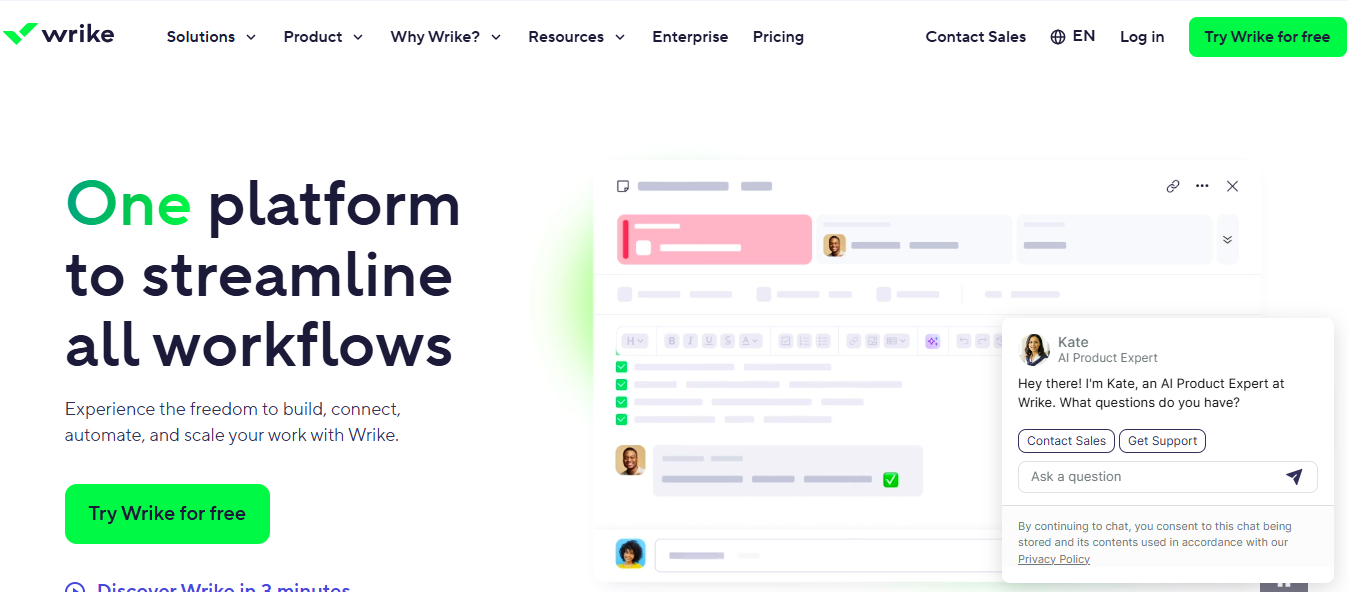
10: Wrike

Features
- Task Management & Subtasks: Track work at all levels of complexity.
- Gantt Charts & Kanban Boards: Visualize timelines and task progress.
- Custom Workflows & Automation: Automate routine tasks and notifications.
- Integrations: Connects with email, Google Workspace, Slack, and more.
Reviews
Wrike is powerful for structured project management and collaboration. Freelancers with multiple clients or complex projects find it very helpful. Some may find it overkill for simple freelance work.
Pricing Overview
- Free Plan: Yes — basic task and project management for small teams.
- Paid Plans: Professional ~$9.80/user/month; Business ~$24.80/user/month; Enterprise custom pricing.
Pros
- Strong project management and workflow capabilities.
- Scales for freelancers to small businesses.
- Multiple project views and automation.
Cons
- The free plan is limited.
- Complex for beginners or solo freelancers with simple tasks.
Best For
Freelancers handling multiple clients, collaborative projects, or complex workflows.
Wrike is ideal for freelancers or small teams who need full control over tasks, timelines, and project collaboration — especially when managing multiple clients or projects.
Comparison Table — Top Business Management Tools for Freelancers (2026)
| Tool | Best For / Strength | Free Plan | Paid Plan Price* | Key Features |
|---|---|---|---|---|
| ClickUp | All-in-one workspace for scaling freelancers | ✅ Yes (Unlimited tasks, 100MB storage) | ~$7–$12/user/month | Multiple views, docs, time tracking, automation, integrations |
| Trello | Simple visual task management | ✅ Yes | ~$5/user/month | Kanban boards, drag-and-drop cards, checklists, Butler automation |
| Asana | Structured planning & multi-project workflows | ✅ Yes (up to ~10–15 users) | ~$10.99/user/month | Task lists, boards, timelines, dependencies, reporting |
| monday.com | Flexible & scalable workflow platform | ✅ Limited | ~$9–$19/seat/month | Custom boards, Kanban, Gantt, automation, templates |
| Notion | All-in-one workspace for creatives | ✅ Yes | ~$5/month (Solo), ~$10/user (Team) | Notes, databases, templates, integrations |
| Airtable | Data-heavy project & content tracking | ✅ Yes | ~$10–$20/user/month | Databases, multiple views, automations, integrations |
| Zoho Projects | Budget-friendly project + time tracking | ✅ Yes (3 users, 2 projects) | ~$5–$10/user/month | Gantt charts, time tracking, workflow automation |
| FreshBooks | Invoicing & finance management | ❌ No (Trial only) | ~$17–$55/month | Invoicing, payment collection, expense tracking, time tracking |
| Hive | Workflow automation + analytics | ✅ Yes (2 users) | ~$12/user/month | Task automation, analytics, Kanban, Gantt |
| Wrike | Advanced project management for complex workflows | ✅ Yes | ~$9.80–$24.80/user/month | Gantt charts, workflows, automation, and collaboration |
Conclusion
Managing freelance work doesn’t have to be chaotic. The right business management tools let you track projects, communicate with clients, automate tasks, and handle invoicing from one platform. Trello is simple and visual for small projects, ClickUp is an all-in-one solution for scaling, Asana offers balanced workflows, and monday.com is flexible for freelancers and small teams. Notion gives flexibility for creatives, while Airtable manages complex project data.
Other great options include Zoho Projects for affordable project management, FreshBooks for invoicing, Hive for workflow automation and analytics, and Wrike for complex projects. The right tool depends on your workflow, project complexity, and budget. Start with a free plan to test it before scaling as your freelance business grows.
FAQs
Q1: Do freelancers really need business management tools?
Yes. They help organize tasks, track deadlines, communicate with clients, manage time, and handle invoicing — saving hours and reducing errors.
Q2: Which tool is best for solo freelancers just starting out?
Trello or Notion are perfect for beginners due to their simplicity and free plans.
Q3: Which tool is best for managing multiple clients and projects?
ClickUp, Asana, or monday.com provide structured workflows and automation for managing multiple clients efficiently.
Q4: Can I replace multiple tools with one platform?
Yes. Tools like ClickUp, Notion, and monday.com can replace separate apps for tasks, notes, docs, and basic invoicing.
Q5: Are free plans enough for freelancers?
For beginners, yes. But as projects grow or team members are added, paid plans offer advanced features like automation, custom fields, and Gantt charts.
Q6: Which tool is best for financial management?
FreshBooks specializes in invoicing, expense tracking, and billing — ideal for freelancers managing finances alongside tasks.