
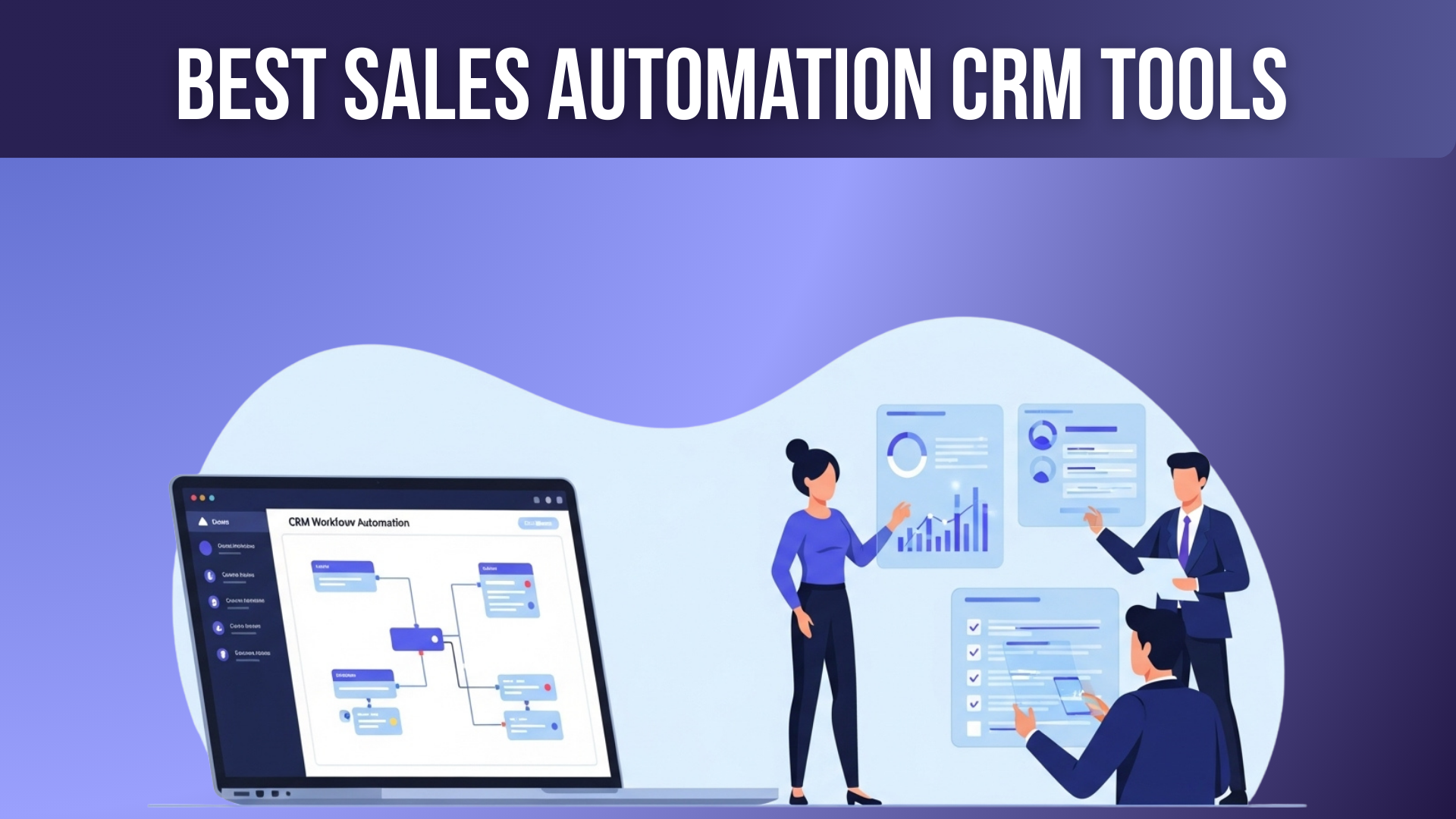
Sales in 2026 are all about speed, relevance, and smart automation. It’s no longer enough to simply track contacts — top-performing sales teams rely on sales automation CRM tools to prioritize the right leads, follow up instantly, and close deals more efficiently. These systems don’t just store data; they guide reps through repeatable workflows, trigger outreach automatically, and surface real-time insights that help you close more deals faster.
Choosing the right CRM isn’t just about listing features — it’s about finding the tool that fits your team’s size, sales process, and automation needs. Whether you’re a small startup or a large enterprise, here are the 10 best sales automation CRM platforms to consider in 2026.
What is a Sales Automation CRM?
A Sales Automation CRM is a software tool that automates repetitive sales tasks—like lead tracking, follow-ups, pipeline updates, email outreach, and deal management. It centralizes customer data, helps sales teams stay organized, and ensures every lead is nurtured at the right time. The goal is to save time, reduce manual work, and improve sales accuracy.
Why a Sales Automation CRM is Necessary
A Sales Automation CRM is necessary because it boosts productivity, improves lead conversion, and eliminates human errors. It ensures no lead is forgotten, sends automated follow-ups, and gives real-time insights into buyer behavior. This helps sales teams close deals faster, personalize communication, and make data-driven decisions. It’s especially important for growing businesses that need scalable, consistent sales processes.
Factors to Consider When Choosing a Sales Automation CRM
Before diving into the list, here are some key factors to think about when evaluating CRMs for sales automation:
- Lead Management & Pipeline Automation: How well can the CRM capture, score, and route leads? Can it automate follow-ups and nurture sequences?
- Workflow Automation: Does it support creating sales sequences, reminders, task assignments, and automated touchpoints?
- AI & Predictive Capabilities: Is there intelligence for lead scoring, email automation, or forecasting?
- Integrations: Can it link with your existing tools (email, calendar, call tools, marketing platforms)?
- Reporting & Analytics: Does it provide dashboards, sales forecasting, and customizable reports?
- Mobile Access: Can your team access the CRM and data on the go?
- Customization & Scalability: How easily can you customize fields, pipelines, and workflows? Will it scale as your team grows?
- Pricing & Cost Efficiency: What does it cost per user? Are there add‑ons for advanced automation or AI?
- Ease of Use: Is the interface intuitive? How much training will your team need?
10 Best Sales Automation CRM Tools in 2026
Here are 10 of the best sales automation CRM tools to streamline your process and close more deals. These platforms use automation and AI to prioritize leads, guide workflows, and surface key insights.
- Salesforce Sales Cloud
- Pipedrive
- HubSpot Sales Hub
- Monday Sales CRM
- Insightly
- Salesflare
- Nutshell
- VanillaSoft
- 6sense
- Gong
Here’s a deep dive into each platform, based on current data and the ideas from your sample articles.
1. Salesforce Sales Cloud
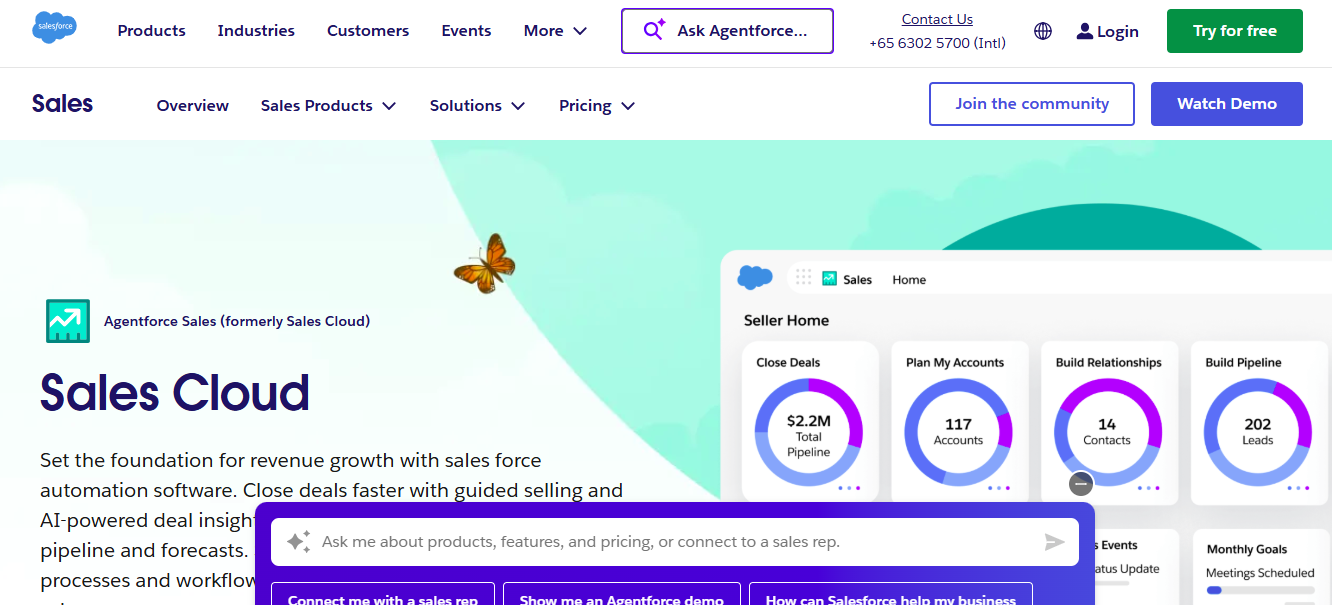
Salesforce is a global leader in CRM. Its Sales Cloud offers a powerful, enterprise‑grade platform for managing everything from leads to forecasts — and with its AI add-ons, it’s one of the most advanced options for sales automation in 2026.
Features
- Lead and opportunity management
- AI-powered forecasting via Agentforce
- Customizable sales workflows and automation rules
- Rich reporting and dashboards
- Mobile app for on‑the-go access
- Deep integration ecosystem via AppExchange
Reviews
Salesforce is highly praised for its flexibility and power, but many users note that implementation can be complex and expensive. Some Reddit users also mention steep price increases and negotiating challenges when renewing.
Pricing Overview
- Starter Suite: $25/user/month
- Pro Suite: $100/user/month
- Enterprise: $175/user/month
- Unlimited: $350/user/month
- Agentforce Add-On: starting $125/user/month for generative AI
Pros
- Extremely powerful and customizable
- Best-in-class forecasting and predictive AI
- Vast integration ecosystem
- Scales for very large teams
Cons
- High cost, especially with add-ons
- Steep learning curve for non-technical users
- Implementation and maintenance can be resource-heavy
- Price increases reported by some long-term users
Best For
Large enterprises, multi-national sales teams, or companies with complex sales and forecasting needs.
Salesforce Sales Cloud remains one of the top choices for sales automation thanks to its maturity, flexibility, and AI capabilities. If you’re ready to invest in a scalable, high-powered CRM and have the resources to implement it properly, Salesforce is likely worth the cost.
2. Pipedrive
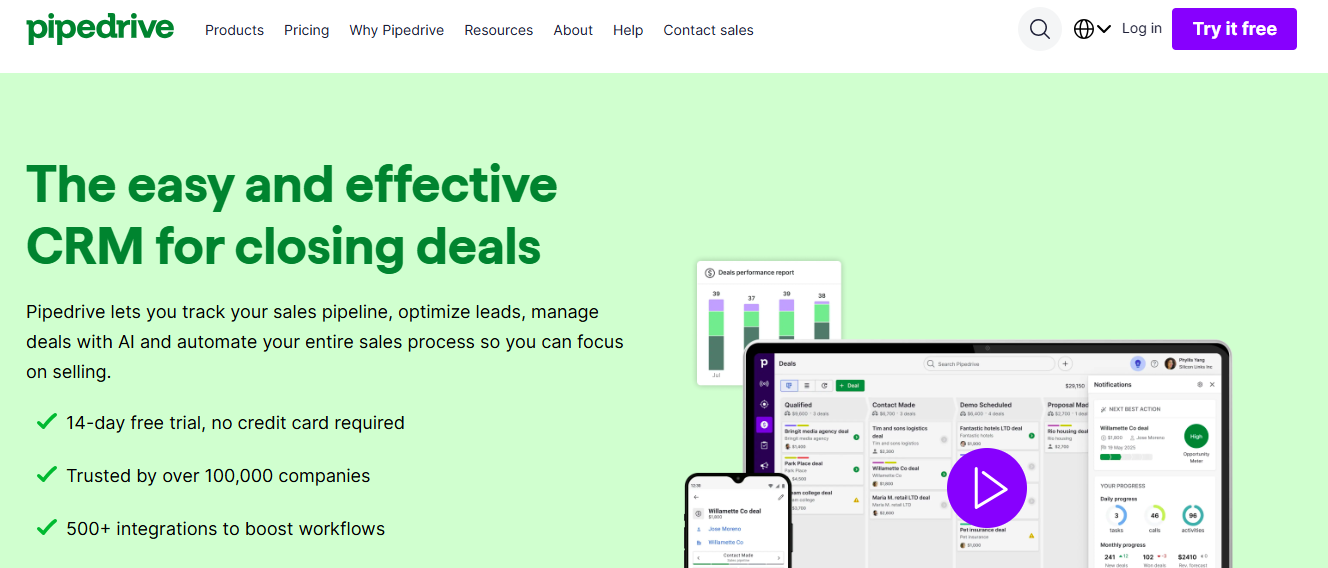
Pipedrive is built around simplicity and clarity. It’s a visual CRM that helps sales teams easily manage their pipeline and automate follow-ups — without overwhelming them with unnecessary features.
Features
- Drag-and-drop visual sales pipeline
- AI‑powered report generation
- Email automation and follow-up sequences (Growth plan and above)
- Lead scoring and routing (Premium plan)
- Over 500 integrations with other tools
Reviews
Pipedrive is often praised for being user‑friendly and intuitive, especially for smaller sales teams or those new to CRMs. But some users note that its built-in marketing automation is limited, requiring third-party tools for advanced workflows.
Pricing Overview
- Lite: $14/user/month (annual billing)
- Growth: $39/user/month
- Premium: $59/user/month
- Ultimate: $79/user/month
Pros
- Very easy to use
- Clean, visual pipeline interface
- Affordable entry price
- Strong automation and email sequence tools
Cons
- No free forever plan (only a trial)
- Reporting is less advanced compared to enterprise CRMs
- Some advanced features (like AI) are only in higher tiers
Best For
Small to mid-sized sales teams that want a straightforward CRM that helps them automate follow-ups and manage their pipeline visually.
Pipedrive is ideal if you want a sales-first CRM that’s easy to adopt and helps your team stay organized. Its automation capabilities are strong enough for many sales teams without the complexity of enterprise CRMs.
3. HubSpot Sales Hub
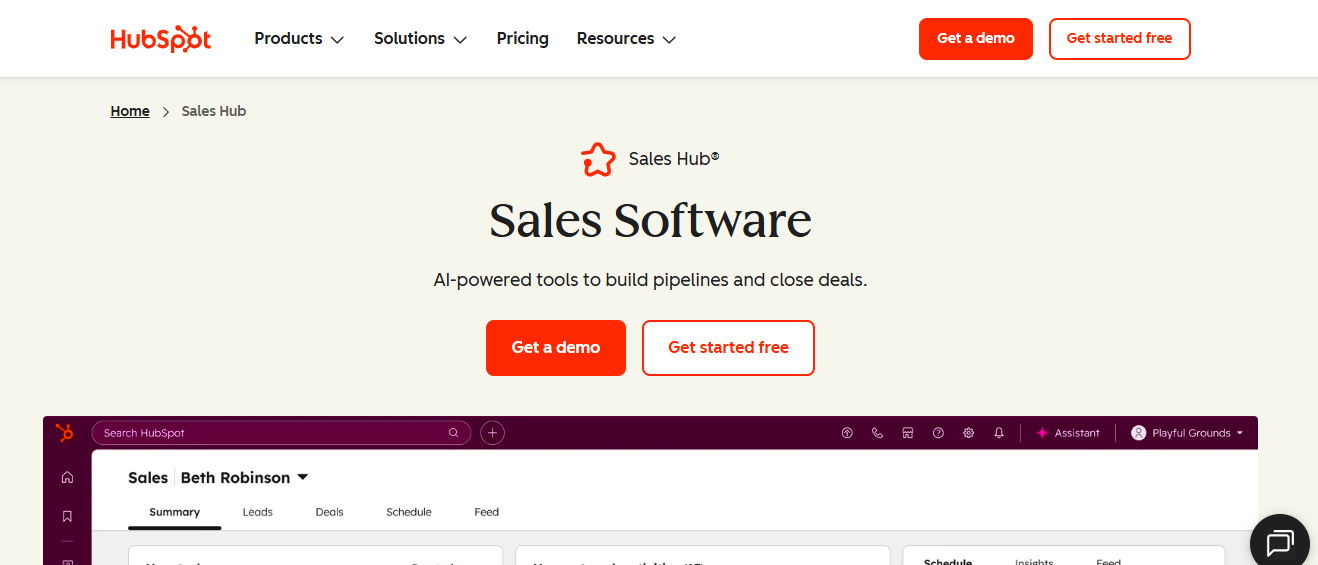
HubSpot isn’t just a CRM; it’s a full sales automation platform that integrates seamlessly with HubSpot’s marketing, service, and operations hubs. It’s especially useful for teams that want to keep everything under one roof.
Features
- Contact and deal management
- Email tracking and automated follow-ups
- Customizable sales workflows and sequences
- Sales analytics and dashboard
- Integration with 1,600+ apps via the HubSpot marketplace
Reviews
HubSpot is widely loved for its intuitive UI, no-code workflow builder, and high-value free plan. However, some users say scaling into paid tiers can become expensive, especially for advanced features.
Pricing Overview
- Sales Hub starts with very affordable entry tiers (~$15/month for individuals) according to sample sources
- Professional and Enterprise tiers unlock more automation, reporting, and features
Pros
- User-friendly and great onboarding
- Excellent integration across marketing, service, and sales
- Free tier available
- Strong automation with a no-code builder
Cons
- Cost can escalate for advanced features
- Add-ons may increase overall cost
- May require paid tiers for deeper customization
Best For
Startups and SMBs that want a unified CRM + marketing + sales platform without juggling multiple tools.
HubSpot Sales Hub is a strong all-rounder. It’s perfect if you’re already using or plan to use other HubSpot products and want a tool that grows with your business.
4. Monday Sales CRM
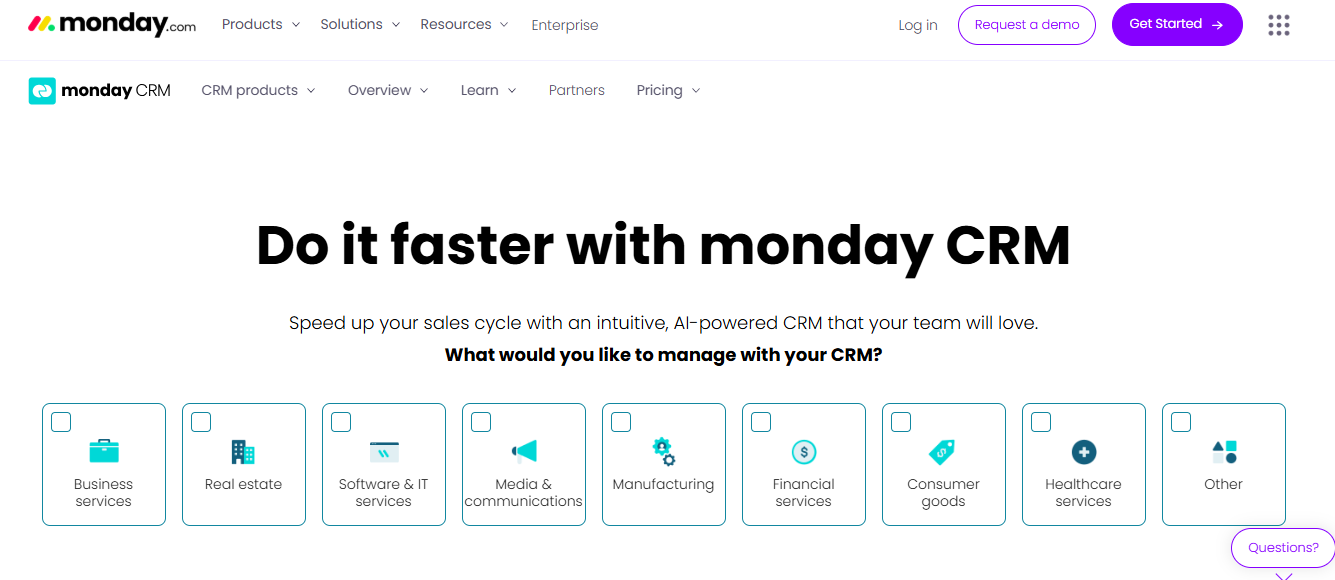
Built on the Monday.com “Work OS,” monday Sales CRM offers a highly flexible, visual, and customizable environment. You can design your pipeline, workflows, and dashboards exactly how your team works.
Features
- Customizable deal stages and pipelines
- Automations for tasks, emails, and follow-ups
- Visual dashboards to track performance in real-time
- Shared inbox for sales email collaboration
- Mobile app for on‑the-go updates
Reviews
Users like monday CRM for its adaptability, especially if their organization already uses Monday.com. The learning curve is relatively shallow, thanks to its familiar interface. However, some mention limitations in its marketing automation capabilities and analytics depth.
Pricing Overview
- Plans start around €12 / user/month (depending on plan) per sample. (actual pricing may vary depending on region and features)
- Additional enterprise-level functionality can be added for more advanced customization.
Pros
- Highly customizable
- Intuitive visual interface
- Integrates with Monday.com workflows
- Good for collaboration
Cons
- Not as rich in predictive AI
- Analytics and reporting are more limited compared to pure CRM tools
- May require more manual setup initially
Best For
Teams that already use Monday.com or want flexible, visual pipelines and workflows tailored to their processes.
If you love the flexibility of a work‑management system paired with sales, monday Sales CRM gives you powerful automation and visibility without forcing a one-size-fits-all pipeline.
5. Insightly
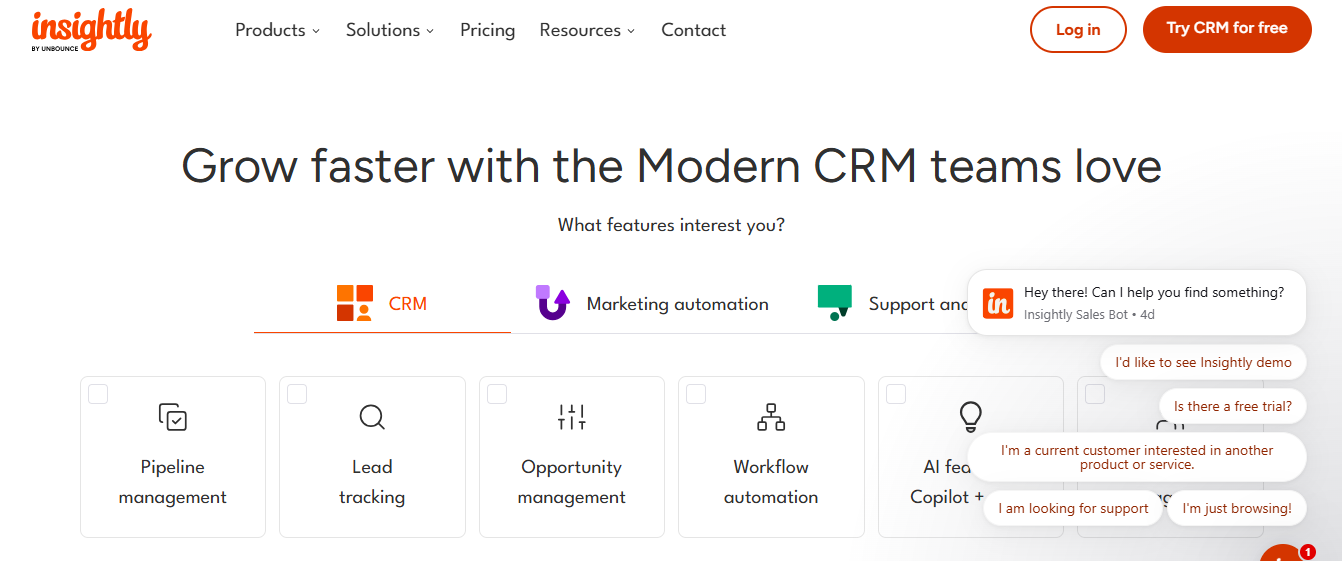
Insightly combines CRM and project management. It’s ideal for sales teams that also handle post-sale delivery, services, or projects — giving a unified CRM + operations view.
Features
- Pipeline and deal management
- Project tracking tied to customer records
- Workflow automation (tasks, follow-ups)
- Custom objects and modules for tailored data structures
- Reporting and dashboards
Reviews
Many users appreciate Insightly’s ability to bridge the gap between sales and project management. It’s praised for its customization options. On the downside, some say integrations could be improved, and activity tracking for large teams is less intuitive. (From sample)
Pricing Overview
- Plans begin at $29 / user/month per sample article.
- Higher tiers provide more automation, apps, and integration capabilities.
Pros
- Combines sales and projects in one tool
- Flexible and customizable data model
- Good for customer lifecycle management
- Strong reporting for both sales and delivery
Cons
- Less automation than pure sales CRMs for very large teams
- Integration options can be limited depending on the plan
- Activity tracking is not as smooth for high-volume sales teams
Best For
Businesses that sell and deliver services, like agencies, consultancies, or project-based teams, want a CRM that supports both sales and project workflows.
Insightly is a powerful choice when your sales team needs to work hand-in-hand with operations or project delivery. It saves switching between tools and makes client lifecycle management more seamless.
6. Salesflare
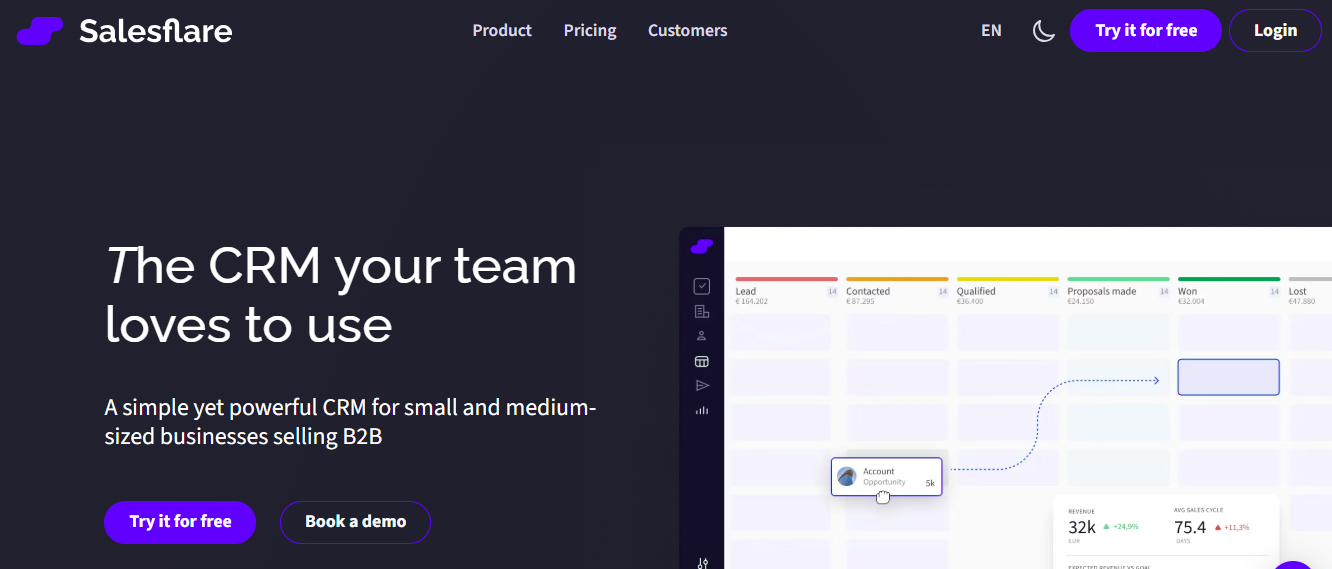
Salesflare is a smart, zero-input CRM that uses automation and AI to build contact and company profiles. It’s particularly useful for B2B sales teams that don’t want to spend hours entering data.
Features
- Automatic data enrichment from email, calendar, social media, and other sources
- Visual pipeline for deals
- Task reminders and follow‑up sequences
- Integration with 5,000+ productivity tools (via Zapier, native integrations) (from sample)
- Mobile app for managing contacts on the go
Reviews
Salesflare is loved for its “set and forget” nature — once set up, it pulls in relevant customer info with minimal input. However, it doesn’t have as many AI forecasting features compared to enterprise tools, and its UX can feel basic for power users.
Pricing Overview
According to the sample: $29–$99 / user/month, depending on plan.
Pros
- Minimal manual data entry
- Very clean, easy-to-navigate UI
- Great for small-to-medium B2B teams
- Strong integration capabilities
Cons
- Lacks advanced AI forecasting
- Automation is simpler than large enterprise tools
- Pricing could rise with richer enrichment needs
Best For
B2B sales teams that want to save time and minimize data entry without compromising on pipeline visibility.
Salesflare is perfect for teams that want a lightweight CRM that works in the background, enriching data and automating routine tasks: a big productivity boost without heavy lifting.
7. Nutshell
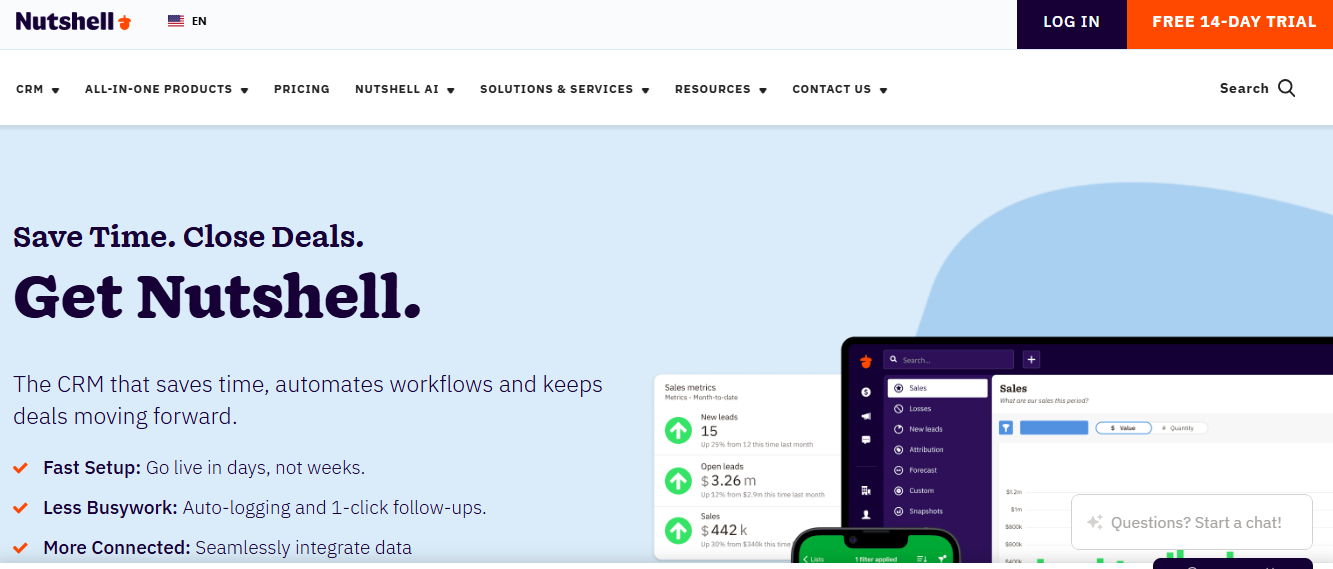
Nutshell is a straightforward, sales-first CRM designed to take care of the “small stuff” — reminders, lead assignments, sales sequences — so your team can focus on closing.
Features
- Visual sales pipelines
- Automated lead assignment and follow-ups
- Email automation (drip sequences based on behavior)
- Task management and reminders
- Funnel analytics and forecasting
Reviews
Nutshell is praised for its simplicity and clean design, making it very approachable for small teams. It doesn’t have as many bells and whistles as enterprise CRMs, but many users appreciate its no‑nonsense, sales-focused functionality.
Pricing Overview
Nutshell suggests a pricing of around $16 / user/month for its paid plan.
Pros
- Very intuitive and easy to use
- Lightweight, no unnecessary features
- Useful automation for lead follow-up and reminders
- Good ROI reporting
Cons
- Lacks deep predictive AI
- Not ideal for very large or highly complex sales teams
- Limited customization compared to more powerful CRMs
Best For
Small to mid‑sized sales teams that want a reliable, no-frills CRM with essential automation and pipeline visualization.
If you’re looking for a clean, efficient CRM for sales that doesn’t overwhelm your team, Nutshell is a great pick.
8. VanillaSoft

VanillaSoft is a sales engagement CRM focused on high-volume outbound teams. It streamlines lead distribution, automates follow-up cadences, and helps reps stay productive.
Features
- Queue-based lead assignment (automatically distributes leads to reps)
- Automated email and SMS cadences
- Call scripting and voicemail drop
- Analytics and performance tracking for sales reps
- Integration with CRMs like Salesforce, as well as other tools
Reviews
VanillaSoft is very effective for structured outbound teams. It helps reduce manual follow-up with its built-in engagement tools. However, its cost is higher than simpler CRMs, and it’s more tailored for outbound than inbound sales.
Pricing Overview
According to the sample, around $110 / user/month.
Pros
- Excellent for outbound teams and sales engagement
- Automates follow-ups across calls, email, and SMS
- Detailed analytics for rep performance
- Lead routing ensures balanced distribution
Cons
- High price for smaller teams
- Less suited for purely inbound or smaller-volume teams
- Learning curve for cadence setup
Best For
Sales teams focused on outbound prospecting and engagement, particularly inside sales or telesales organizations.
VanillaSoft is built for outreach and engagement — if your team calls and emails a lot, it’s a powerful tool to automate and structure your process.
9. 6sense

6sense is a predictive sales and marketing platform that uses AI and intent data to help sales teams identify, prioritize, and engage high-value accounts.
Features
- Intent data analysis (website behavior, search data) to identify high-potential buyers
- Predictive lead scoring and qualification
- AI-driven account identification for anonymous website visitors
- Real-time alerts when target accounts show buying signals
- Deep analytics and revenue operations dashboard
Reviews
6sense is highly regarded by account‑based sales teams that want to prioritize accounts with the highest buying intent. The platform is powerful but expensive, and setup requires strategy, not just software.
Pricing Overview
Pricing is enterprise-level and generally requires contacting 6sense for a quote. (as indicated in the sample)
Pros
- Powerful predictive insights
- Helps align marketing and sales around intent
- Prioritizes high-value accounts
- Strong analytics for long-term strategy
Cons
- Not cost-effective for small teams
- Requires significant setup and strategy
- It can be overwhelming without a dedicated RevOps or sales ops team
Best For
Enterprise and mid-market account-based sales teams focused on targeting and closing high-value accounts.
If your sales strategy relies on identifying and nurturing high-intent accounts, 6sense is one of the most advanced tools available — but it’s an investment.
10. Gong
Gong is a conversation intelligence platform that records, transcribes, and analyzes sales calls and emails to surface key insights. It helps sales teams understand what’s working (and what’s not) by using AI to extract common themes, objections, and deal risks.
Features
- Call and email recording/transcription
- AI analysis for common topics, objections, and sentiment
- Deal intelligence to predict deal health
- Rep coaching insights from real calls
- Integration with major CRMs to sync deal data
Reviews
Gong has become a go-to for teams that care deeply about conversational insights and training. Sales leaders love how it uncovers patterns in win/loss deals. On the downside, it’s not a full CRM — it’s often used alongside other tools — and the pricing is high.
Pricing Overview
Pricing is custom; you need to contact Gong for a quote. (as per sample)
Pros
- Deep insight into conversations
- AI-driven deal health scoring
- Helps train reps through real call data
- Improves coaching and win rates
Cons
- Not a standalone sales CRM — best used alongside other CRMs
- Expensive for small teams
- Requires user adoption to record and analyze calls
Best For
Sales teams that rely heavily on calls and emails, and want to improve performance based on real conversation data.
Gong isn’t just about automation — it’s about intelligence. If your team wants to leverage conversation data to improve closing strategies, Gong is a top-tier tool.
Comparison Table: Top 10 Sales Automation CRM Tools
*Prices are based on publicly available data or sample article references, and may change.
Final Thoughts
Choosing the best sales automation CRM in 2026 depends on your team’s goals. For enterprise-level automation with AI forecasting, Salesforce Sales Cloud is unmatched. If you want a simple, visual pipeline with easy-to-use automation, Pipedrive is ideal. HubSpot Sales Hub is great for teams that want an all-in-one CRM combining sales and marketing. Teams already using Monday.com will find monday Sales CRM intuitive, while Insightly is perfect for businesses that need to manage projects alongside sales.
For automatic data enrichment and minimal manual input, Salesflare stands out. Small teams looking for basic automation with a clean UX will benefit from Nutshell. VanillaSoft excels in outbound engagement, 6sense offers predictive, intent-based AI for account-focused sales, and Gong helps teams improve through conversation intelligence.
To pick the right CRM, map out your sales process and choose a tool that matches it. Take advantage of free trials to test automation features. Ensure the CRM integrates with your existing tools, like email and calendar. Train your team to use automation effectively, and leverage built-in dashboards and reports to monitor efficiency and optimize workflows.
FAQs About Sales Automation CRMs
Q1: What is sales automation software?
Sales automation software helps automate repetitive sales tasks such as lead scoring, follow-up emails, task scheduling, and reporting. This frees up sales reps to focus on high-value activities like building relationships and closing deals.
Q2: Do I need a separate CRM for sales automation?
Not necessarily. Many modern CRMs include automation built in. Depending on your needs, you might only need a CRM with strong workflow and task automation, rather than a separate “automation tool.”
Q3: How does AI improve sales automation?
AI can score leads, predict which deals are most likely to close, generate email content, and analyze sales calls. This helps teams focus on the most promising leads and personalize interactions effectively.
Q4: Is it hard to switch CRMs later?
Migrating CRMs takes effort, especially if there’s a lot of data and automation. But modern CRMs often support data export and integration tools, making it manageable. Planning and clean data are key.
Q5: How much should I budget per user for a CRM?
It depends on your team size and feature needs. Entry-level CRMs like Pipedrive start around $14/user/month, while enterprise-level platforms like Salesforce can go above $100/user/month depending on plan and add-ons.
