

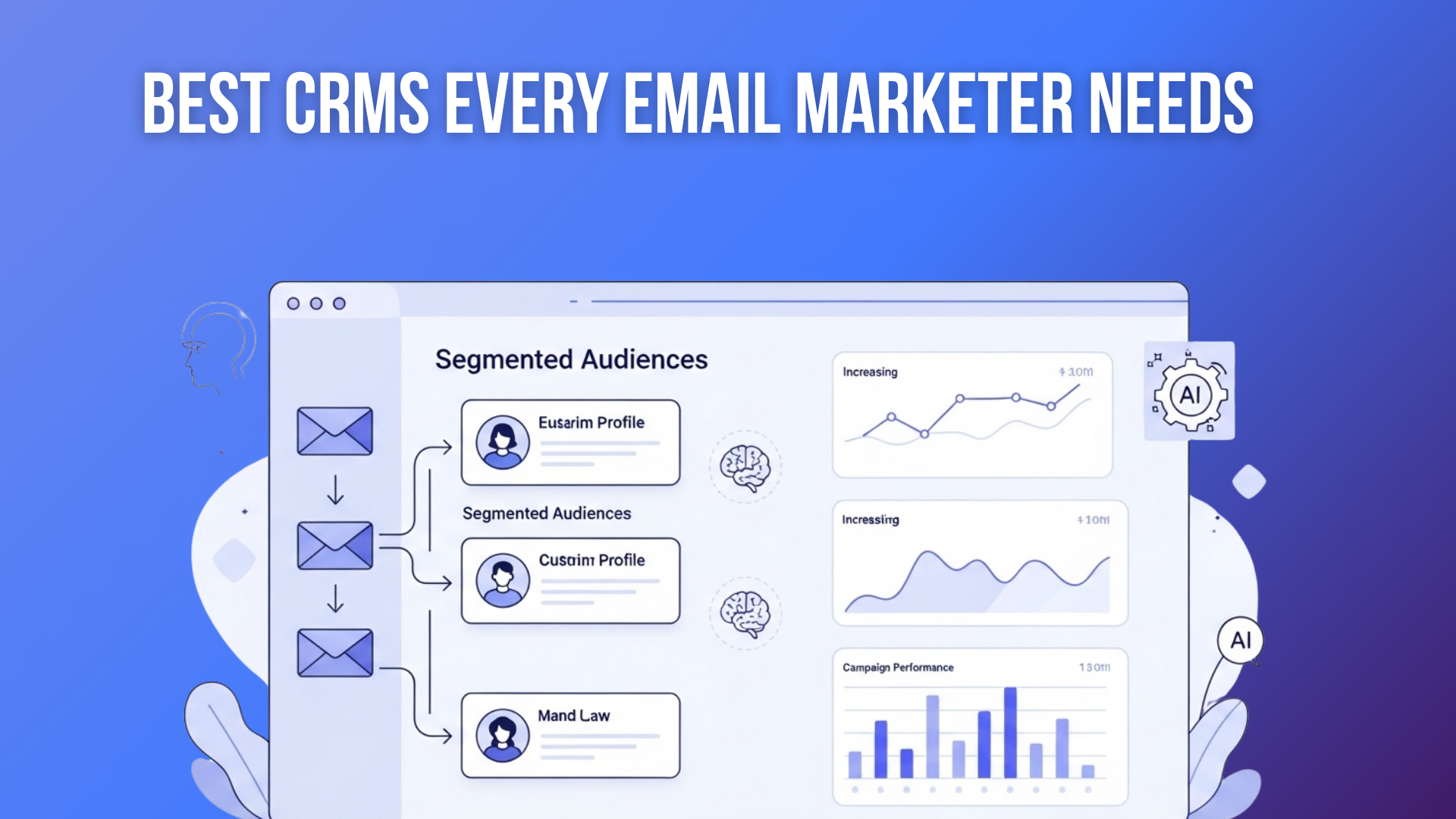
Email marketing can feel like a juggling act: manually updating contact lists, sending follow-up emails, and hoping your messages land at the right time — it’s time‑consuming and often inefficient. Without a unified tool, personalization suffers, and valuable leads slip through the cracks.
The solution? A CRM integrated with email marketing. When your email tool and CRM work together, you can automate your campaigns, segment audiences based on real behavior, and track results — all in one place. This isn’t just about convenience. According to recent data, over 60% of marketers use automation in their email campaigns.
Meanwhile, the CRM market is surging: the global CRM industry is projected to grow at a compound annual growth rate (CAGR) of 12.6% from 2024 to 2032.
Because of this rapid growth, and the rise of AI-driven automation, the year 2026 is a turning point: CRMs are not just contact databases anymore — they’re intelligent systems designed to power automated, data‑driven email marketing campaigns.
In this guide, we’ll explore the 10 best CRMs every email marketer needs in 2026, helping you choose a platform that saves time, boosts conversions, and grows your audience smarter — even if you’re a beginner.
Why Email + CRM Integration Matters and Why It’s Growing?
Email remains central to marketing, especially when paired with CRM data. According to a 2024 report by Ascend2, 84% of marketing campaigns use some form of automation, showing how widespread the practice has become.
Automated email workflows — like welcome sequences or behavior-based follow-ups — outperform manual broadcasts. Data shows that these workflows deliver much higher engagement and conversion because they reach people when they are most likely to act. For example, Email Vendor Selection reports that 63% of marketers now automate their email journeys, and triggered emails (such as cart-abandonment or onboarding drip) can generate up to 30 times more revenue per recipient than standard mailings.
On the CRM side, AI and automation are reshaping the market. ResearchAndMarkets projects the CRM software market to expand rapidly, driven by AI-powered analytics, personalization, and scalable cloud solutions. Fortune Business Insights estimates the CRM market will reach $262.74 billion by 2032, with much of that growth fueled by demand for smarter, integrated systems.
When email automation and CRM data merge, you get a powerful engine: smarter segmentation, behavior-triggered emails, analytics on lifetime value, and scalable personalization. For 2026 and beyond, this integration isn’t just helpful — it’s essential for email marketers who want to scale effectively.
Factors to Consider When Choosing a CRM for Email Marketing
Choosing the right CRM with email integration means looking beyond brand names. Here are the key factors that will influence how effective your email marketing becomes, explained in simple terms:
1. Core CRM Capabilities
Your CRM should let you manage contacts, deals, and tasks. A strong pipeline feature helps you track where each prospect or customer is. When that data is accurate, your email campaigns become smarter—because you know exactly who you’re talking to.
2. Automation Power
The best CRMs let you automate email sequences triggered by actions — like someone opening an email, clicking a link, or filling a form. Look for conditional workflows (if/else logic), drip campaigns, and behavior-based triggers. These make your outreach feel personal and timely.
3. Ease of Use
A CRM is only worthwhile if you and your team will use it. Drag‑and-drop editors, prebuilt templates for emails, and visual workflow builders reduce the learning curve. If the tool feels intuitive, you’ll spend less time setting things up and more time focusing on strategy.
4. Analytics & Reporting
To improve, you must measure. Good CRMs break down email metrics — opens, clicks, conversions — and tie them to customer data. That way, you can see which segments drive real value and which workflows to tweak. Look for visual dashboards you can understand at a glance.
5. Integrations
Your CRM should connect with other tools: landing page builders, e-commerce platforms, SMS tools, and more. These integrations let you centralize all customer data and trigger campaigns based on cross-channel behavior.
6. Data Security & Compliance
When you handle contact information and send marketing emails, data protection matters. Choose CRMs that support GDPR, CCPA, and SSL-encrypted data storage. Also, make sure unsubscribes and opt-outs are easy — respecting privacy builds trust.
7. Pricing & Growth
Consider how your costs will scale. Some CRMs charge by number of users, others by contacts or advanced features. Estimate your contact growth and pick a plan that remains affordable as you expand.
8. Support & Learning Resources
Even the best tool won’t help if you’re stuck using it. Look for providers with good documentation, training videos, customer support, and community forums. These resources will save you time and frustration.
10 Best CRMs For Email Marketers in 2026
Here are the best CRMs for email marketers to automate campaigns, segment audiences, and track results all in one place. These tools help you move beyond manual broadcasts to intelligent, data-driven customer journeys.
- HubSpot CRM
- Salesforce CRM + Marketing Cloud
- Zoho CRM + Zoho Campaigns
- Pipedrive CRM + Campaigns
- ActiveCampaign
- Brevo (formerly Sendinblue)
- Keap (Infusionsoft)
- MailerLite
- Drip
- Campaign Monitor
Here’s a breakdown of what makes each CRM great for email marketers in 2026, including their strengths, trade‑offs, and best use cases.
1. HubSpot CRM
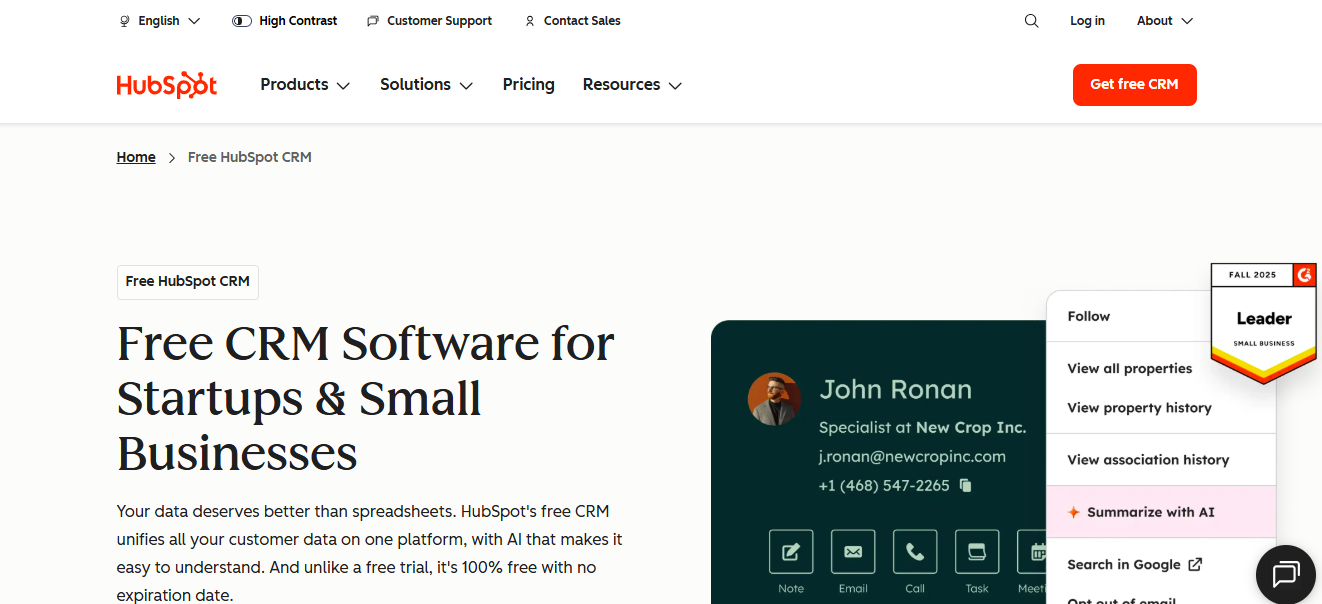 HubSpot is a polished, all-in-one CRM built for marketing, sales, and service teams. It’s especially strong for email marketers who want to automate campaigns, score leads, and track contact behavior without switching tools.
Key Features
- Drag-and-drop email templates
- Automated workflows (drip sequences, lead nurture)
- Lead scoring & segmentation
- Full pipeline and deal tracking
- Rich analytics with dashboards
User Feedback & Why It Matters
Marketers love HubSpot for its balance: it’s powerful, but still intuitive enough for beginners. Its unified platform means fewer tools to juggle, and its reputation makes it easy to scale as your operations grow.
Pricing Overview
- Free CRM plan available
- Paid plans start at ~$20/month for the starter tier (depending on contacts and features)
Pros
- Generous free tier
- All-in-one marketing + sales tool
- Excellent scaling potential
- Large support and learning resources
Cons
- Pricing climbs as your contact list expands
- Advanced automation requires higher-tier plans
Best For
Small to medium teams that want a strong foundation for growing email marketing workflows tied directly to sales.
2. Salesforce CRM + Marketing Cloud
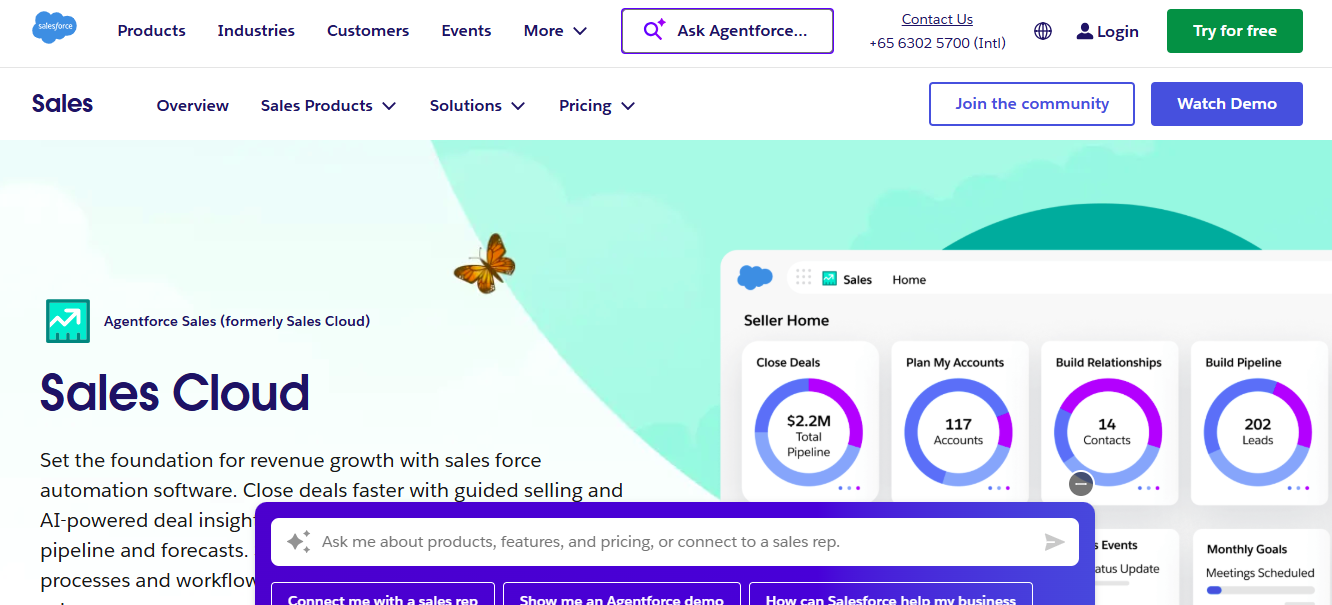 Salesforce is an enterprise-level CRM powerhouse. When paired with Marketing Cloud, it becomes a high-end system for AI-driven segmentation, predictive analytics, and multi-channel customer journeys.
Key Features
- Journey Builder for email, mobile, and ads
- AI-driven predictive analytics (Einstein)
- Customizable dashboards and deep reporting
- Advanced segmentation based on user behavior
- Extensive third-party integrations
User Feedback & Why It Matters
Large organizations appreciate Salesforce’s flexibility and depth. It supports complex marketing strategies and deep personalization, but requires more setup — often with a specialist or developer.
Pricing Overview
- Custom pricing depending on modules and users
- Marketing Cloud plans often begin in the high hundreds to thousands per month
Pros
- Extremely scalable
- AI and predictive analytics are built in
- Multi-channel orchestration
- High customization
Cons
- Very expensive
- Requires technical setup and training
Best For
Large enterprises or marketing teams with dedicated resources and complex customer journeys.
3. Zoho CRM + Zoho Campaigns
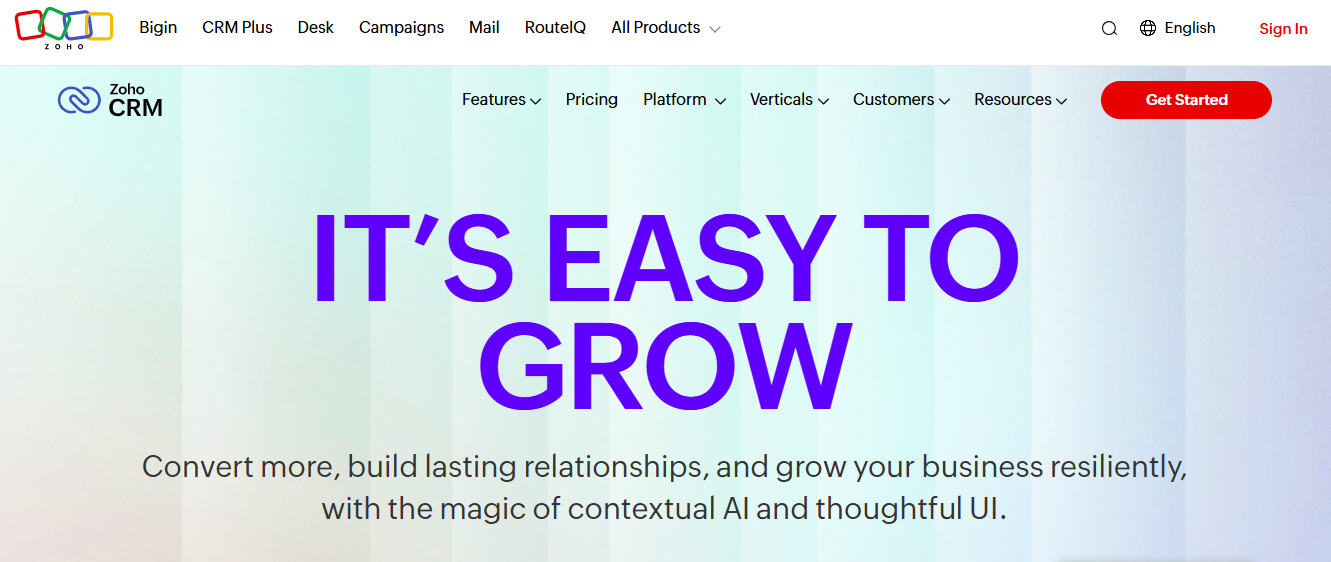 Zoho offers modular business software. Combining Zoho CRM with Zoho Campaigns gives you a tightly integrated system that is very cost-effective and flexible.
Key Features
- Workflow automation (emails, tasks, alerts)
- Multi-channel campaigns (email, forms)
- Dynamic segmentation and personalization
- AI assistant (“Zia”) for predictions
- Integration with 800+ third-party apps
User Feedback & Why It Matters
Users rave about Zoho’s flexibility and modular pricing — you can pick just what you need. While the interface may feel less slick than premium tools, its value and depth make it a go-to for budget-conscious teams.
Pricing Overview
- Zoho Flex Bundle starts at around $14/user/month for CRM + Campaigns
- Free plan supports smaller teams and email lists
Pros
- Very affordable
- Highly customizable
- Strong app ecosystem
Cons
- The email builder is less sophisticated
- Some features are locked behind higher-tier plans
Best For
Small to mid-sized businesses wanting CRM + email automation without paying for more than they need.
4. Pipedrive CRM + Campaigns
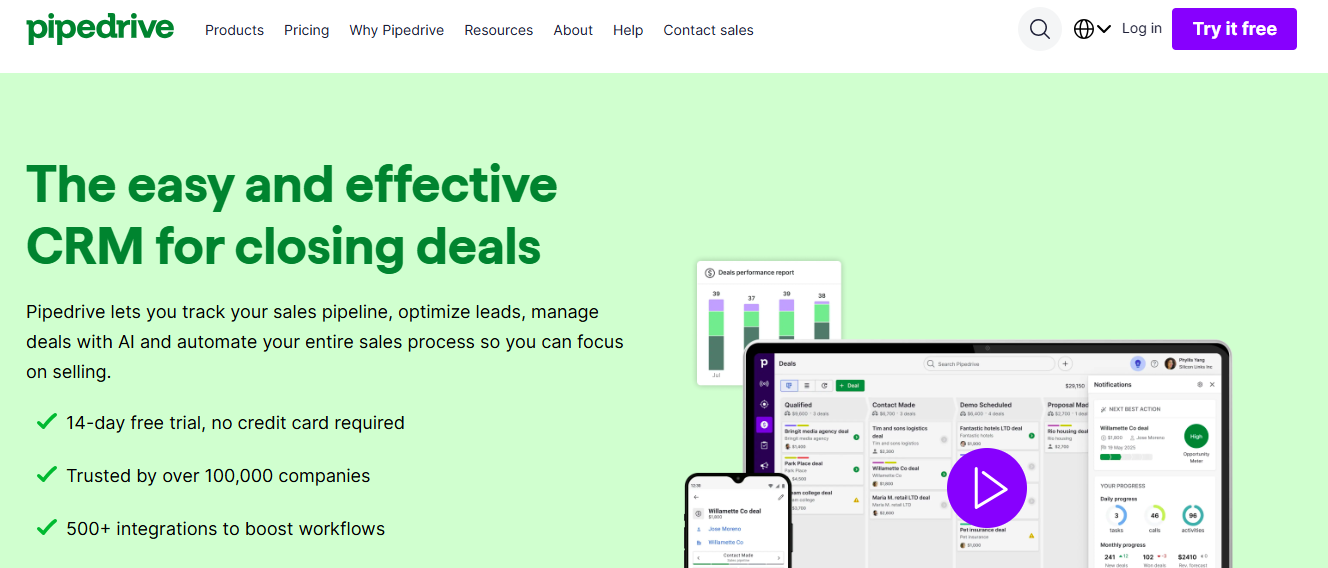 Pipedrive is known for its clean, visual sales pipeline. With its Campaigns add-on, you can run email marketing directly from the CRM with data synced to your deals and contacts.
Key Features
- Visual deal pipelines
- Email sync (send/receive/tracking)
- Triggered workflows based on deal stages
- Segmentation tied to CRM fields
- Pre-built email templates
User Feedback & Why It Matters
Sales teams love how Pipedrive keeps things simple and focused. The addition of Campaigns means marketers don’t need a separate tool for basic email workflows — everything lives in your pipeline.
Pricing Overview
- CRM plan from ~$14.90/user/month (annual billing).
- Campaigns add-on has a separate cost depending on contact volume
Pros
- Very intuitive for sales reps
- Seamless integration between deals and email
- Clean, visual UI
Cons
- Extra cost for Campaigns
- Less advanced automation compared to marketing-focused CRMs
Best For
Sales-led organizations that want to run simple email campaigns without leaving their CRM.
5. ActiveCampaign
 ActiveCampaign is a marketing automation powerhouse with a solid CRM component. It’s built for marketers who want to create behavior-based journeys, segment intelligently, and personalize deeply.
Key Features
- Conditional workflows based on behavior (“if/else”)
- Contact scoring and tagging
- Email sequences triggered by actions
- Integration with 900+ tools
- Built-in CRM: deals, tasks, pipeline
User Feedback & Why It Matters
ActiveCampaign hits the sweet spot between usability and power. It’s flexible enough to run advanced automations but accessible enough that small to medium teams can adopt it without huge technical overhead.
Pricing Overview
- Starts around $15/month, depending on plan and number of contacts
- More advanced plans add features like SMS, predictive sending, and machine learning
Pros
- Extremely flexible automation
- Deep personalization options
- Great for nurturing and behavior-based campaigns
Cons
- Pricing grows as your list scales
- More complex to set up than simpler CRMs
Best For
Marketers who prioritize automation, segmentation, and long-term engagement over just sending broadcast emails.
6. Brevo (formerly Sendinblue)
 Brevo is a multi-channel marketing platform. It offers email, SMS, chat, and a simple CRM — all in one affordable package.
Key Features
- Built-in CRM to store and manage contacts
- Email automation workflows with conditional logic
- SMS and transactional message support
- Workflow automation and deal tracking
- Integration with other tools and APIs
User Feedback & Why It Matters
Users appreciate Brevo’s value: you get email marketing and basic CRM without needing multiple tools. It’s particularly strong for service-based businesses or small teams with tight budgets.
Pricing Overview
- Free plan: up to 300 emails/day
- Paid plans begin around $8+/month, depending on volume
Pros
- Cost-effective
- Supports multiple channels (email, SMS)
- Clean, user-friendly interface
Cons
- CRM features are basic
- Some advanced automation is limited to lower plans
Best For
Small businesses and solopreneurs want a budget-friendly, multi-channel tool with integrated CRM.
7. Keap (Infusionsoft)
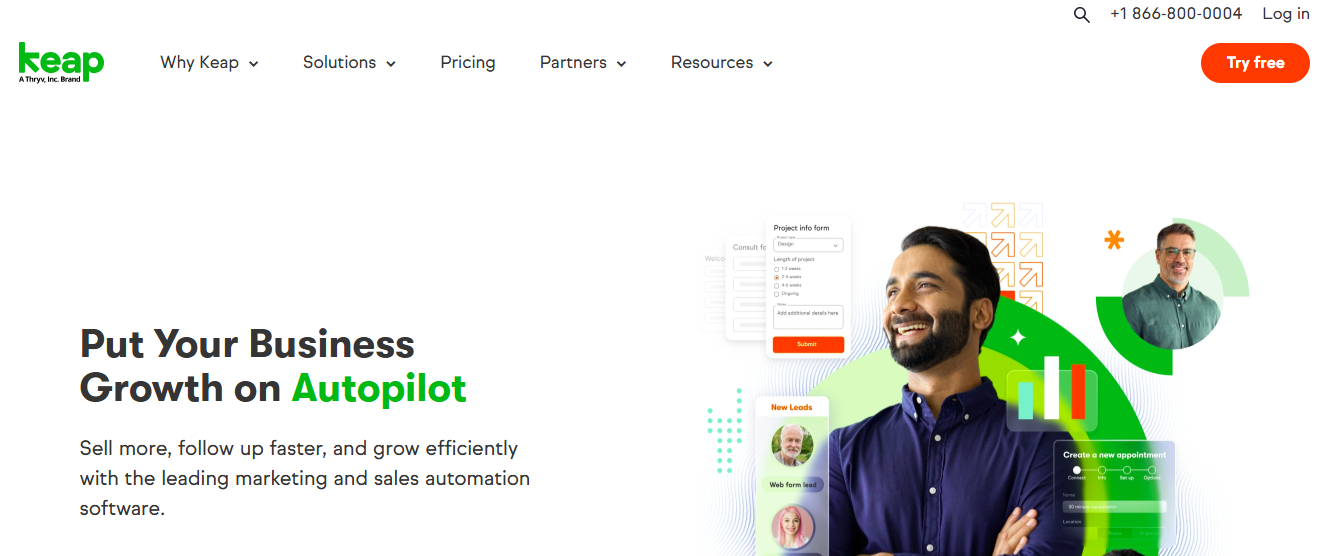 Keap is built for small business owners who want more than just a CRM — they want automation, billing, and client management all in one.
Key Features
- Contact management and deal tracking
- Automated email sequences (drip, follow-up)
- Invoicing and payment integration
- Appointment scheduling
- Contact scoring and segmentation
User Feedback & Why It Matters
Keap is a favorite for service-based businesses — coaches, consultants, freelancers — who need to follow up, send invoices, and manage clients, all in one place.
Pricing Overview
- Pricing is around $40+ / month, depending on plan and contacts
- No fully free plan, but they offer trial periods
Pros
- All-in-one: CRM, email, billing
- Saves time on repetitive tasks
- Automation tailored for small business workflows
Cons
- It can be pricey for very small teams
- The email editor isn’t as modern as specialized email tools
Best For
Small, service-driven businesses or solopreneurs who want to manage clients, communications, and payments in a single platform.
8. MailerLite
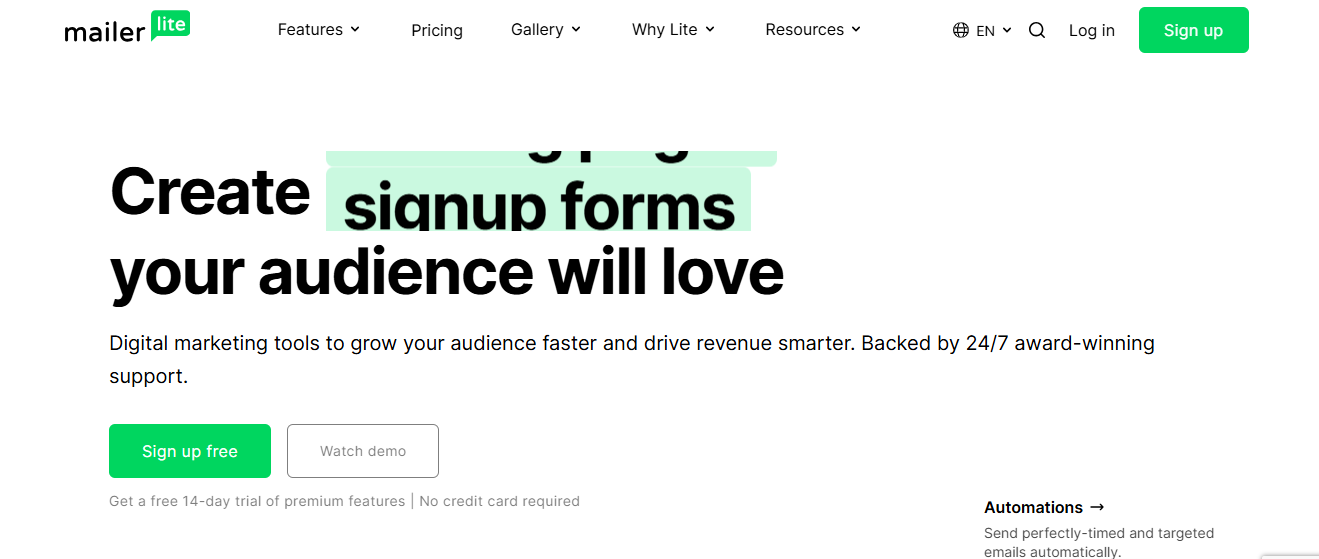 MailerLite is a simple, clean email marketing tool that includes a lightweight CRM. It’s perfect for small businesses or creators getting started with automation and contact management.
Key Features
- Email automation (drip campaigns, behavior-based)
- Contact segmentation
- Forms and landing pages
- Drag-and-drop email builder
- CRM plugin to manage contacts
User Feedback & Why It Matters
Users love how intuitive MailerLite is. It’s designed to get you started quickly, without overwhelming you with options, and its pricing stays friendly for small lists.
Pricing Overview
- Free tier for smaller subscriber lists
- Paid plans scale based on the number of subscribers
Pros
- Clean, beginner-friendly UI
- Affordable and predictable pricing
- Great for email beginners
Cons
- CRM is very basic
- Automation is less advanced compared to enterprise-grade tools
Best For
New marketers, solo creators, and small teams that want to run automated email campaigns without a steep learning curve.
9. Drip
 Drip is made for e-commerce brands. It ties customer behavior and purchase history into automated email workflows, helping you send highly relevant, conversion-focused campaigns.
Key Features
- Sync with e-commerce platforms to track purchase behavior
- Behavior-based segmentation (site visits, order value)
- Revenue tracking per contact
- Advanced automation builder
- Personalized email content based on customer data
User Feedback & Why It Matters
E-commerce teams love Drip for its depth: being able to trigger emails based on real purchase events and measure revenue per customer makes it a powerful engine for growth.
Pricing Overview
- Starts around $39/month for a small list
- Scales based on the number of contacts (“people”)
Pros
- Excellent for e-commerce automation
- Deep behavior-driven segmentation
- Revenue attribution tied to customer journeys
Cons
- Not a full sales CRM
- It can become expensive as your customer base grows
Best For
Online stores, subscription brands, and any business that wants email marketing tied directly to purchase behavior.
10. Campaign Monitor
 Campaign Monitor is beloved for its beautiful email design and straightforward automation. With integrated CRM capabilities, it’s an elegant solution for marketers focused on brand and storytelling.
Key Features
- Designer-quality email templates
- Visual customer journey builder
- Smart segmentation based on data
- A/B testing and campaign analytics
- Basic CRM for contact management
User Feedback & Why It Matters
Marketers appreciate Campaign Monitor’s design-first approach — it’s easy to create polished, brand-aligned emails without sacrificing automation power. It’s great for teams that prioritize aesthetics and campaign clarity.
Pricing Overview
- Starts around $10.80/month for the Lite plan
- Trial available for testing features
Pros
- High-quality email design
- Easy to use and visually appealing automations
- Intuitive journey builder
Cons
- Less powerful CRM than dedicated systems
- Not as feature-rich for very complex automation
Best For
Brand-focused teams, agencies, and marketers who care about design and clean, effective customer journeys.
How to Choose the Right CRM in 2026
Here’s a quick roadmap to help you pick the right CRM + email marketing tool:
- Start with Your Goals
- Do you need deep sales tracking? → Consider Salesforce + Pipedrive.
- Are you more focused on email journeys & automation? → ActiveCampaign or Drip might suit you.
- Is the budget a concern? → Zoho or Brevo offer great value.
- Evaluate Your Team’s Skills
- For beginners, look for clean UIs and easy workflow builders (MailerLite, HubSpot, Brevo).
- For advanced automation and personalization, go for tools with conditional logic (ActiveCampaign, Salesforce).
- Plan for Growth
- Estimate how many contacts you’ll have in the next 12–24 months.
- Make sure the pricing model of your chosen CRM scales reasonably with your list size.
- Test Before Committing
- Use free plans or trials wherever possible.
- Run a small campaign, automate a simple nurture, and track analytics — this will help you understand how well the tool fits your workflow.
- Consider Support & Learning
- If you’re new, pick a CRM with strong educational resources (HubSpot, ActiveCampaign).
- For enterprise teams, ensure you’re getting good onboarding and support.
Comparison Table: Top 10 CRMs for Email Marketing in 2026
| CRM Platform | Ideal For | Key Strength | Approx. Starting Price* | Free Tier? |
| HubSpot CRM | All-in-one sales + marketing teams | Powerful automation + native email | ~$20 / month | ✅ |
| Salesforce + Marketing Cloud | Large enterprises | AI + predictive analytics + omni-channel | Custom | ❌ |
| Zoho CRM + Campaigns | Small/mid businesses | Modular, affordable, integrated bundle | ~$14 / user | ✅ |
| Pipedrive + Campaigns | Sales-first companies | Deal pipeline + synced email | ~$14.90 / user | ❌ |
| ActiveCampaign | Automation-focused marketers | Conditional workflows + behavior-based triggers | ~$15 / month | ✅ |
| Brevo (formerly Sendinblue) | SMBs needing multi-channel outreach | Email + SMS + CRM in one | Free up to 300 emails/day | ✅ |
| Keap (Infusionsoft) | Entrepreneurs & service providers | CRM + newsletters + payment automation | ~$40+ / month | ❌ |
| MailerLite | Solopreneurs & small teams | Simple, clean UI, email + contact management | Free up to a limit | ✅ |
| Drip | E-commerce stores | Deep behavioral segmentation + revenue tracking | ~$39 / month | ❌ |
| Campaign Monitor | Brand-first companies | Design-led emails + journey builder | ~$10.80 / month | ✅ (trial) |
*Prices are approximate and may vary based on contacts/users or plan features. Always check the vendor’s site for the latest pricing.
Final Thoughts
In 2026, the right CRM for email marketing can transform how you connect with your audience. Instead of sending generic newsletters, you’re building dynamic customer journeys powered by real data. You can nurture leads, automate follow-ups, and measure exactly what’s working — all in one place.
The 10 CRMs covered here represent some of the best options available today: from full-blown enterprise powerhouses like Salesforce + Marketing Cloud, to lightweight but capable solutions like MailerLite. Depending on your business size, goals, and budget, there’s a tool on this list that can take your email strategy to the next level.
Take advantage of free plans or trials, test a few workflows, and pick the platform that feels right for you. With the right CRM in place, your email campaigns won’t just be sent — they’ll be smart, personalized, and effective.
Frequently Asked Questions (FAQs)
Q1: Do I really need a CRM for email marketing?
Yes — a CRM helps you store, segment, and understand your contacts. With email automation linked to CRM data, you can send more relevant messages and track engagement in a meaningful way.
Q2: Can I start with a free CRM?
Absolutely. Tools like HubSpot, Zoho, and Brevo offer free plans. These are great for beginners or small teams to test before scaling.
Q3: Will a CRM + email tool help deliverability?
Yes. Because CRMs allow you to segment and automate based on behavior, you can send more targeted emails, which often improves open rates and lowers spam complaints.
Q4: Is it better to have separate tools for CRM and email marketing?
It depends. Some users prefer best-in-class marketing tools + separate CRM, but integrated CRMs reduce tool-hopping, sync issues, and data duplication.
Q5: How much will it cost to scale?
Cost depends on the platform. Some CRMs (like ActiveCampaign or Brevo) scale by contact count. Others (like Salesforce) charge more for users, add-ons, and advanced features. Always calculate for your projected growth.
