




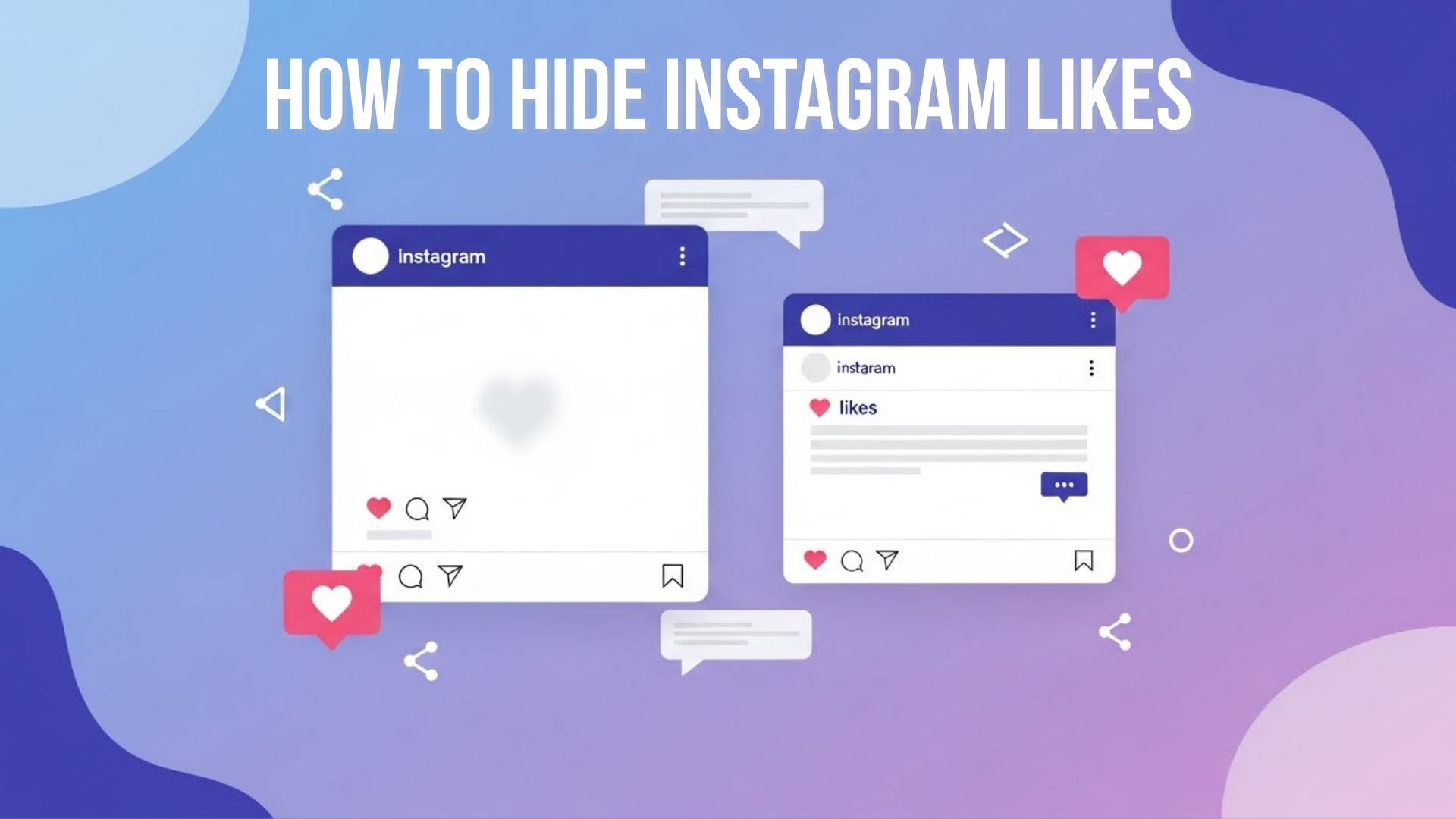
Do you scroll through Instagram and feel weighed down by those little heart icons? You’re not alone. Many people today feel pressured by like counts — constantly comparing, wondering if their posts are “good enough,” or just missing the joy of sharing content without judgment. It’s stressful, distracting, and makes what should be fun feel competitive.
Luckily, Instagram gives you control. You can hide like counts — on posts you make and on posts you see. This means less stress, more focus on real connections, and a better Instagram experience overall. In this guide, I’ll walk you through simple, easy‑to‑follow steps to hide likes — whether before or after posting, or even across your whole feed. By the end, you’ll feel confident using Instagram exactly the way you want.
What Happens When You Hide Likes on Instagram
Before we move into the step-by-step process, it’s important to understand what hiding likes on Instagram actually does. When you hide like counts, other people can no longer see the total number of likes on your post, but this does not stop anyone from liking it. You can continue to like posts and receive likes as usual, and nothing changes in how people interact with your content.
Even after hiding likes, you can still check who liked your post by tapping the “Liked by… and others” text, or by viewing detailed data through Instagram Insights if you use a creator or business account.
Most importantly, hiding likes does not affect Instagram’s algorithm at all. Your posts can still reach new people and appear in feeds, Explore, or Reels based on real engagement such as comments, shares, saves, and overall user interest.
How to Hide Likes on New Posts (Before You Publish)
If you want your post to go live without showing like counts, here’s how to do it:
Step‑by‑Step (iPhone & Android)
- Open Instagram and tap the + to create a new post.
- Choose a photo or video and add your caption, tags, filters, etc.
- Scroll down to find Advanced Settings (at the bottom of the screen).
- Turn on the toggle for Hide like and view counts on this post.
- Go back and share your post.
Once published, other users will not see the like count on that post — just the content and the “Liked by [username] and others” message.
Quick Tip: This also works with Reels and videos in most cases — it hides total counts but doesn’t stop people from interacting with your content.
How to Hide Likes on Posts You’ve Already Shared
Forgot to hide likes before posting? No problem — you can hide them afterward too.
- Open Instagram and go to your Profile.
- Find the post where you want to hide the likes.
- Tap the three dots (⋯) in the top‑right corner of the post.
- Choose Hide like count.
That’s it! The total like number will now be hidden from others.
Want them back later?
Just follow the same steps and tap Unhide like count to restore visibility.
How to Hide Like Counts Across Your Instagram Feed
If you want a cleaner Instagram experience without seeing like numbers on any posts you scroll through, you can hide like counts in your settings:
- Open Instagram on your app.
- Tap your profile icon, then the three lines (☰) at the top right.
- Select Settings and privacy.
- Scroll to What you see (or Posts on some versions).
- Tap Likes and views (or Hide like and view counts).
- Turn on the toggle.
Now, like counts will disappear across the posts in your feed, people’s posts will just show something like “Liked by Anna and others.”
Note: This setting only affects what you see. Other people will still see likes on their posts unless they hide them too.
Can You Hide Likes on Others’ Posts from Showing to You?
Yes, the above method hides like counts in your feed so you won’t see like numbers on anyone’s posts while scrolling. This helps you enjoy Instagram without comparing numbers — focusing instead on the content itself.
Will Hiding Likes Affect Your Reach or Engagement?
No, hiding likes on Instagram does not reduce reach or harm post performance. Instagram still tracks likes in the background and uses them, along with
- comments,
- shares,
- And saves
To rank content and decide where it appears across feeds, Reels, Stories, and the Explore page.
When likes are hidden, engagement becomes more meaningful. Actions such as comments, shares, saves, direct messages, and website visits matter more than visible numbers and play a stronger role in long-term visibility and growth.
Creators and businesses can still monitor full performance data privately through Instagram Insights by using a creator or business account, ensuring nothing is lost—only public pressure is reduced.
Why You Might Want to Hide Likes
Many people choose to hide likes on Instagram to regain control over their experience. Whether you’re an individual user or a business, hiding likes helps reduce pressure, improve focus, and shift attention toward meaningful content instead of public numbers.
a) Reduced Pressure & Comparison
Visible like counts often create unnecessary comparison, making users feel judged or discouraged if their posts receive fewer likes. Hiding likes removes this constant scoreboard, allowing you to post freely without worrying about how your content measures up against others.
b) Focus on Quality Engagement
When likes are hidden, followers engage with content more thoughtfully instead of reacting based on popularity. This encourages meaningful actions such as comments, shares, and saves, which reflect genuine interest and help build stronger, more authentic connections over time.
c) Better Mental Well-Being
Research and user behavior show that constant social comparison can increase anxiety and lower self-esteem. By hiding likes, users reduce exposure to performance pressure, creating a healthier, more balanced relationship with social media and improving overall emotional well-being.
d) Cleaner Experience for Creators & Businesses
For creators and brands, visible likes can distract from key goals like storytelling, education, or conversions. Hiding likes keeps the focus on message quality, brand value, and real outcomes such as leads, inquiries, and long-term audience trust.
When to Hide Likes on Instagram and When to Keep Them Visible?
Deciding whether to hide likes on Instagram isn’t just a preference—it’s a strategic choice based on your goals, audience, and the type of content you share. Understanding when to hide likes can improve engagement, mental well-being, and content effectiveness, while knowing when to keep them visible can boost credibility and influence.
When Hiding Likes Makes Sense
- Fuel Creative Freedom: Creators experimenting with new ideas or styles benefit from hiding likes. Without public metrics, you can post freely, test content, and focus on innovation rather than chasing numbers.
- Prioritize Meaningful Engagement: Hiding likes shifts focus to authentic interactions—comments, shares, saves—helping you build deeper connections with your audience.
- Content Type Matters: Posts centered on awareness, storytelling, or education often perform better without visible likes, letting your message shine instead of the numbers.
When Keeping Likes Visible Is Beneficial
- Build Social Proof: For new brands, visible likes signal popularity and credibility, reassuring potential customers about trustworthiness.
- Showcase Influencer Value: Influencers can leverage visible like counts as proof of engagement when negotiating brand collaborations or sponsorships.
- Encourage Participation: Campaigns like giveaways or contests often benefit from visible likes, boosting participation by highlighting the post’s popularity.
- Meet Audience Expectations: If your followers value transparency, keeping likes visible can strengthen trust and show openness in your engagement.
This approach ensures you strategically use the hide likes feature, maximizing benefits for creativity, engagement, or credibility depending on your goals.
Common Issues When Using the Hide Likes Feature on Instagram
If you’re unable to use the hide likes feature, it’s usually due to one of the following simple and fixable reasons:
- Outdated Instagram app – Older app versions may not show the hide likes option. Updating the app often fixes this issue.
- Feature not available in your region – Instagram rolls out features gradually, so the option may not yet be available in some countries.
- Unsupported or outdated account type – Some older account settings may not support this feature. Switching to a personal, creator, or updated business account can help.
- Temporary app glitches – Minor bugs can hide settings. Logging out, restarting the app, or reinstalling Instagram usually resolves the problem.
Bonus Tips for Hidden Likes Success
These quick tips will help you use the hide likes feature smoothly and avoid common issues while keeping full control over your Instagram experience.
- Update the Instagram app: If you can’t find the hide likes option, your app may be outdated. Installing the latest version ensures access to all current features and settings.
- Use a Professional account (Creator or Business): Professional accounts allow you to track likes, reach, and engagement privately through Insights, even when like counts are hidden from the public.
- Combine hiding likes with comment controls: For added privacy or moderation, you can limit or disable comments on specific posts while keeping likes hidden.
Using these settings together helps create a cleaner, stress-free Instagram experience without losing valuable engagement insights.
Limitations: What Instagram Can’t Hide Right Now
While Instagram gives users more control over visibility, some limitations still exist. Understanding what cannot be hidden helps set realistic expectations and prevents confusion when managing privacy and engagement settings on the platform.
- You can’t hide who liked a post: Even when like counts are hidden, anyone can still tap the “Liked by” section and see the usernames of people who liked the post, which Instagram does not currently allow users to restrict.
- No global option to hide your likes on others’ posts: Instagram does not offer a universal setting to hide all posts you have liked. Some users see limited options, but this feature is not fully available or consistent.
- Feature availability depends on region and account type: Instagram often rolls out features gradually. This means certain accounts or countries may not see the hide likes option immediately, even when using the latest app version.
Although these limitations exist, Instagram’s hide likes feature still offers meaningful control. Using it wisely alongside privacy and engagement settings can greatly improve your overall experience on the platform.
Conclusion
Hiding likes on Instagram is more than just a settings change; it’s a powerful way to regain control over your social media experience. It helps reduce unnecessary pressure, keeps comparisons in check, and allows you to focus on creativity, meaningful connections, and content quality.
Whether you’re a casual user, a creator, or a small business owner, hiding like counts does not reduce engagement or limit reach. Your content can still perform well, connect with the right audience, and grow naturally. Most importantly, it creates a cleaner, calmer, and more enjoyable Instagram experience—one that works for you, not against you.
Frequently Asked Questions (FAQs)
1. Can I hide likes on all my old posts at once?
No, Instagram does not allow hiding likes on all old posts at once. You must hide like counts individually using the three-dot menu on each post, although you can hide likes across your feed through settings.
2. If I hide likes, can I still see how many I got?
Yes, you can still see your likes privately. Instagram allows you to view “like” activity by tapping the “Liked by… and others” text or checking Insights on creator or business accounts.
3. Does hiding likes stop people from liking my posts?
No, hiding likes does not stop engagement. People can still like, comment, share, and save your posts exactly the same way as before.
4. Will brands still see my engagement?
Yes, brands can still access engagement data through analytics tools. Hiding likes only removes public visibility, not the actual performance metrics.
5. Why can’t I find the hide likes option?
The hide likes option may not appear if your app is outdated or the feature hasn’t rolled out in your region yet. Updating the app usually resolves this issue.