





Growing on YouTube is harder than ever. You spend hours scripting, recording, editing, and optimizing, yet your videos still struggle to rank or gain views. Low click-through rates, weak SEO, and limited audience engagement can feel frustrating, especially when competitors seem to grow faster with less effort.
That’s where AI-powered YouTube tools become a game-changer. Instead of guessing keywords or manually editing for hours, these tools automate video creation, competitor analysis, thumbnail design, and SEO optimization. They help you work smarter, not longer, while improving visibility and performance.
In this guide, you’ll discover 9 powerful and free AI tools for YouTube video creation and management. From content production to analytics and growth tracking, these tools save time, enhance quality, and help you focus on what truly matters, creating valuable content and scaling your channel.
What is AI Used for on YouTube?
On faceless YouTube, is AI content monetizable?
Indeed, using content produced by AI, it is not only possible but also possible to make money on YouTube without disclosing your face. Numerous popular YouTube channels concentrate on particular topics, such as gardening, and make money through affiliate marketing and search engine optimization. A lot of individuals try to label material produced by AI as unprofitable. Not true at all. And nothing in that direction is supported.
Originality, quality, and knowledge of material are the only things that count to YouTube and even Google (for websites). AI is unstoppable, as Google and its partners like YouTube all too well know. Your material won’t be monetized even if you produce it without utilizing AI yet it lacks originality, quality, and offensive information.
Being ahead of the game merely requires understanding AI. Period. For a thorough explanation, see our essay on the best ways to commercialize text-to-speech (and AI content in general). One such example is “Garden Tips,” which became quite successful in the gardening market. This channel uses SEO strategies to rank highly, draw in organic views, and make money via affiliate marketing—that is, from advertising gardening equipment and supplies on Amazon—and YouTube ad revenue.
Why Is AI Important for Faceless YouTube?
Faceless YouTube channels rely entirely on content quality, consistency, and optimization. While you can create videos manually, the process is slow, repetitive, and difficult to scale without automation.
AI tools streamline scriptwriting, voiceovers, video editing, keyword research, and SEO optimization. They save time, reduce production costs, improve video quality, and help creators publish consistently. In a competitive YouTube landscape, AI gives faceless channels the efficiency and strategic advantage needed to grow faster.
9 Free AI Tools For YouTube Video Creation and Management
Here is the list of Top Free AI Tools For YouTube Video Creation and Management in 2026 and 2027.
- Vidnoz
- TubeBuddy
- VidIQ
- Ahrefs
- Social Blade
- Canva
- OpenShot
- Adobe Spark
- ClipChamp
Among these are TubeBuddy, VidIQ, Ahrefs, Social Blade, Canva, OpenShot, Adobe Spark, ClipChamp and others. there is therefore an app for every person, regardless of experience level with YouTube.
1. Vidnoz:

Features:
The following are the features of Vidnoz:
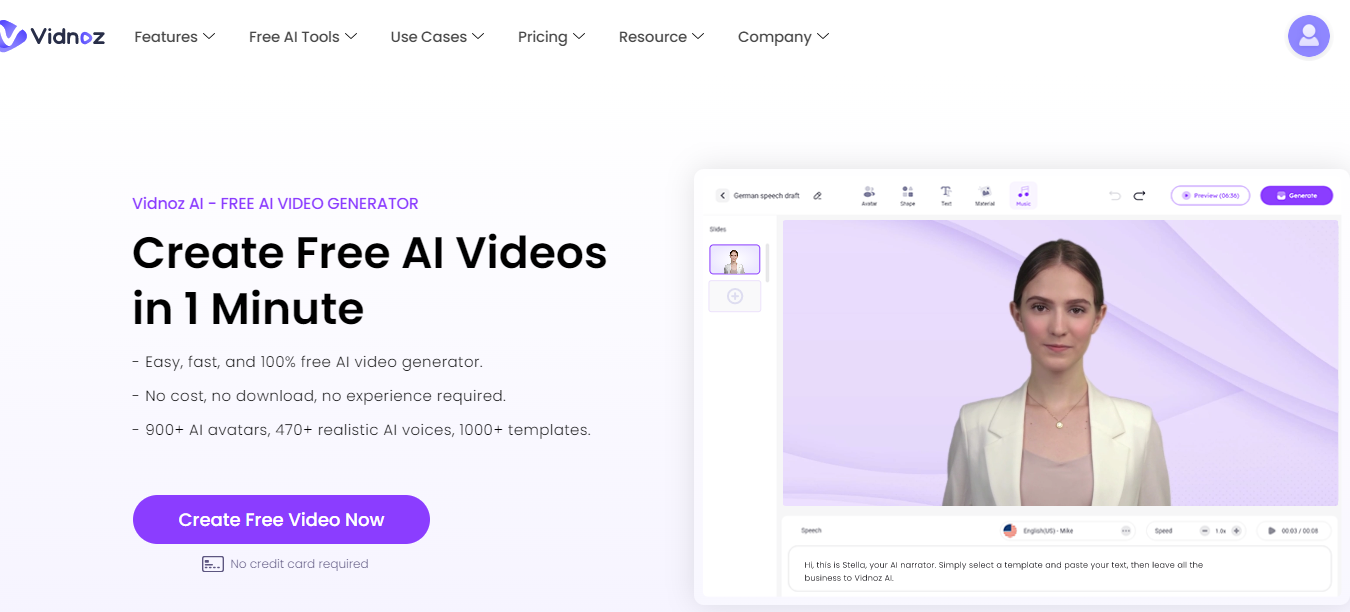
- It provides its users with 900+ templates for video creation
- For using Vidnoz, you don’t have to be an experienced expert.
- It provides easy and fast results with amazing free AI features.
- For voice-over, it offers 470+ realistic AI voices
- You can create your character and give them a new avatar, it offers more than 800 avatars
Advantages
- All the services offered by Vidnoz are user-friendly and with more understanding.
- It’s one of the most smooth working platforms that is being used for video creation. The tools in Vidnoz are amazingly featured with smooth playtime that makes it ten times better than its raw form.
- In Vidnoz you won’t lose your content it has the feature of auto-saving so you don’t lose any data because of any mishap.
- Hundreds of options are available in each feature like in AI avatars you will get more than 800.
Discount Offer:
You can get discount offers on Vidnoz by using the code provided by theadcompare which is as follows:
- Code Name: TheAdCompare10
- Discount: you can get 10% OFF on the current promotion of Vidnoz
- Validity: this offer is only valid for May 29, 2024 – May 29, 2024
You can get a discount through this code on all the products of Vidnoz.
Best for: Creators who want versatile video generation with avatars, voiceovers, and face-swapping features. Ideal for engaging, dynamic content.
Vidnoz is perfect for creators seeking a full-featured AI video platform. It simplifies complex tasks, letting your creativity shine effortlessly.
2. TubeBuddy:

Key characteristics
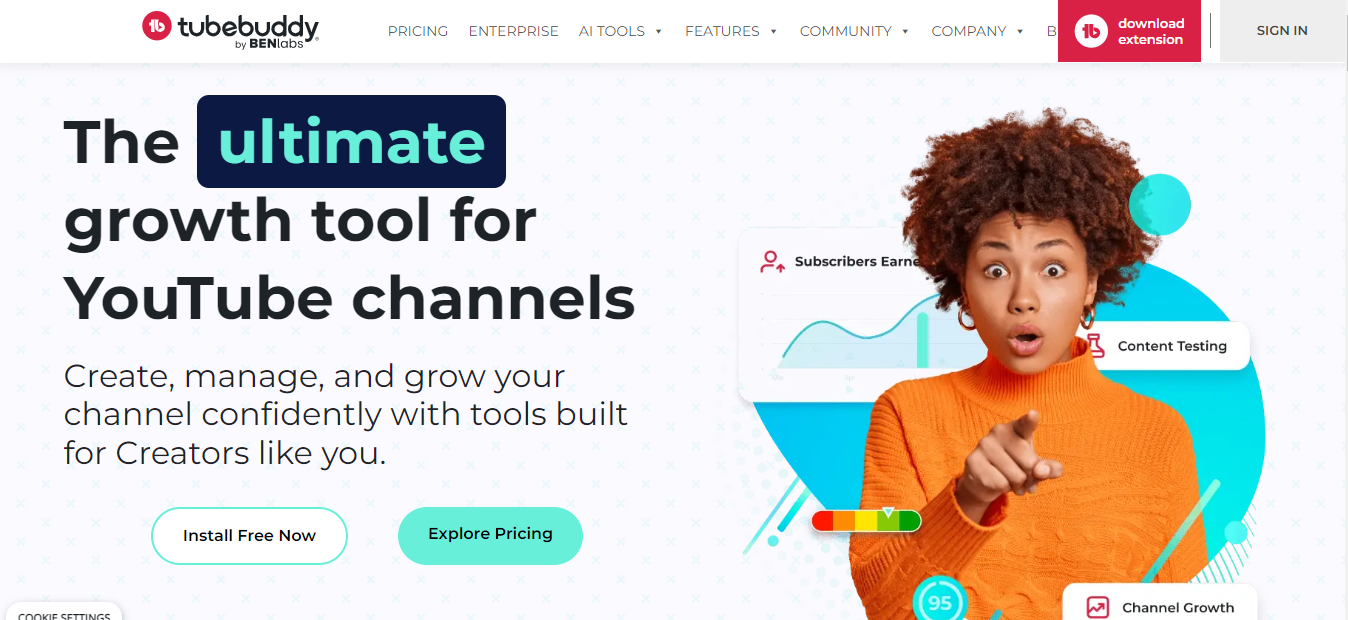
- Video optimization: Get suggestions for enhancements by examining your titles, tags, and descriptions.
- Search for the finest keywords to target for your channel and videos.
- Analyze your competitors to find out how your channel compares and to learn how to get better.
Advantages
- More traffic: Videos that are optimized will show up higher in search results and draw in more viewers.
- Increased interaction: You may produce more interesting material that keeps visitors viewing by using TubeBuddy’s features.
Best for: Optimizing videos, improving search rankings, and analyzing competitors. Excellent for creators aiming to grow their channel organically.
TubeBuddy is essential for creators serious about growth. It combines analytics and optimization tools to make every video count.
3. VidIQ:

Key characteristics
- Gain an understanding of the views, interaction, and audience retention of your videos using video analytics.
- Using SEO tools, enhance the titles, tags, and descriptions of your movies to raise their search results.
- Competitive analysis involves examining what other people in your industry are doing well.
Advantages:
- Increased SEO: Your channel will expand, and more people will watch your videos if they are optimized for higher search results.
- Greater engagement: You may produce more interesting material that keeps viewers viewing by examining the performance of your videos.
Best for: YouTubers focusing on audience growth and engagement through data-driven insights.
VidIQ gives creators a clear roadmap to improve content and expand reach. Data-driven insights make smarter video decisions possible.
4. Ahrefs:

Key characteristics
- Discover the finest keywords to target for your videos and channel using SEO keyword analysis.
- Analyze your backlinks to learn who is referencing your channel and videos and apply that knowledge to raise your SEO.
- Analyze the material of your rivals to get fresh concepts and motivation for your channel.
Advantages:
- Better content strategy: You can get fresh ideas and inspiration for your channel by examining the material of your rivals.
- More visibility: You may draw in more viewers and expand your channel by preparing your videos for higher search results and backlinks.
Best for: Creators seeking advanced SEO and keyword research to maximize video reach.
Ahrefs empowers creators with SEO-driven insights. Perfect for those who want to dominate YouTube search rankings.
5. Social Blade:
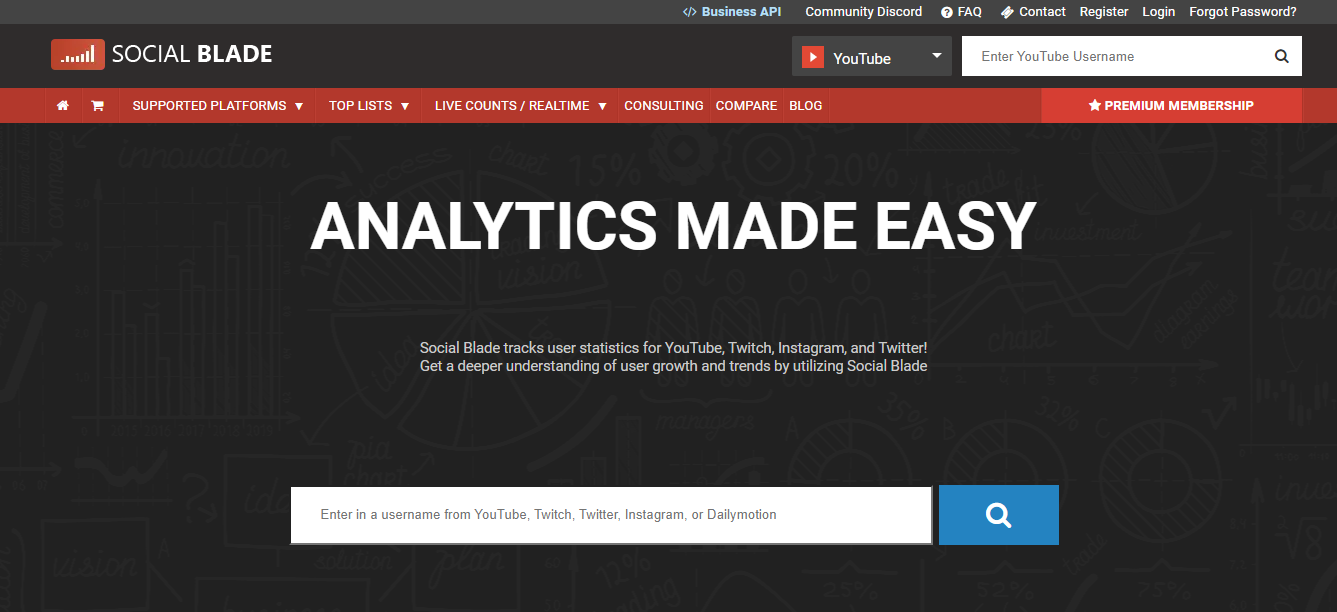

Key characteristics
- View the increase in subscribers of your channel over time.
- Views and engagement of your videos: Learn how they’re doing.
- Engagement rate: Monitor changes in viewer engagement over time.
Advantages:
- Analyzing the statistics of your channel can help you better comprehend your audience and provide material that appeals to them.
- Tracking channel growth: You may make data-driven choices to enhance your content strategy by keeping an eye on the development of your channel over time.
Best for: Monitoring channel growth, analytics, and audience engagement trends.
Social Blade is a must-have for creators who want a clear picture of channel performance. Metrics guide smarter content creation.
6. Canva:
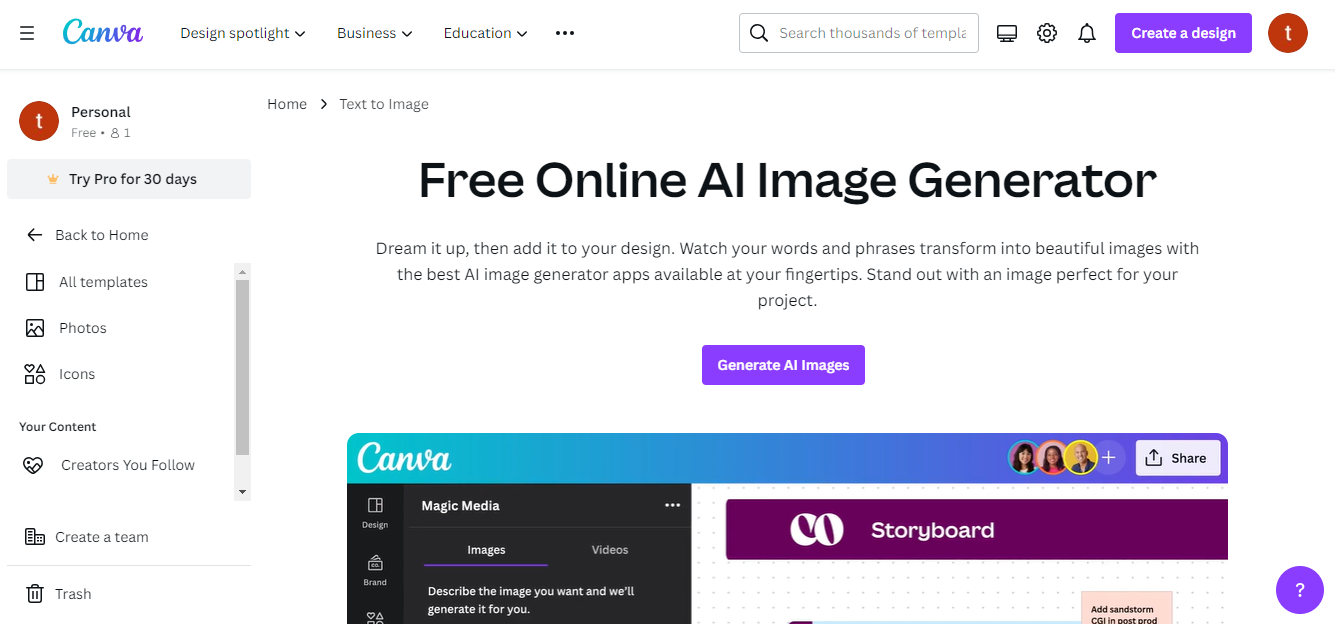

Key characteristics
- Video intros, channel graphics, and thumbnails for YouTube
- A huge font, icon, and stock photo collection
- Personalized color schemes and filters
- Easy drag & drop interface
Advantages
- Raised watch time and click-through rates
- Professionalism and brand identity improved
- The cost and time of design decreased
Best for: Designing professional thumbnails, graphics, and branding for YouTube.
Canva is perfect for creators needing stunning visuals without design expertise. Make your channel visually compelling in minutes.
7. OpenShot:
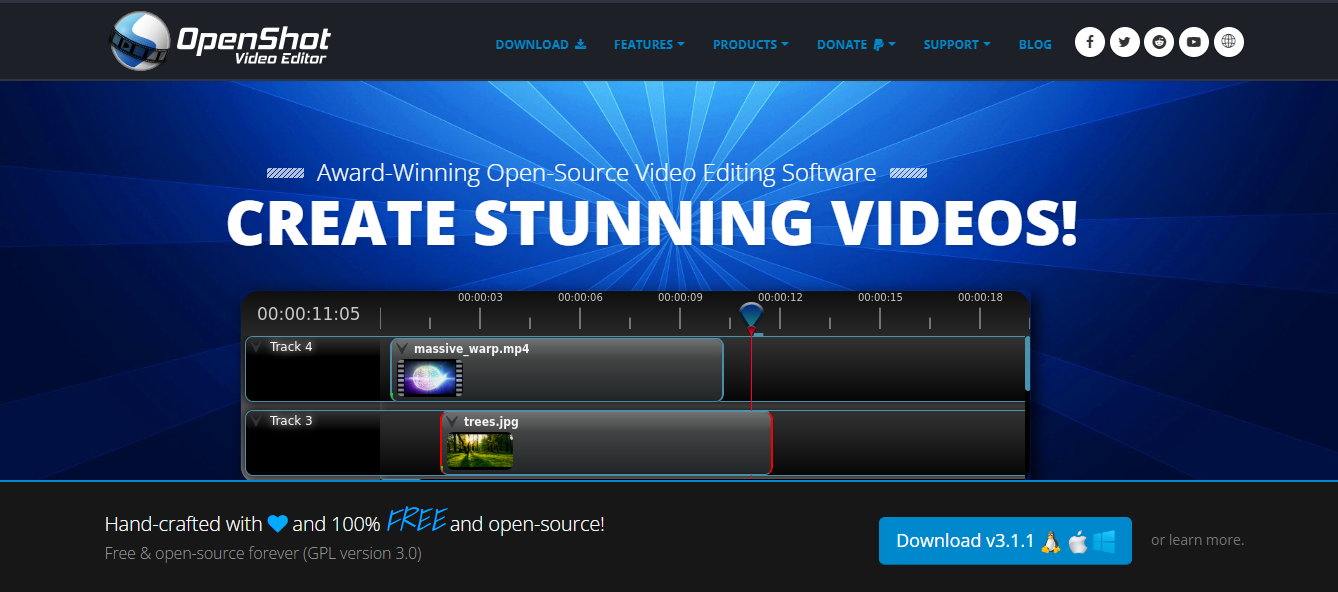

Key characteristics
- Video effects and transitions
- Sound editing and mixing
- Time effects and speed command
- Adjusting colors and stabilizing videos
Advantages
- Extraordinary production value and video quality
- Higher involvement and duration of viewing
Best for: Editing high-quality videos with transitions, effects, and sound mixing.
OpenShot is ideal for creators wanting professional-looking videos. Its simple interface supports creative freedom.
8. Adobe Spark:


Key characteristics
- Create channel art and YouTube video thumbnails.
- Tools for making introductions and endings of videos
- Text and visual overlays that move
- Social media post-design resources
Advantage
- Expanded visual material for your channel
- More productivity and time savings
Best for: Quickly creating visually appealing videos and social media graphics for YouTube.
Adobe Spark is a versatile visual tool for creators aiming to enhance content appeal. Great for fast, professional design.
9. Clipchamp:
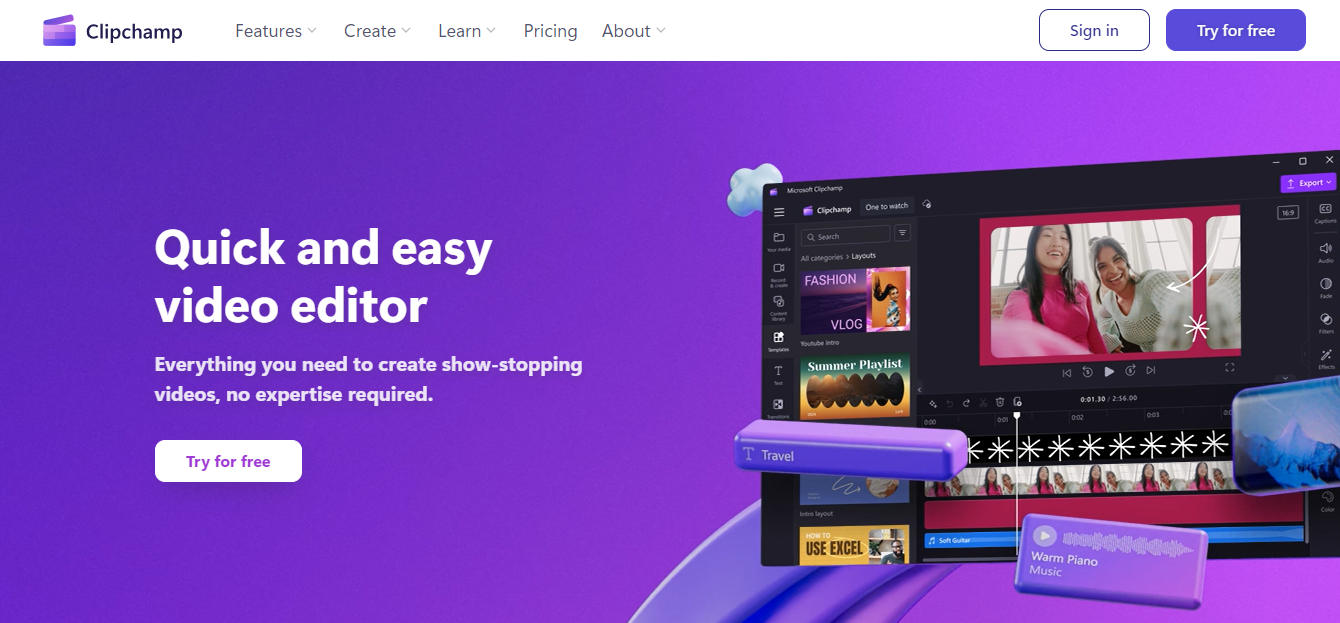

Key characteristics
- Tools for video editing, including cutting, combining, and trimming
- Voiceover technology for texts to speech
- Effects and filters for audio and video
- Optional sharing and cloud storage
Advantages
- Extraordinary production value and video quality
- Saves of time and money using voiceovers that convert text to speech
- Extended interest and duration of viewing
Best for: Easy-to-use video editor with text-to-speech, effects, and filters.
Clipchamp is perfect for creators who need a straightforward, yet powerful, video editor. Efficient editing meets AI innovation.
AI YouTube Tool Comparison Table
| Tool | Best For | Key Features | Advantages | Free / Paid |
| Vidnoz | AI video generation, avatars, voiceovers | Templates, AI voices, avatars, face swap | Creative flexibility, auto-save | Free trial + subscriptions |
| TubeBuddy | SEO optimization, channel growth | Keyword research, competitor analysis | More traffic, engagement boost | Free + Paid |
| VidIQ | Audience growth, engagement | Analytics, SEO, competitor analysis | Improved SEO, higher engagement | Free + Paid |
| Ahrefs | SEO, keyword research | Keywords, backlinks, competitor insights | Better content strategy, visibility | Paid (trial limited) |
| Social Blade | Channel analytics, growth tracking | Subscriber tracking, engagement stats | Data-driven decisions | Free |
| Canva | Thumbnails, graphics, branding | Templates, stock images, drag-and-drop | Professional visuals save time | Free + Paid |
| OpenShot | Video editing, production value | Effects, transitions, sound editing | High-quality videos, engagement | Free |
| Adobe Spark | Quick visual creation | Thumbnails, intros/outros, overlays | Fast, professional design | Free + Paid |
| Clipchamp | Easy editing, voiceovers | Editing tools, text-to-speech, effects | Efficient editing, viewer engagement | Free + Paid |
AI tools make YouTube content creation faster, smarter, and more professional. Whether you are faceless or face-on, these apps help you save time and grow your channel effectively.
Important Notes
It’s critical to stress that, even while automation and AI tools save time and effort, content value and adherence to YouTube’s criteria are still vital. Building an audience and making money on YouTube requires consistency, high-quality content, and smart marketing techniques. When using stock footage or music, keep in mind to abide by copyright regulations. You should also get the required licenses before using any copyrighted assets.
Remember that, depending on tastes and the availability of AI technologies, particular tools and techniques may change over time.
In conclusion, the transformative power of AI tools has made it easier than ever to start down the path toward effective faceless YouTube automation. You now have light on the route thanks to this post, which points you in the direction of a number of excellent tools that can completely transform the way you create content.
Final Thoughts:
AI Tools For YouTube Video Creation and Management have made faceless YouTube automation simpler and more efficient. With the right tools, creators can streamline video production, improve SEO, and manage their channels effectively. These solutions reduce complexity and make content creation more structured and scalable.
The above-mentioned AI Tools For YouTube Video Creation and Management support keyword research, video editing, thumbnail design, and performance tracking. They enable creators to produce high-quality, optimized videos without advanced technical skills, making professional YouTube growth accessible to beginners and experienced creators alike.
By automating editing, optimization, analytics, and publishing workflows, AI tools save time and reduce manual effort. Creators can focus on strategy, creativity, and consistency, which are essential for increasing views, engagement, and long-term channel success.
Ready to grow your channel faster? Start using these AI Tools For YouTube Video Creation and Management today and take your content strategy to the next level.
Frequently Asked Questions (FAQs):
How do you operate tools for creating AI videos?
AI video creation tools use artificial intelligence and machine learning to analyze text, images, or scripts and automatically generate videos. Users simply upload content, choose templates, add voiceovers, and customize settings to create professional YouTube videos quickly without advanced editing skills.
Are AI video creation tools suitable for beginners?
Yes, many AI video creation tools are beginner-friendly and require no technical or coding skills. They offer drag-and-drop editors, ready-made templates, and automated features, making it easy for new YouTubers to create, edit, and publish professional-quality videos efficiently.
What kinds of videos can AI technology create?
AI video tools can create explainer videos, faceless YouTube videos, product reviews, tutorials, marketing videos, social media reels, and animated content. They also enhance video quality, generate AI voiceovers, add subtitles, and automate editing for faster content production.
What is the best tool for video creation on YouTube?
TubeBuddy is one of the best AI tools for YouTube video creation and optimization. It helps with keyword research, SEO optimization, tag suggestions, and competitor analysis, enabling creators to improve rankings, increase views, boost engagement, and grow faster.
Can I monetize AI-generated content on a faceless YouTube channel?
Yes, AI-generated content can be monetized on faceless YouTube channels if it follows YouTube monetization policies. Success depends on originality, high-quality content, niche targeting, SEO optimization, and strategies like affiliate marketing, ads, and sponsorships.
Why do I need AI tools for faceless YouTube?
AI tools help faceless YouTube creators save time, reduce production costs, and improve video quality. They automate scripting, voiceovers, editing, keyword research, and optimization, allowing creators to scale content production and grow their channel efficiently.